

Cypher Notepad
About Cypher Notepad
Data theft is always dangerous when you’re handling your data and documents on the internet or your computer. Nowadays, encryption is an important topic that’s becoming hotter and hotter every year.
If you’re interested in an encrypted text editor, you will most likely be interested in Cypher Notepad.
Intuitive User Interface
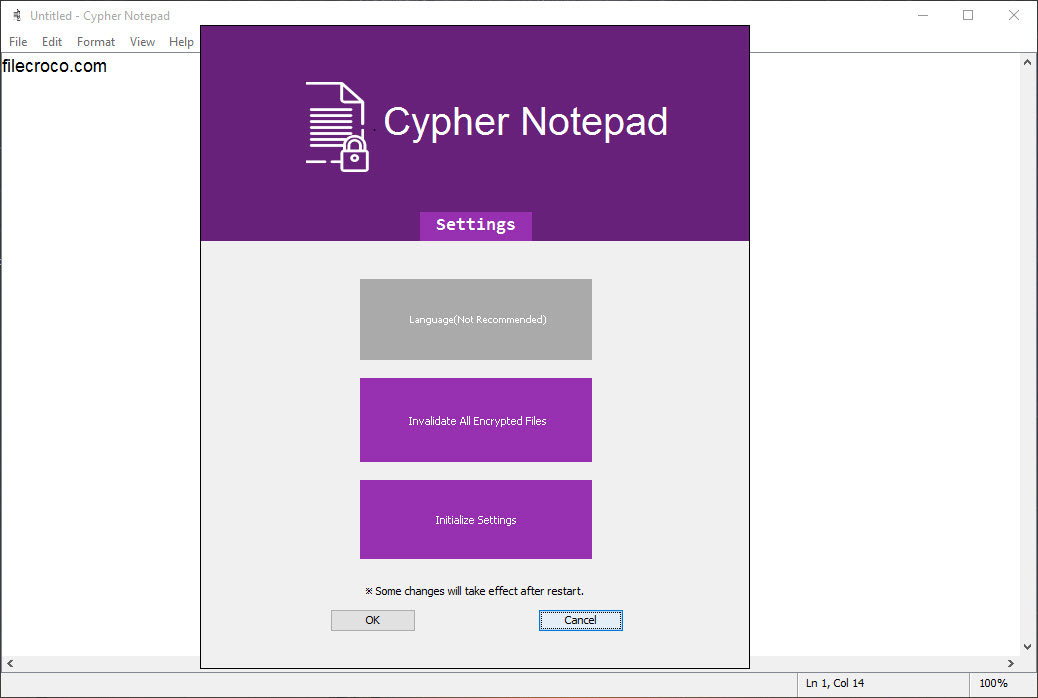
To run Cypher Notepad, you must have Java installed on your computer. Then, you can enjoy this app’s intuitive and easy-to-use nature. You don’t even need to have strong computer skills to put this application to use completely. You’ll still be able to encrypt your texts and keep your data secure.
With the notepad, you’ll be able to create or edit new documents. You’ll be able to see the exact path to the file and the date and time it was created if you want to edit pre-existing files.
It’s Similar to Notepad
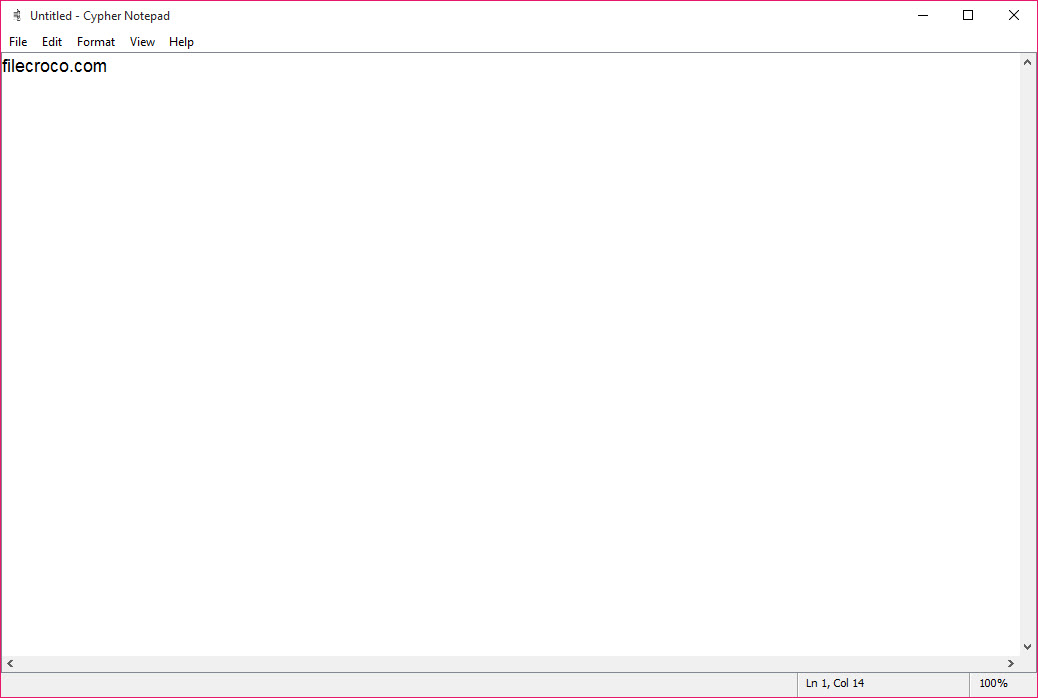
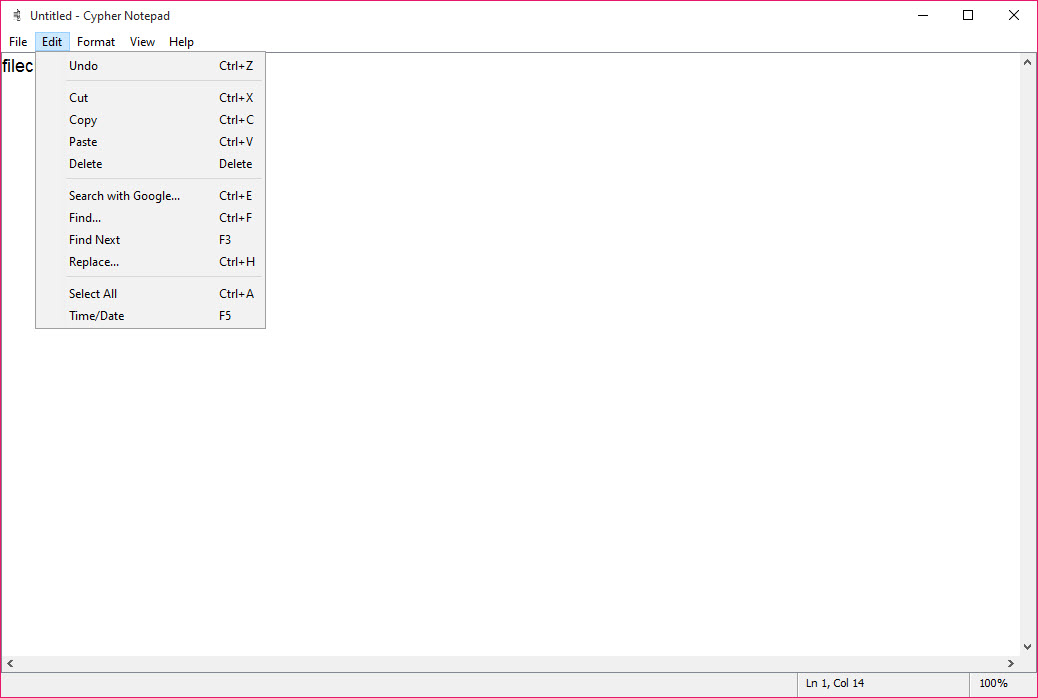
The whole interface and design closely follow the old-school Notepad‘s design and the interface. If you’re familiar with Notepad, you will likely know how to use this app.
You can open TXT files from your PC, and then you can edit and encrypt them when needed.
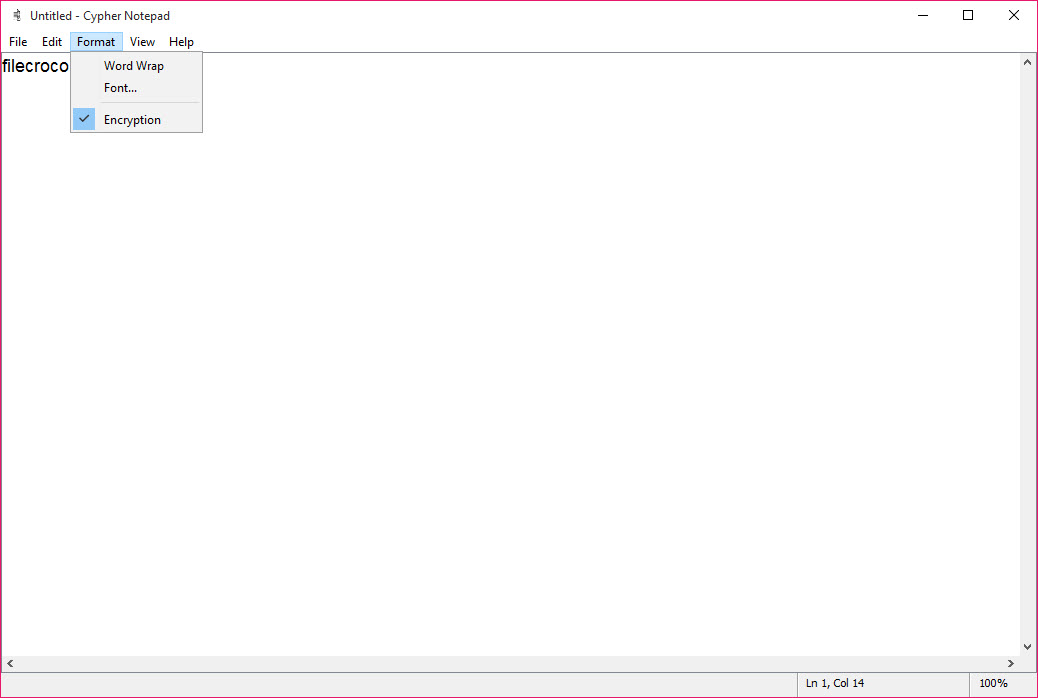
Once you need to secure it, you can enable the encryption option.
Conclusion
Keep your data and projects safe with this fully encrypted text editor, which will keep you safe as long as you keep your security key secret. Cypher Notepad is free to download and use.


