

Blockbench
About Blockbench
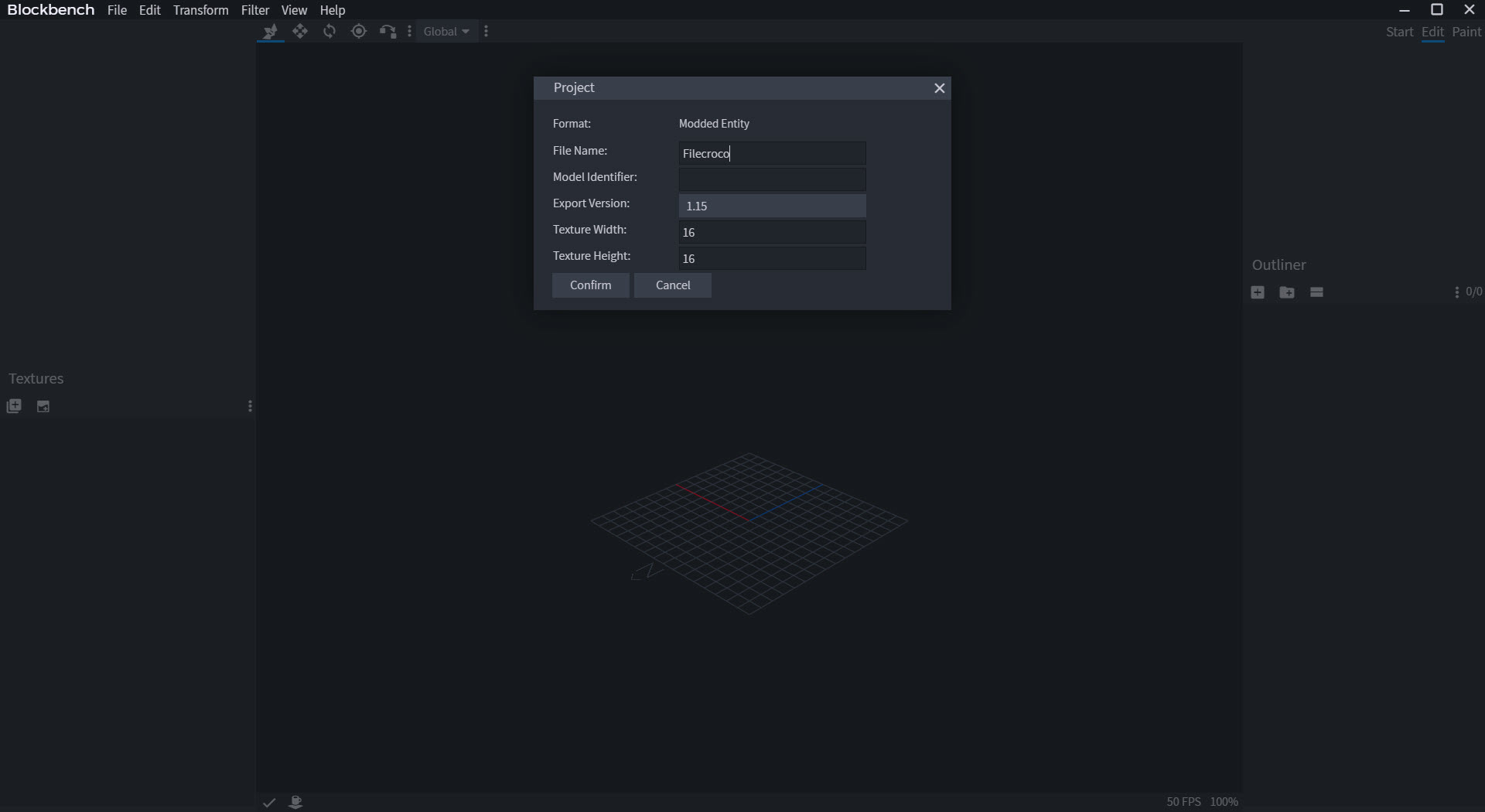
Every custom creature, block, and gadget in the Minecraft ecosystem was modeled somewhere, and the overwhelming answer to “where” is Blockbench. It’s a free, open-source editor for low-poly 3D models, the boxy, pixel-textured style that defines an entire generation of games, with modeling, texture painting, and keyframe animation living in one program. Choose a project type and the editor speaks that format natively, Java Edition blocks and items, Bedrock entities with their animations, or plain low-poly assets bound for any game engine.
The format-awareness is the genius move. Instead of exporting from a general 3D suite and praying the JSON comes out right, creators here work inside the target format from the first cube, and what saves is what the game loads.
That single design decision is why the tool went from community project to the de facto standard, used by hobbyists and commercial marketplace studios alike.
Cubes first, and why that’s a feature
Modeling starts from the box, stretched, rotated, and grouped into skeletons of parts, which sounds limiting until you watch what the style produces, every Minecraft mob ever made, and beyond the blocky franchise, an entire aesthetic of indie games that chose readable, low-poly charm on purpose. Mesh tools extend past pure cubes when a project type allows, but the discipline of the box is the point, models stay light, texturable, and animatable by construction.
Groups double as bones, so a creature assembled from parts is already rigged, head, limbs, tail, ready for the animation half of the program without a separate rigging ceremony.
It’s the gentlest on-ramp to 3D authorship anywhere, children publish working models with it, and that accessibility coexists with enough depth that professional add-on studios never leave.
Paint on the model, pixel by pixel
Texturing happens directly on the model surface or in the linked 2D view, pixel brushes, palettes, mirror painting for symmetric creatures, with the UV layout handled per-box or per-face.
For the pixel-art resolution this style lives at, the built-in painter covers most work end to end, and the round trip to a dedicated pixel editor like Aseprite remains open for the texture artists who want animation-grade pixel tooling.
The immediate feedback loop is the teaching tool. Paint a pixel, see it on the creature, rotate, adjust, and the model-texture relationship that confuses every 3D beginner becomes obvious in the first ten minutes.
Animation, from idle loops to Molang
The animation workspace in Blockbench brings the keyframe timeline, per-bone channels for position, rotation, and scale, easing curves in a graph editor, and preview playback on the spot. Bedrock projects go further with Molang expression support, the scripting layer that drives procedural motion in that ecosystem, and modded Java workflows run through the celebrated GeckoLib plugin route, which has made this editor the animation studio of the modding world.
Plugins are the quiet second half of the product. An in-app library extends formats, adds generators and exporters, and the ecosystem’s breadth means the answer to “can it do X” is frequently “there’s a plugin”.
Generic export lands on glTF and OBJ among others, which is the doorway out of the blocky franchise entirely, low-poly assets flowing into Godot, Unity, and the rest of the indie toolchain.
The honest boundary
The style is the scope. High-poly sculpting, subdivision surfaces, photoreal materials, physics, none of it lives here, and none of it was ever the mission. The moment a project outgrows low-poly charm, the road leads to Blender, and plenty of creators run both, blocking out stylized assets here and finishing elsewhere.
Voxel artists, meanwhile, have their own dedicated instrument in MagicaVoxel, a neighboring but distinct discipline built from volume rather than boxes.
Within its territory the complaints are small. Very large scenes tax the editor, some mesh operations feel young next to the veteran suites, and the pixel-first texture tools stretch thin at high resolutions.
A web version runs the whole editor in a browser for the machine you can’t install on, a generosity few tools of any category match.
Conclusion
Blockbench owns its niche as completely as any creative tool alive. The Minecraft creator building resource packs, add-ons, and mods, the young modeler making a first creature, and the indie developer furnishing a low-poly world all work in the same friendly editor. Format-native output, integrated painting, and real animation make it the entire pipeline for the style.
Realism chasers should head for the heavyweight suites without regret. Inside the boxy aesthetic, nothing else comes close, and getting started takes a download, or just a browser tab.
Pros & Cons
- Native project types produce files Minecraft loads directly
- Modeling, texture painting, and animation in one free package
- Groups double as bones, making models rigged by construction
- Molang support and the GeckoLib route cover both major animation worlds
- Plugin ecosystem extends formats, generators, and exporters
- glTF and OBJ export carries low-poly assets to any engine
- Deliberately unsuited to high-poly sculpting or realism
- Large, complex scenes strain performance
- Texture tools thin out beyond pixel-art resolutions
- Some mesh editing operations trail mature 3D suites
Frequently asked questions
Custom blocks, items, and entities for both major Minecraft editions, complete with textures and animations, plus general low-poly models exportable to game engines through glTF and OBJ.
Exceptionally. The cube-based workflow, direct painting on the model, and instant animation preview make it the gentlest serious 3D tool available, while remaining deep enough for professional studios.
Groups act as bones, keyframes set position, rotation, and scale on a timeline with easing curves, and Bedrock projects add Molang expressions for procedural motion. Modded Java animation flows through the GeckoLib plugin.
Yes, generic low-poly projects export to glTF and OBJ, which every mainstream game engine imports, and the editor is widely used for stylized indie game assets.
No, a full web version runs in the browser, with the desktop application offering the same editor for daily work and plugin-heavy setups.


