

MultiMC
About MultiMC
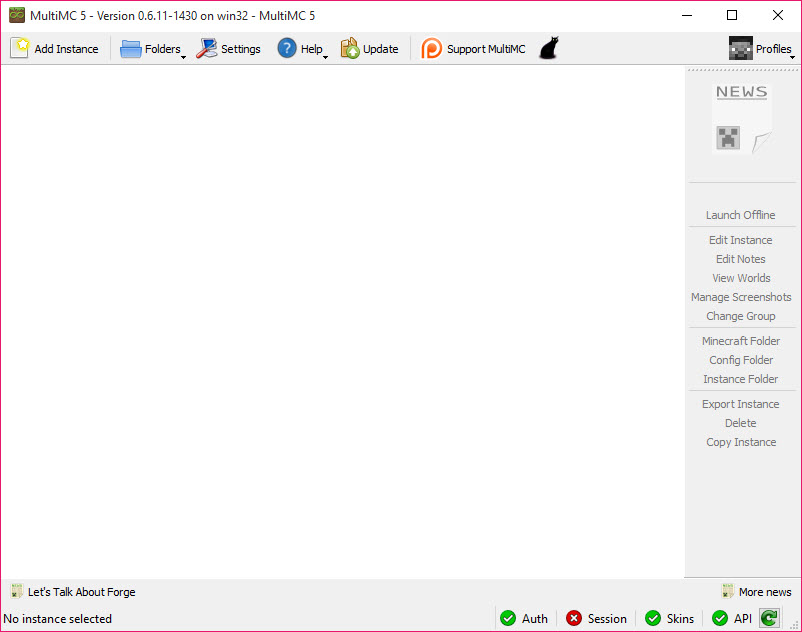
The official way to play modded Minecraft is to keep one folder and be careful. Install a mod pack, play it, then install a different one and discover that the first has been quietly dismantled. MultiMC solves that by refusing to share anything, giving every setup its own folder containing its own game version, its own mods, its own configuration and its own saved worlds.
Nothing crosses between them. A pack that will not start cannot damage the pack that works, and switching between a heavily modded world and a plain one is a matter of clicking a different entry in a list.
It shares the field with ATLauncher and a handful of other alternative launchers, and what separates this one is its attitude. It exposes the machinery rather than hiding it, and its stated aim is to be predictable and do exactly what you told it to.
One folder per setup
An instance is a directory, and understanding that is most of understanding the program. Everything belonging to that setup lives inside it, so backing up a world means copying a folder and removing a broken pack means deleting one.
There is no limit on how many you keep. Instances can be grouped, given their own icons and renamed, which matters more than it sounds once there are twenty of them and three are called variations of the same thing.
The practical consequence is confidence. Trying an unfamiliar pack stops being a risk to everything else you have built, and MultiMC encourages the habit of duplicating a working instance before experimenting on it rather than editing the only copy you have.
Mod loaders installed by selection
Getting a mod loader in place manually has always been the tedious part, involving running an installer that modifies the game directory and hoping it targeted the right version. Here the loaders are a list you pick from, and the launcher fetches and configures the chosen one for that instance alone.
The main loaders are covered, including the two in current use, the long-established one and an older option kept for legacy setups. Individual mods can be enabled and disabled without being deleted, which is the correct way to find out which of forty mods is causing a crash.
That single feature saves more time than any other. The alternative is dragging files out of a folder, launching, dragging them back, and losing track of what you removed.
Java control, one instance at a time
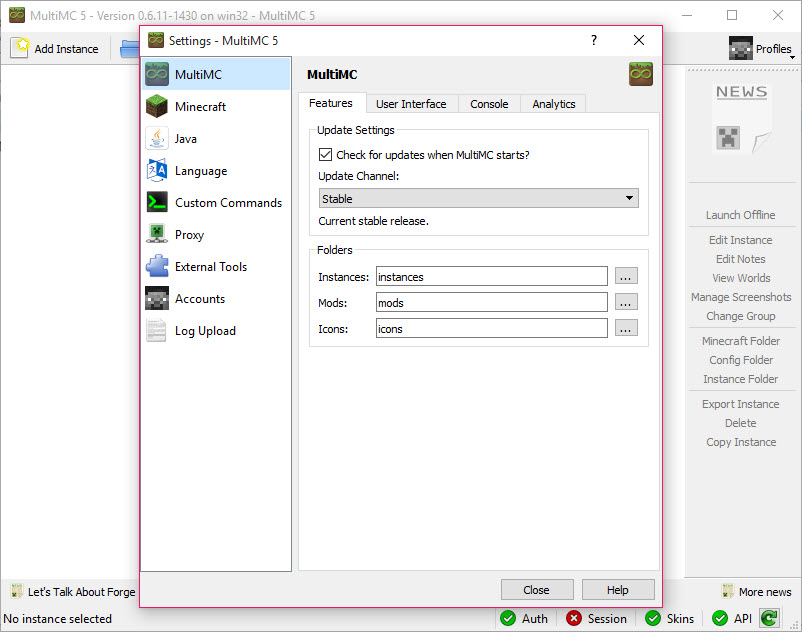
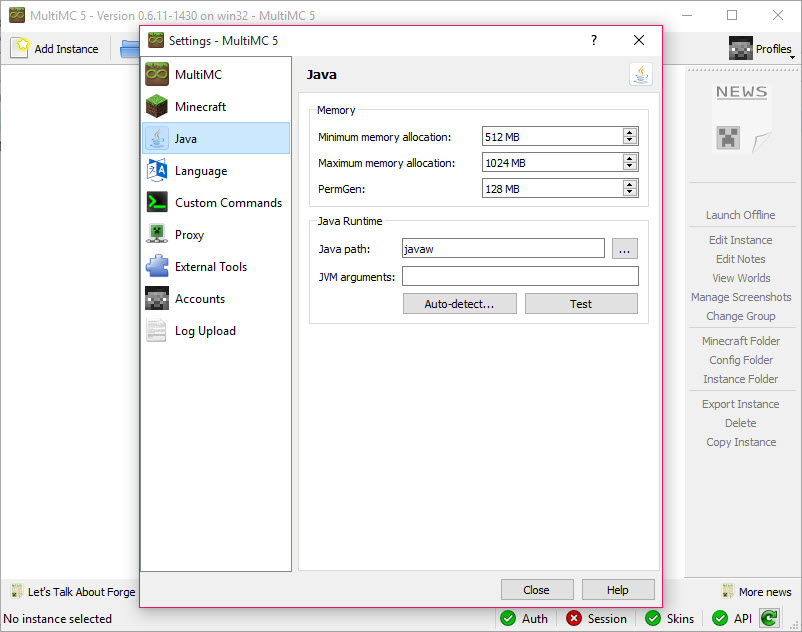
Every setting has a global value and a per-instance override, and Java is where that matters most. Each instance can point at a different Java installation, take its own memory allocation, and carry its own arguments for the runtime.
That flexibility exists because older game versions and newer ones want different Java generations, and a launcher that forces one choice across everything makes half your instances unplayable. MultiMC lets the old pack use the old runtime while the current one uses something modern.
Two details from the documentation deserve repeating. The default memory allocation suits a lightly modded or unmodified game, and a heavy pack generally wants roughly double, so the first symptom of an under-allocated instance is a crash rather than slowness. And on some integrated graphics configurations you need to select the windowless Java executable rather than the console one, which is an obscure fix for an obscure failure.
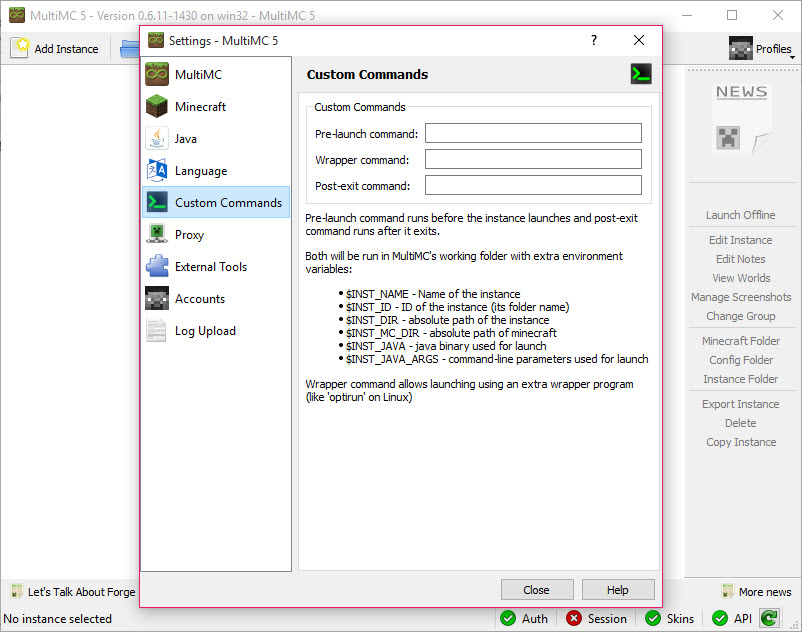
The third detail is a warning rather than a tip. The documentation states plainly that the runtime arguments people circulate on forums are usually negligible in effect and occasionally harmful, and that advice has aged well. If you did not work out why an argument helps, do not paste it in. Any of this presumes a working runtime on the machine, and the Java runtime it depends on is the prerequisite if none is installed.
The logs are the point
For anyone who actually modifies the game, this is the MultiMC feature that matters. Game output appears in a console with colour coding and additional diagnostic information, and the console can be set to stay open after the game exits rather than vanishing with it.
That turns a crash from a mystery into a reading exercise. A missing dependency, a version mismatch, a mod objecting to another mod, all of it names itself in the log, and having that in front of you is the difference between fixing a pack in five minutes and reinstalling it three times.
A kill option ends a frozen game without going through the task manager, which sounds minor until a mod deadlocks during world generation and the process stops responding to anything else.
Running old versions as they actually were
MultiMC handles legacy releases by launching them as they originally shipped rather than by patching them into cooperating with modern infrastructure. That distinction matters to anyone playing an old pack, because compatibility shims change behaviour in ways that break mods written against the original.
A related quirk sits in the window settings. The maximise option only applies to legacy builds, which is exactly the sort of honest inconsistency this launcher documents rather than hides.
Sharing and importing
Instances export as a package and import the same way, which is how a group of friends ends up with identical setups without anybody explaining which mod versions they used. Hand somebody the file and their instance matches yours.
Modpack import covers the major distribution platforms, so a pack published elsewhere becomes an instance without manual assembly. Technic Launcher is one of the platforms with its own dedicated launcher, and using this instead means those packs sit alongside everything else rather than in a separate application.
Several at once, and what it asks of you
Multiple instances run simultaneously, marked with badges in the main window, which is how people test a client and a server build together or run two accounts. The launcher itself can be closed while instances keep running, which gives up play time tracking.
MultiMC is also unusually small. It sits in the background watching the game without consuming much of anything, which was a design goal rather than an accident.
Two things to know before installing. It requires a legitimate game account and offers no accommodation for anything else, which is a deliberate position rather than an oversight. And a community fork with the same architecture and a broader feature set has become the more commonly recommended option, so it is worth understanding that the design you are adopting has a more actively developed sibling.
For world work rather than launcher work, a tool that maps a world from its seed pairs with any of this, since instances keep their saves in predictable folders you can point other software at.
Conclusion
MultiMC is the launcher for people who modify the game rather than simply play it. Isolated instances remove the fear of experimenting, per-instance Java control makes old and new packs coexist, and the logs turn debugging a crash into reading rather than guessing. Anyone who has lost a working setup to an unrelated installation will understand the appeal within an afternoon.
Two caveats belong in any current recommendation. The design has a community fork that is now more actively developed and more widely suggested, which matters before you settle in. And the program exposes enough machinery to let you break things, so the discipline of duplicating a working instance before changing it matters here more than in a launcher that hides its own workings.
Features & benefits
Pros & Cons
- Each setup is an isolated folder, so a broken pack cannot damage a working one
- No limit on instances, with grouping, icons and renaming for organisation
- Mod loaders install by selection rather than through a separate installer
- Individual mods can be disabled without deleting them, which makes crash hunting practical
- Java path, memory, arguments are all set per instance rather than globally
- Colour-coded logs with diagnostic detail, and a console that can stay open after a crash
- Legacy versions launch as originally released instead of through compatibility patches
- Instances export as a package, so a group can share identical setups
- Requires a legitimate game account, with no alternative offered
- A community fork is now the more actively developed and commonly recommended option
- Exposes settings that will break an instance if changed without understanding them
- Memory defaults are too low for heavy packs, and the symptom is a crash rather than a warning
- Nothing here supplies mods, so you still need somewhere to get them
- Closing the launcher while instances run disables play time tracking
Frequently asked questions
It keeps every setup in a separate folder rather than sharing one game directory. Mods, configuration, saves and the game version belong to that instance alone, so installing a new pack cannot disturb an existing one.
Yes. The loaders are chosen from a list and installed into the selected instance, which replaces running a separate installer against the game directory. Individual mods can then be switched on and off without deleting them.
The default suits an unmodified or lightly modded game. Heavy packs generally want around double that, and an instance given too little crashes rather than running slowly, which is why the crash log is the first place to look.
Yes, with running instances badged in the main window. The launcher can even be closed while they continue, though doing so gives up play time tracking for that session.
It does, and that is a deliberate design position rather than a limitation to work around. Without a genuine account the launcher will not authenticate and the game will not start.


