

Vortex Mod Manager
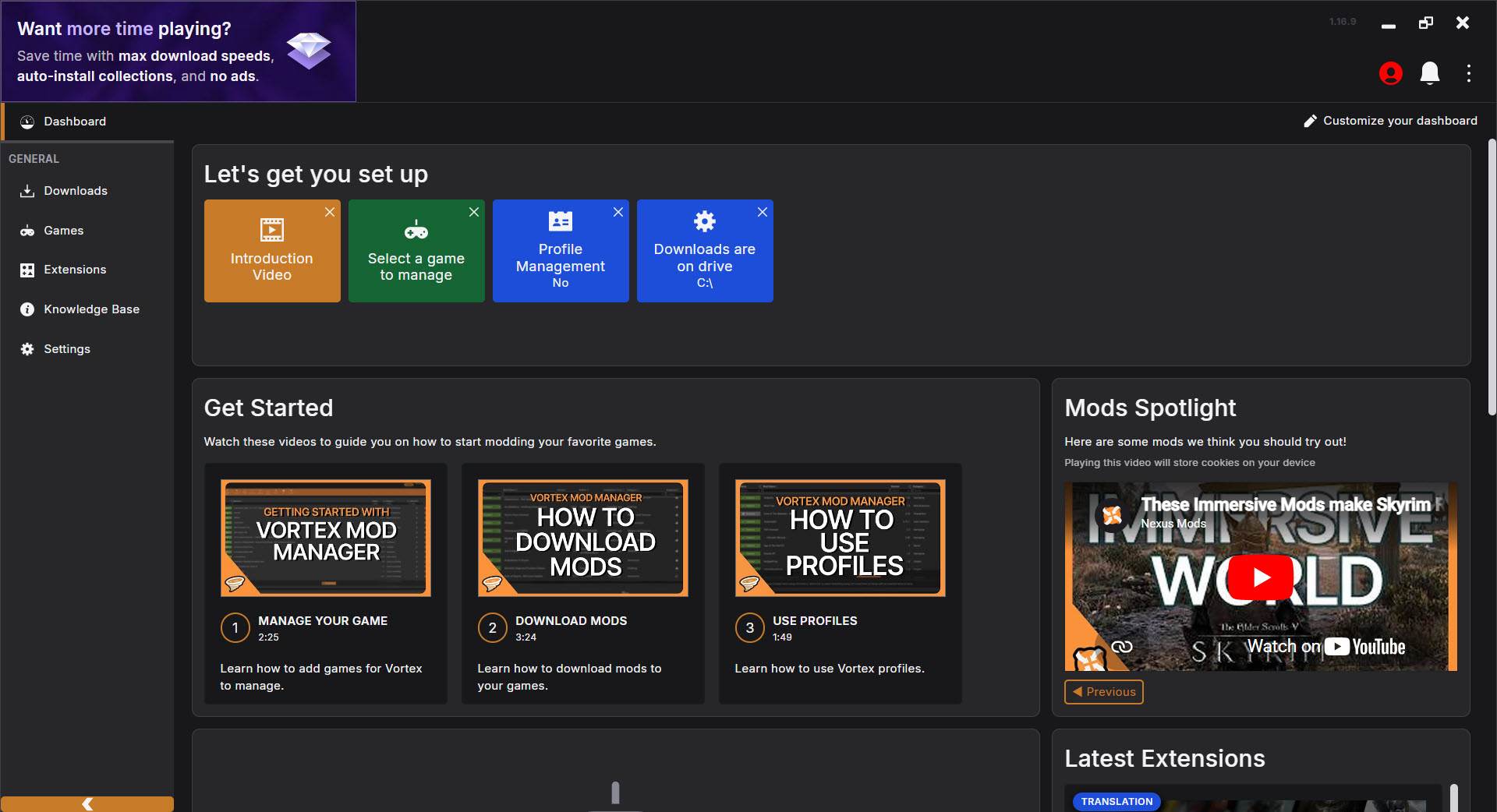
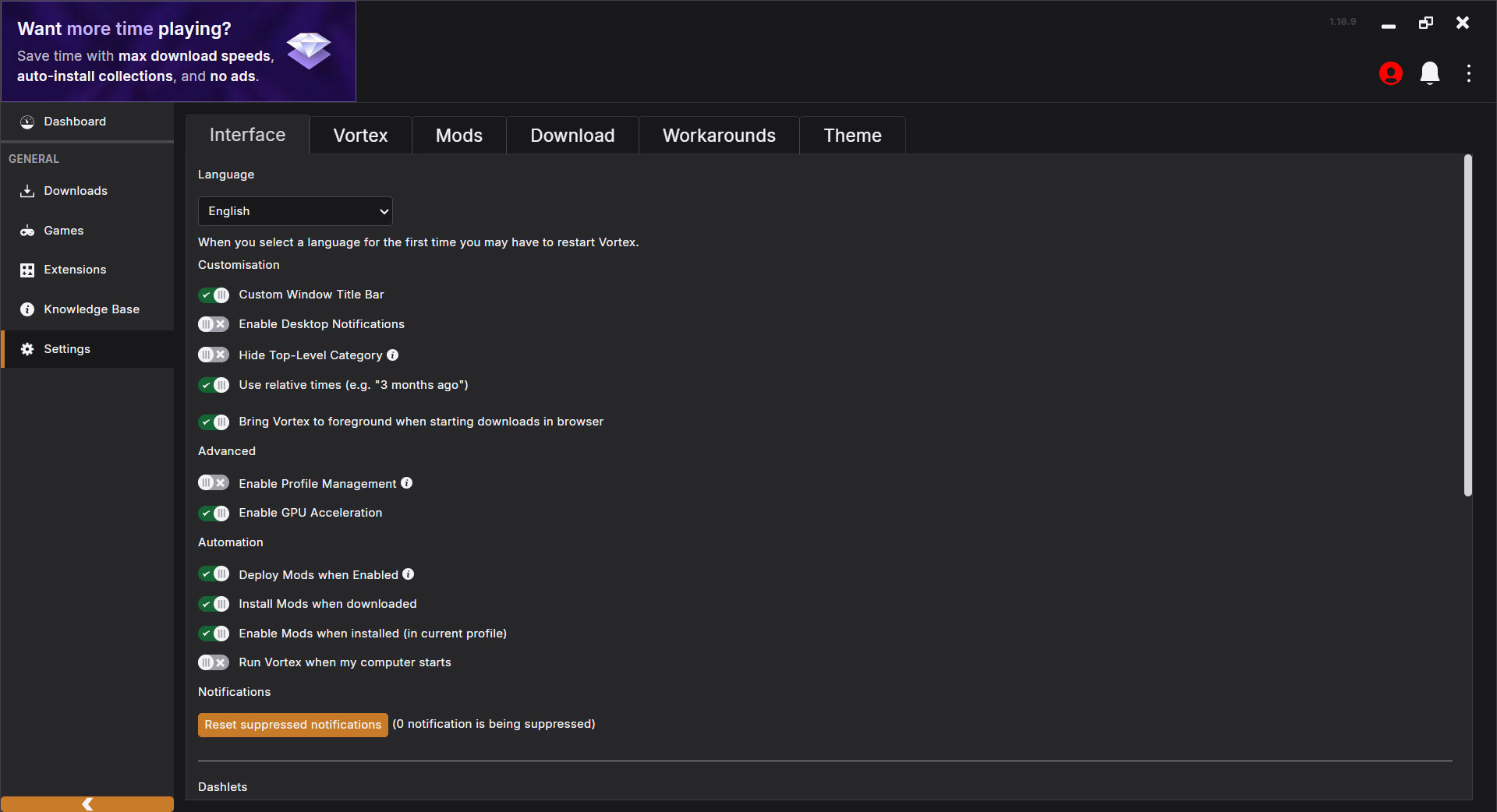
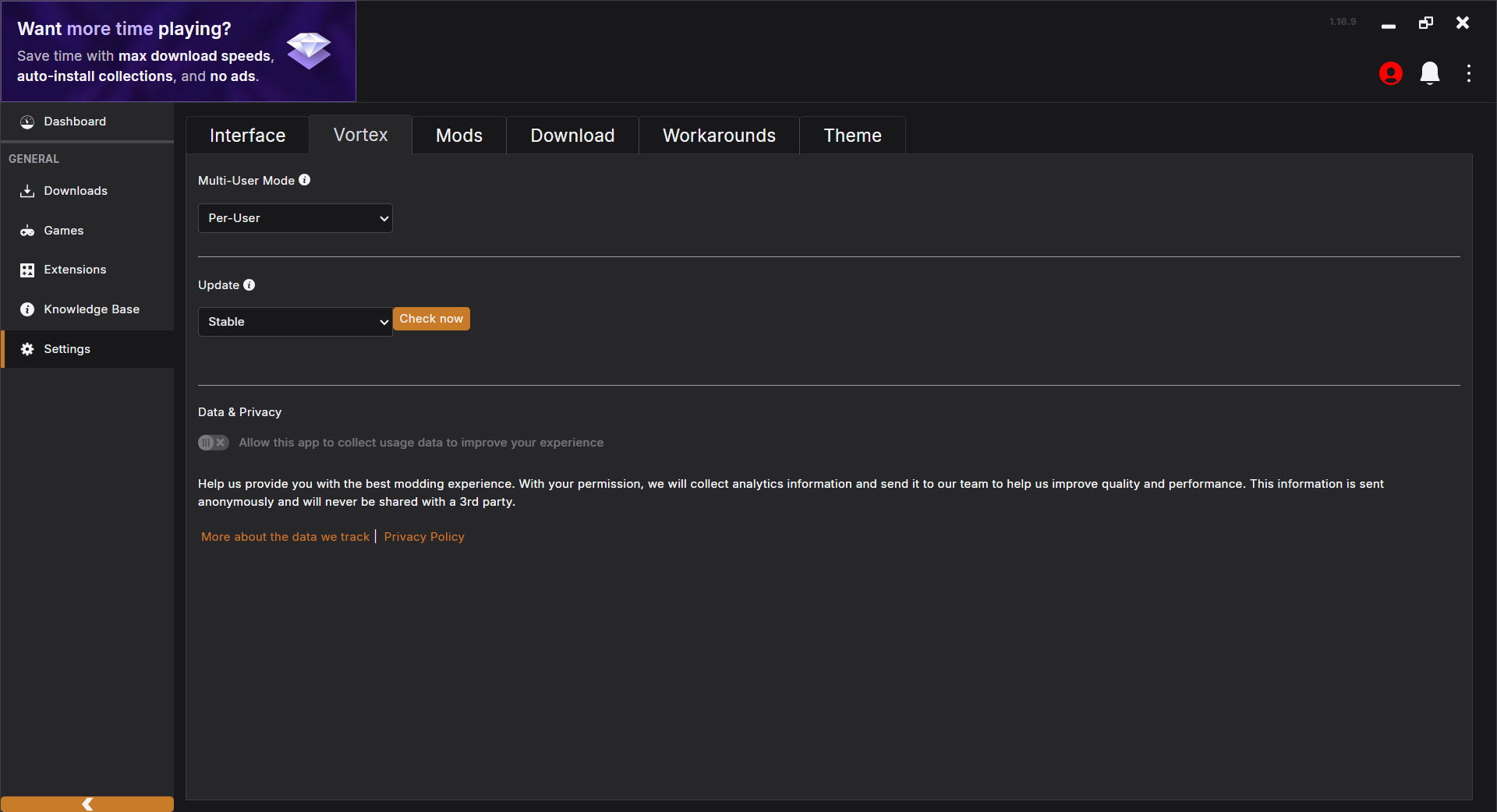
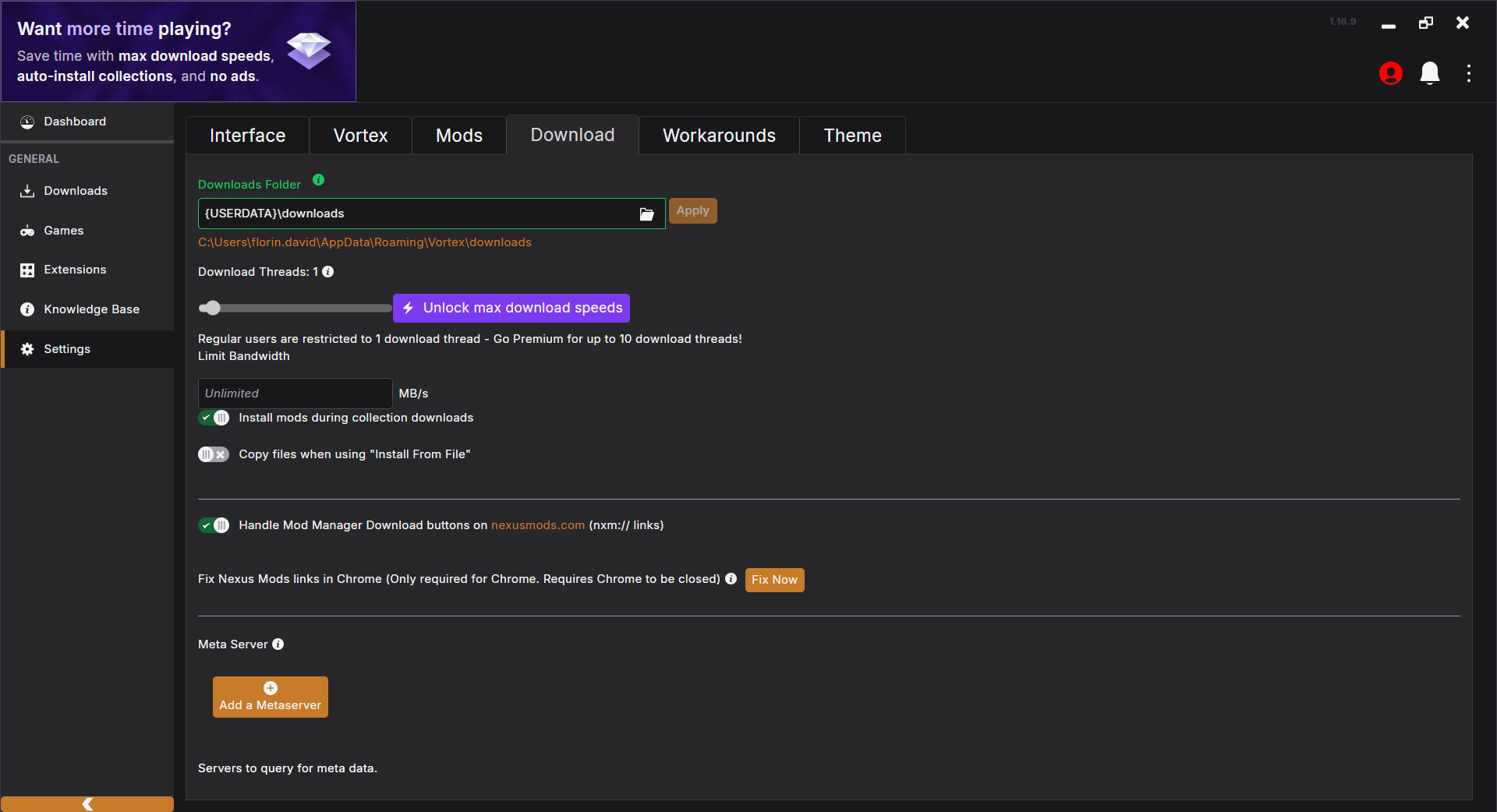
About Vortex Mod Manager
Game modding has been part of PC gaming culture for decades, and managing the resulting collection of mods has been a persistent headache nearly as long. Manually editing files, tracking which mod overwrites which, untangling conflicts that break your game, and reverting changes when something goes wrong used to be the price of admission for serious modding.
Vortex Mod Manager is the official mod manager from Nexus Mods that addresses these problems with automation, a clean interface, and clever technical decisions that protect your game files in the process.
Developed and actively maintained by the team at Nexus Mods, this software has become the recommended modding solution after the company’s recent decision to step back from their experimental Nexus Mods App and refocus development on Vortex itself. The current version supports over 500 games, including big modding communities around Skyrim, Fallout 4, Cyberpunk 2077, Starfield, and many others.
One-click installation through Nexus Mods integration
The defining convenience of Vortex Mod Manager is its tight integration with the Nexus Mods website. Browse the site, find a mod you want, click the “Download with Manager” button, and the file lands in your mod manager ready for installation. No manual download, no extracting archives, no copying files to specific folders.
This single-click flow becomes important once you’re managing dozens or hundreds of mods. The friction of manual installation discourages experimentation, while integrated installation makes it practical to try mods you might not have bothered with otherwise. F
or users with paid Nexus Mods Premium accounts, the experience extends further with automatic, queued downloads at higher speeds.
The flow also handles updates the same way. When a mod author releases a new version, you get notified inside the manager and can update with a click rather than tracking changes manually across the website.
Automatic load order sorting with LOOT
One of the trickier aspects of modding games like Skyrim or Fallout is load order, which determines which mod’s changes take priority when multiple mods touch the same content. Get it wrong and your game crashes, behaves oddly, or simply doesn’t apply changes the way you expect. Get it really wrong and your save files become corrupted in ways that can’t be recovered.
This software integrates the LOOT (Load Order Optimisation Tool) engine, which automatically calculates the right load order based on community-maintained metadata about how mods interact. For most users, this automatic sorting handles load order correctly without any manual intervention, eliminating one of the biggest stumbling blocks in serious modding.
For users who want to override the automatic decisions, manual load order adjustment is fully supported, with rules you can define to influence how specific mods interact.
This combination of sensible automation and granular control suits both newcomers and experienced modders.
Hardlinks and the non-destructive approach
A particularly clever technical decision is how the application handles mod files. Rather than copying mod files directly into the game directory (which makes uninstalling messy and can leave orphaned files behind), the manager uses a “staging folder” outside the game directory and creates hardlinks from the staging folder into the game.
In practical terms, this means your game files aren’t permanently modified by the mods you install. Hardlinks point to the same underlying data as the original files in the staging folder, so the game sees them as if they were normal files, but uninstalling a mod simply removes the hardlinks without touching the actual file content. The staging folder remains intact, and the game returns to a clean state.
This non-destructive approach matters more than it might initially seem. Reverting problematic mods, switching between modded and unmodded states, and recovering from disasters all become dramatically easier when the underlying game files haven’t been physically altered.
Visual conflict resolution
When multiple mods modify the same files, conflicts are inevitable. The interface presents these conflicts visually, showing exactly which mods are competing for which files and letting you decide which mod’s version should “win” the conflict.
For users who care about getting their modded setup exactly right, this visual conflict management is significantly more useful than the older approach of just installing in whatever order and hoping for the best.
You see the conflicts before they cause problems, decide deliberately which version to use, and avoid the troubleshooting time that comes from discovering conflicts only when something stops working.
Mod profiles for different playstyles
The profile system lets you maintain different sets of mods for the same game, switching between them without uninstalling and reinstalling everything. You might have a profile for a heavily modded “graphics overhaul” playthrough, another for vanilla-friendly quality-of-life mods, and a third for testing new mods in isolation.
Switching profiles takes seconds rather than the hours that manual mod management would require. For users who play through the same game multiple times with different approaches, this profile capability transforms what would otherwise be tedious setup work into a quick choice from a dropdown menu.
Mod Collections for one-click setups
Recent versions have added strong support for Mod Collections, which are curated, pre-tested lists of mods that someone (often experienced modders or content creators) has assembled for a specific purpose. Installing a Collection downloads and configures all included mods together, providing a complete modded experience without requiring you to research and assemble the mod list yourself.
For users new to modding, Collections eliminate the research barrier that traditionally kept casual modders from attempting elaborate setups. For experienced modders, Collections provide a way to share their carefully balanced configurations or quickly try someone else’s setup without rebuilding from scratch.
The Collections system has matured significantly since its introduction, with better discovery, more thorough testing, and improvements to handle the inevitable conflicts when applying community-shared mod lists to slightly different game configurations.
External drive support
For users with large mod libraries that would fill up their primary drive, the application supports storing downloaded mods on a different drive than the game itself. The hardlink system extends across drives within the same Windows volume, although hardlinks technically can’t span across separate drives, so the implementation handles this through different mechanisms when needed.
For users with the game on an SSD for performance and a larger HDD for mod storage, this separation lets you have substantial mod collections without filling up your fast storage.
The mod manager handles the file locations transparently, so the game still finds everything where it expects.
Support for hundreds of games
While the most active modding communities focus on a handful of major titles, this software supports over 500 games in total. Smaller games with smaller modding communities benefit from the same tools, automation, and conflict resolution that the major communities rely on.
For users who mod across multiple games, having one unified interface and workflow for all of them is significantly more practical than learning game-specific managers. The core concepts apply consistently, while game-specific features adapt to each title’s particular modding requirements.
Conclusion
Vortex Mod Manager has earned its position as the official and recommended mod manager from Nexus Mods through a combination of thoughtful technical design, broad game support, and active development. The non-destructive hardlink system, automatic load order sorting, and Collections support address the real pain points that have historically discouraged casual modders from serious experimentation.
It’s not the only option, and tools like Mod Organizer 2 retain dedicated followings for specific workflows, particularly for heavily modded Bethesda games. But for most users wanting a capable mod manager that works across many games and handles the technical complexity automatically, Vortex Mod Manager delivers exactly what’s needed without the friction that manual mod management always involved.
With the recent decision to focus all development efforts here rather than pursuing experimental alternatives, the tool’s continued evolution looks well supported for the foreseeable future.
Pros & Cons
- One-click mod installation through Nexus Mods website integration
- Automatic load order sorting via integrated LOOT engine
- Non-destructive hardlink system protects game files from permanent modification
- Visual conflict resolution makes overlapping mods manageable
- Profile system enables multiple mod configurations for the same game
- Mod Collections support one-click setups from curated lists
- External drive support handles large mod libraries efficiently
- Active development and support from the official Nexus Mods team
- Coverage of over 500 games from major titles to smaller communities
- Free Nexus Mods accounts have download speed and queue limitations affecting heavy users
- Some long-time modders prefer Mod Organizer 2 for specific advanced workflows
- Initial setup learning curve for users new to dedicated mod managers
- Hardlink system occasionally causes confusion when manually inspecting game folders
- Conflict resolution requires understanding what each conflict actually means
Frequently asked questions
This software manages installation, organization, conflict resolution, and load order for game mods. It integrates with the Nexus Mods website for one-click downloading and uses non-destructive techniques to install mods without permanently modifying game files, making the modding experience dramatically easier than manual file management.
This is the official successor to the older Nexus Mod Manager, with significantly improved technology including automated load order sorting, hardlink-based installation, profile support, and integrated Mod Collections. Nexus Mod Manager is no longer actively developed, while this newer tool receives continuous updates and improvements.
The Nexus Mods App was an experimental project intended to eventually replace this manager, but development was halted and the team has refocused entirely on improving Vortex. Users who tried the experimental app have been advised to migrate to this manager for long-term stability and support.
Yes, the supported game list covers a wide range of titles from major modding communities like Skyrim and Fallout to smaller games with niche modding scenes. The tool's core functionality applies consistently across games, with game-specific features adapting to particular requirements.
LOOT (Load Order Optimisation Tool) is a community-maintained system that knows how mods for various games should be ordered for stability. Integration means the manager automatically applies correct load order based on this community knowledge, eliminating one of the biggest sources of crashes and instability in modded games.
No, the hardlink-based approach means mod files aren't physically copied into the game directory. Hardlinks point to files in a separate staging folder, so uninstalling mods simply removes the links without touching the actual file data. Your game files remain unmodified, and you can return to a clean state anytime.
Collections are curated, pre-tested lists of mods that someone has assembled for a specific purpose, like a complete graphics overhaul or balanced gameplay enhancement package. Installing a Collection downloads and configures all included mods together, providing a complete experience without researching and assembling the list yourself.
Yes, the profile system lets you maintain multiple mod configurations and switch between them quickly. You can have a heavily modded profile, a lightly modded profile, and a vanilla profile (with no mods active), switching between them without uninstalling and reinstalling.
The interface visually presents conflicts when multiple mods modify the same files, letting you choose which mod should take priority for each conflicting file. Understanding what each conflict actually means takes some experience, but the visual presentation is significantly clearer than older managers that handled conflicts silently.
Yes, the integration with Nexus Mods, automatic load order sorting, and Mod Collections make this one of the more accessible mod managers for newcomers. There's still a learning curve for understanding modding concepts generally, but the manager handles much of the complexity automatically.


