

YouTube Movie Maker
About YouTube Movie Maker
YouTube Movie Maker is built around the upload, not the edit. Plenty of applications cut video. Very few then take twenty finished files, attach a different title, its own tags and its own description to each one, and push the whole batch to a channel while you go and do something else. That batch uploader is the reason this exists, and everything on the editing side is there to feed it.
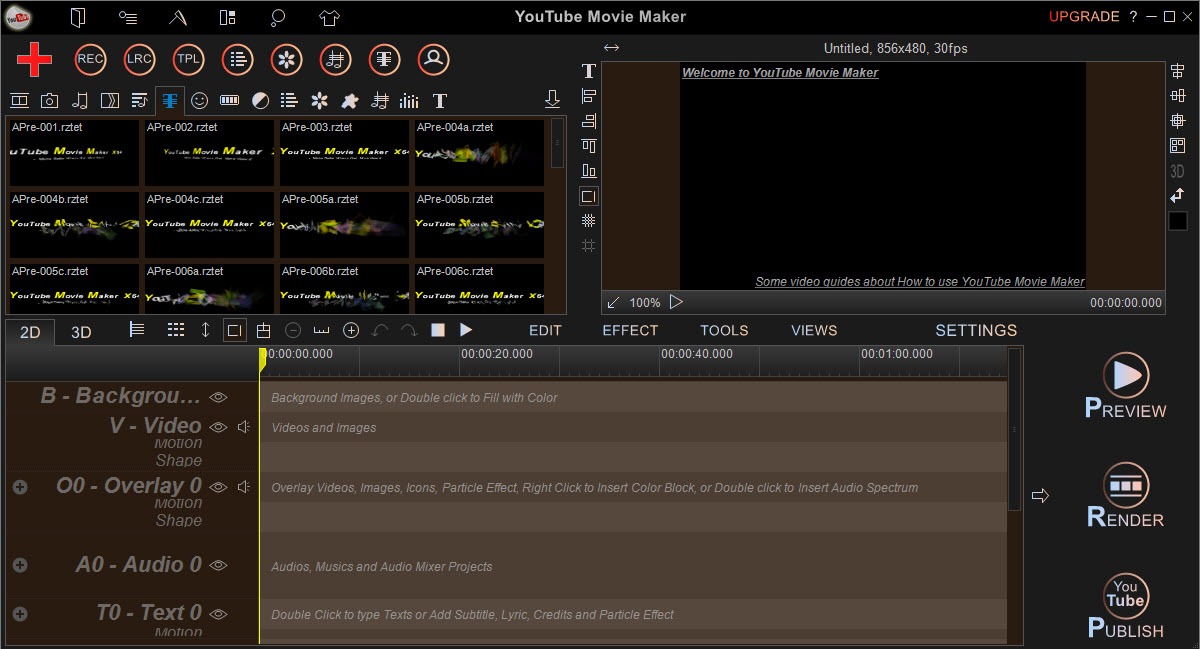
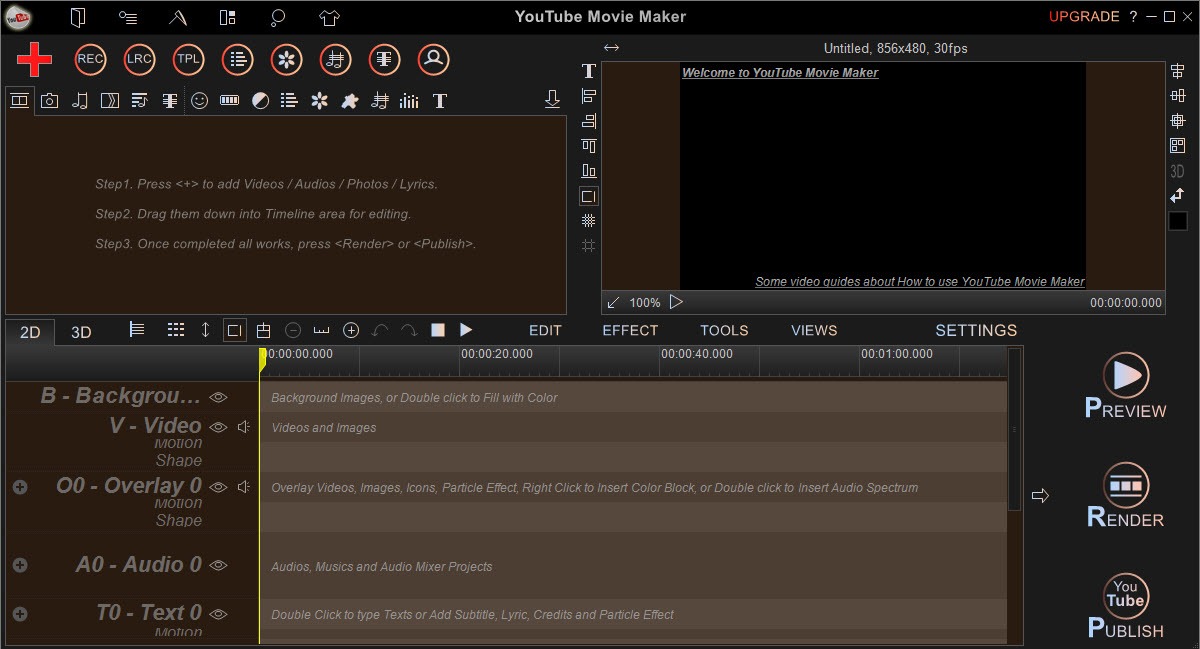
The main screen splits into two doors. Make Videos opens the editor, with a timeline, a media browser and the usual trimming and joining, cropping and rotation, plus speed controls. Upload Videos opens the queue, where files are lined up with their metadata and sent off.
You can live entirely in one half and ignore the other, and plenty of people do exactly that, using their own editor and coming here only for the upload.
Batch uploading and the metadata grid
The upload side handles multiple files at once and does not care what format they arrive in, converting to an acceptable profile on the way rather than rejecting them. Titles and tags can be typed into a grid, along with descriptions and categories, covering the whole batch, so a series of twenty episodes gets numbered titles and shared tags without twenty trips through a web form.
Preparation that happens during the upload
Several preparation steps in YouTube Movie Maker run as part of the upload rather than before it. A long recording can be split into parts and each part queued separately, or several clips joined into one file. Doing it here saves a separate render. A logo or watermark can be stamped onto every video in the batch, and a crop applied to all of them.
Doing this at upload time rather than as separate exports skips a full render pass. Cleaning up the narration still means a trip to a dedicated audio editor first.
The catch is what happens when the upload fails. Error reporting is thin, and a queue that stops halfway leaves you working out which files went and which did not. Check the channel rather than trusting the progress bar.
The editor, and what it does with layers
Editing in YouTube Movie Maker is more capable than the wizard-driven first impression suggests. Videos can be placed inside other videos, photos inside videos and videos inside photos, each with its own size and position on screen, which is how the picture-in-picture layouts common to reaction and commentary channels get built. Audio tracks mix separately, with fades, volume adjustment and narration recorded straight into the project.
Text handling is a genuine strength. Titles and subtitles have their own tools, as do synchronised lyrics, and the lyric video is a format this application makes easier than most. There is a large library of transitions and effects, including 3D ones that can be applied to a group of clips at once rather than individually.
Quality is the honest weakness. The effects look like effects from a stock library, and a project assembled entirely from them has a particular look that experienced viewers recognise. For anything where the visual style matters, a non-linear editor with proper compositing gives a better result in exchange for a steeper start.
Screen and webcam capture
Recording is built in and covers the screen, a webcam, a capture card and audio from either the system or a microphone. The captured clip lands straight in the project, so a gameplay session or a tutorial goes from recording to upload without an export in between, which is the whole argument for having capture inside an editor.
Snapshots can be taken while previewing, which is the quick route to a thumbnail. The recorder is adequate rather than good, with fewer controls than a dedicated screen recorder gives you, and the unregistered build marks recordings.
Conclusion
YouTube Movie Maker suits somebody publishing on a schedule rather than crafting one film. Channels posting a stream of episodes, lyric videos or gameplay clips will save real time on the metadata grid and the batch upload, and the split-and-upload tools handle the recurring chore of chopping a long recording into parts.
It is the wrong tool for anyone whose work is judged on how it looks. The effects are ordinary and the interface is crowded. Treat it as a publishing pipeline with an editor attached, rather than an editor with an upload button, and it earns its place.
Pros & Cons
- Batch upload with per-file titles and tags set from one grid
- Splitting, joining and watermarking applied during upload rather than as a separate render
- Accepts any input format and converts to a valid profile automatically
- Picture-in-picture layering of videos and photos in either direction
- Lyric and subtitle tools that most general editors lack
- Effects and transitions have a recognisable stock look
- Upload errors are reported vaguely when a queue stops partway
- Screen recorder is basic and watermarks output until registered
- Interface is dense and dated compared with current editors
Frequently asked questions
Yes. That is its main feature. Queue the files, fill in the metadata grid, and the batch uploads with the correct format applied automatically.
It does. Files are converted to an accepted profile during the upload, so the format of your source material does not matter.
Yes. A logo or watermark can be applied to every video in an upload batch, along with a crop, without exporting each file separately.
Yes, along with a webcam, a capture card and audio. Recordings drop straight into the project, though they carry a mark until the application is registered.


The biggest flaw I found is that, it doesn’t allow you to copy and past a video that you had already imported for your background. You would have to drag and drop a 20 sec. background video 15 times to cover a 5 mins. video. This is very time consuming.