

LG PC Suite
About LG PC Suite
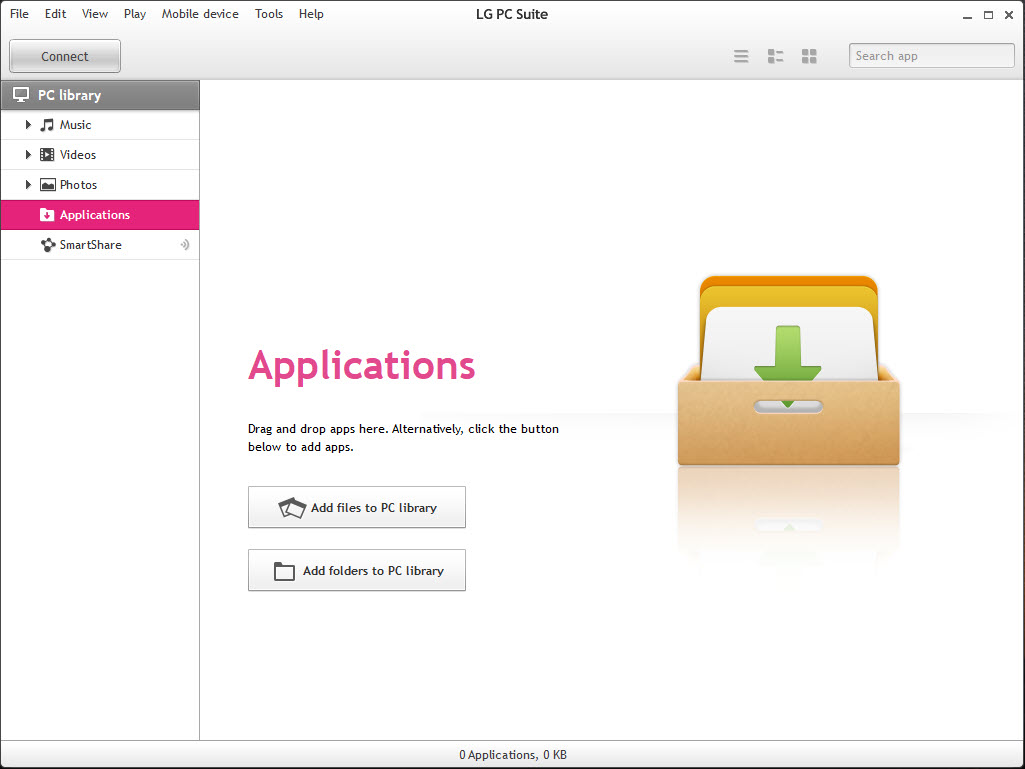
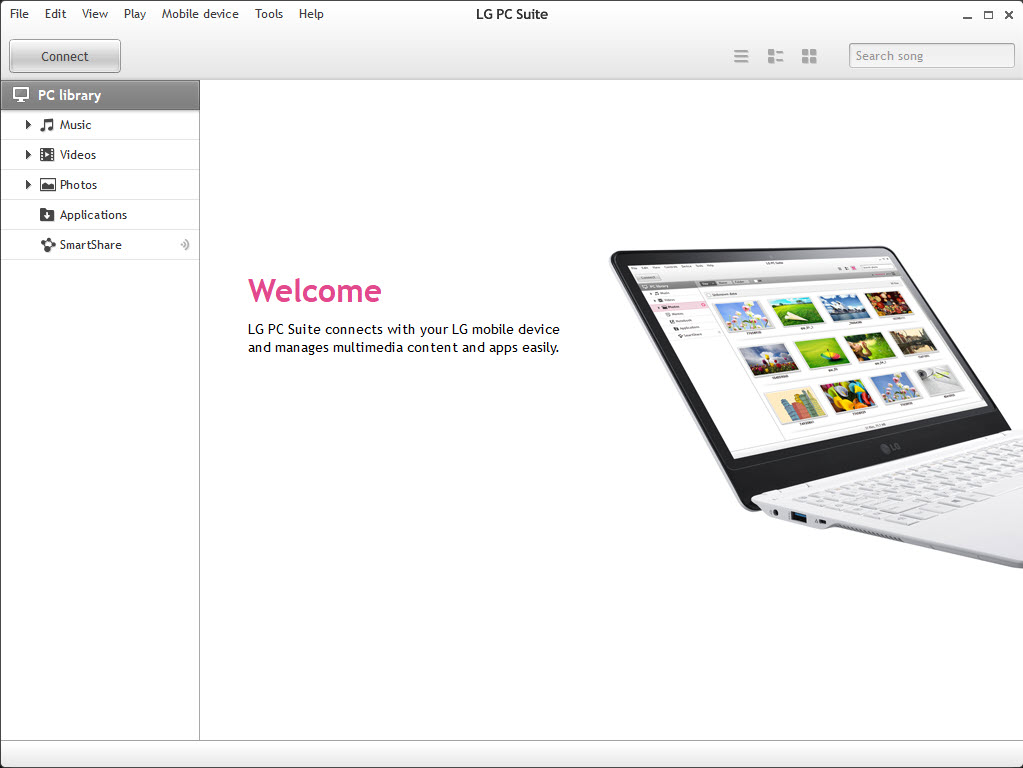
Plugging a phone into a computer gets you a folder full of cryptic directory names and nothing else. LG PC Suite was built to replace that with something structured, presenting the contents of an LG phone or tablet as a library sorted into contacts, photos, music, videos, memos plus messages, all editable from the desktop rather than by thumb.
Connection happens over a USB cable or across Wi-Fi, and a setup wizard walks through it on first run. Once the device appears, the left-hand list becomes the whole interface. Click a category, see what is on the phone, drag things in or out.
Contacts can be created and edited from the keyboard, which anyone who has typed a long address book into a touchscreen will appreciate.
Getting the phone recognised
This is the step that generates the complaints, and almost always for the same reason. The suite talks to the handset through a driver package that has to be present and matched to the device, and without it the phone charges happily while the software insists nothing is connected. Installing LG United Mobile Driver first removes most of the mystery.
Two other things trip people up. The phone has to be set to file transfer mode rather than charge-only when the cable goes in, and the build of LG PC Suite has to correspond to the device family, since the software was distributed per model rather than as one universal package.
A front-panel USB port on a desktop is also a worse bet than one on the board itself, which sounds like superstition until it fixes your connection.
Moving files in both directions
The Transfer section is where most sessions happen. Pick photos, videos, music or messages, choose what moves, and a configurable destination folder decides where incoming files land instead of everything piling into one default location. A transfer history keeps a record of what has already been copied, which matters when you are working through a phone with several thousand photos on it across more than one sitting.
Batch operations work properly. Mass contact import and bulk media copying both run without hand-holding, though throughput is unremarkable and a full media library takes a while. Coverage also varies between device families in ways the interface does not advertise, so a category that transfers cleanly on one handset can be greyed out or unreliable on another.
When a cable is more trouble than it is worth, a tool that moves files over the network sidesteps the whole driver question.
Syncing against a desktop application
Synchronisation covers calendars, contacts, bookmarks, matching the phone against a desktop information manager of the Outlook variety. You choose which categories participate, and an option runs the sync automatically whenever the device connects, which is the setting that makes it useful rather than a chore you forget.
The premise is the limitation. LG PC Suite syncs against software installed on the machine, not against an online account, so if your contacts and calendar already live in a cloud service that the phone signs into directly, this adds a step rather than solving anything.
It suits someone whose address book lives on the desktop. For anyone who wants phone management without tying it to one brand, a phone manager that works across handset makers covers similar ground.
SmartShare and On Screen Phone
The two features that make this more than a copying tool both work over Wi-Fi. SmartShare turns the computer into a media server, toggled on with a switch, sharing either the whole library or selected playlists so the phone plays what is on the desktop without anything being copied to it. Both devices need to be on the same network, and that is the only requirement.
On Screen Phone is the other one. It mirrors the handset display on the computer in real time and lets you drive the phone with the mouse and keyboard, which is a better answer to a long message than the touchscreen is.
Support was always model-dependent, and it never made the jump to later devices, so treat it as a bonus if your handset happens to be one of the ones it likes.
Backup and the update problem
The backup wizard covers device data and installed applications, writing to a file you keep on the computer and restoring from the same place. A diagnostics panel reports battery condition and memory usage. Both are the sort of thing you set up once and are grateful for later, and the backup coverage is broad enough on supported models to be a genuine safety net.
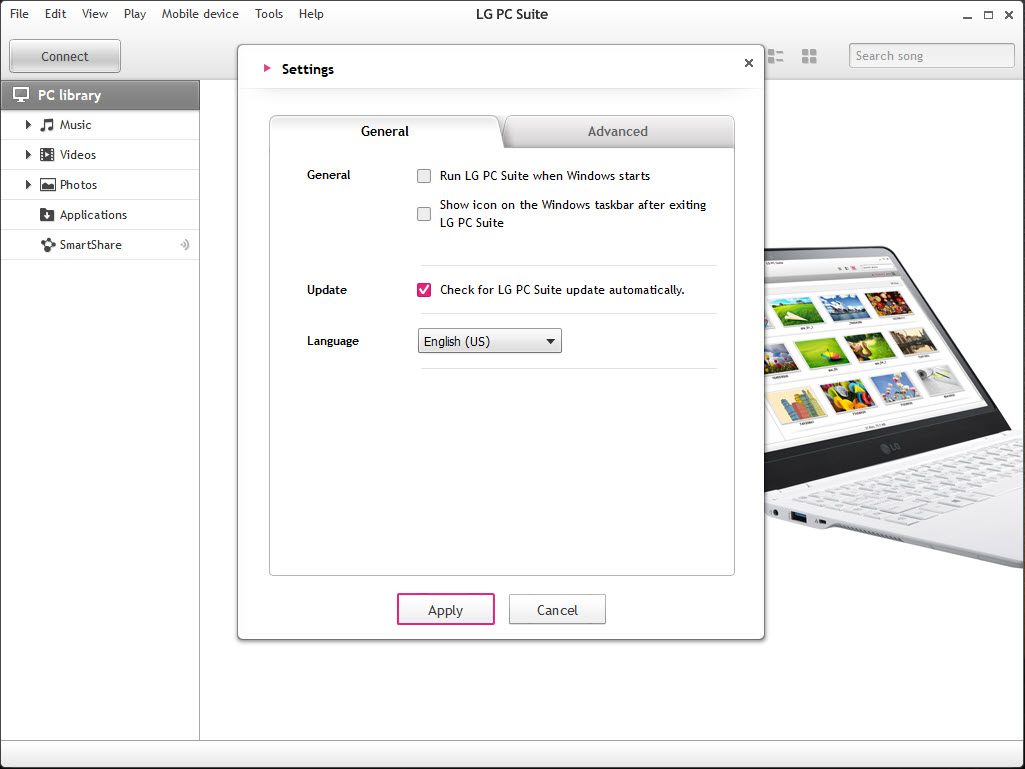
Software updating is where honesty is required. The update check exists in LG PC Suite and it reaches out to services for a phone line that no longer exists, so a check that returns nothing or simply fails is the normal outcome rather than a fault on your machine. For firmware recovery on a handset that will not start properly, LGMobile Support Tool is the utility aimed at that job specifically.
Device generation decides the rest. Later handsets were moved to a separate application, and if your phone is one of them then LG PC Suite will either refuse it outright or connect while offering half the functions. LG Bridge is the one those devices expect.
Conclusion
LG PC Suite still does the local jobs well. If you own an LG handset from the generations it covers and you want to bulk-import photos, type contacts with a physical keyboard, or keep a restorable backup of the device on a computer, everything you need is here and none of it depends on an online account.
The parts that reach outside the machine are the parts to ignore. Update checking depends on infrastructure that has moved on, and anyone with a later handset should be installing the successor application rather than this one. Judged as a local file and contact manager for older LG devices, LG PC Suite holds up. Judged as a maintenance tool, it is a relic that still runs.
Pros & Cons
- Presents the phone as a sorted library rather than a folder of opaque directory names
- Contacts and memos can be created and edited with a proper keyboard
- Configurable destination folder plus a transfer history make bulk photo imports manageable
- Automatic synchronisation on connection removes the need to remember to run it
- SmartShare streams the desktop media library to the phone with nothing copied across
- Backup wizard covers installed applications alongside contacts and media
- Nothing works until the matching driver package is installed, and the software does not say so
- Distributed per device family, so the wrong build simply refuses to see the phone
- Software update checks rely on services that generally no longer respond
- Later handsets are unsupported and need a different application entirely
- On Screen Phone availability depends on the model with no clear list of which qualify
- Synchronisation targets desktop applications rather than online accounts
Frequently asked questions
Usually the driver. Install the matching driver package first, then set the phone to file transfer mode rather than charge-only when you connect the cable, and check that the build you installed matches your device family.
Yes, over Wi-Fi with both the computer and the phone on the same network. The wireless path is also what SmartShare uses for streaming media from the desktop to the handset.
No. Later devices were moved to a separate application, and this one either declines to connect or exposes only part of its functions. Check which of the two your model expects before installing either.
Yes, the backup wizard includes applications alongside contacts, media plus device settings on supported models, and restores from the same backup file.
Rarely. The check depends on services that are no longer maintained, so failures there are expected. Firmware repair on a handset that will not boot properly is a job for the dedicated support utility instead.


