

BlueJ
About BlueJ
BlueJ is a free integrated development environment (IDE) specifically designed to teach and introduce Java programming to beginners. Created with simplicity and educational purposes in mind, BlueJ offers a clear, visual, and intuitive interface to help new developers grasp the basics of object-oriented programming.
Widely used in academic settings, it provides features tailored for students while retaining enough functionality to support small-scale software development projects.
Simplified Interface for Beginners
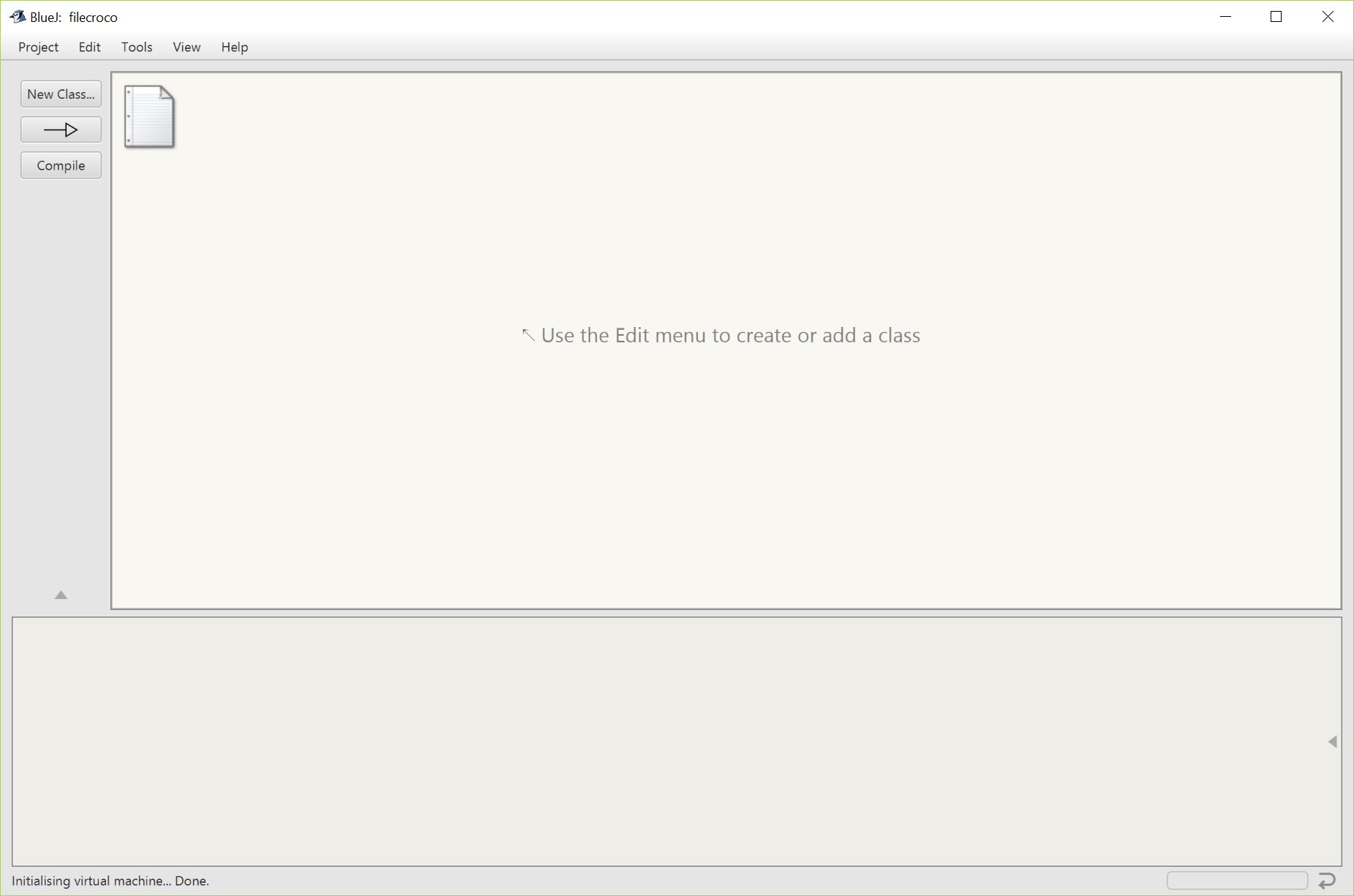
The strength of this tool lies in its clean and easy-to-use interface. Unlike more complex IDEs, it presents a simplified layout, reducing the intimidation factor for those new to programming.
The IDE makes key elements like classes, objects, and methods visually accessible, giving learners a clear understanding of Java’s object-oriented structure.
Visual Representation of Classes and Objects
One standout feature of BlueJ is its visual representation of classes and objects. When users create a class, it is represented by a graphical box.
Objects can be instantiated directly from these classes, and students can interact with them using simple point-and-click operations.
This immediate feedback helps learners understand the relationship between classes, objects, and their interactions.
Interactive Object Creation and Testing
BlueJ allows users to create and manipulate objects interactively without writing additional code. Once an object is instantiated, students can call methods on it and view the results in real time.
This hands-on approach reinforces learning by allowing students to see the immediate effects of their code, making it easier to debug and experiment with new concepts.
Integrated Debugger and Code Editor
The IDE comes with a built-in debugger that helps students identify and fix errors in their code.
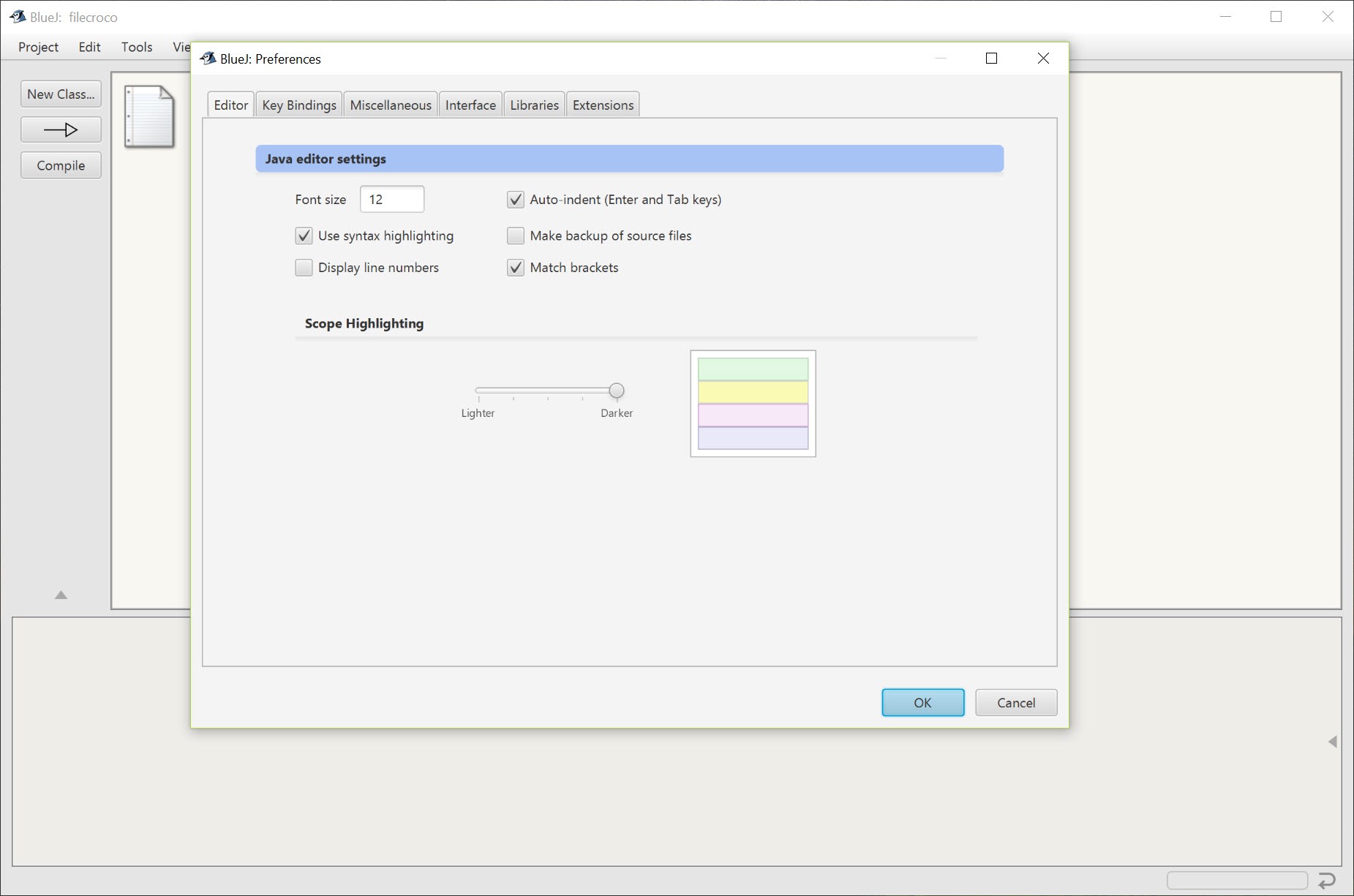
The code editor offers syntax highlighting and basic code completion, making it easier to write and understand Java programs.
The debugger’s visual features, such as step-through execution, help learners understand how their code flows and where issues may occur.
Support for UML Diagrams
BlueJ supports basic Unified Modeling Language (UML) diagrams, allowing students to visualize class structures and relationships.
This feature helps bridge the gap between theory and practice, reinforcing the understanding of object-oriented principles like inheritance and polymorphism.
Simplified Project Management
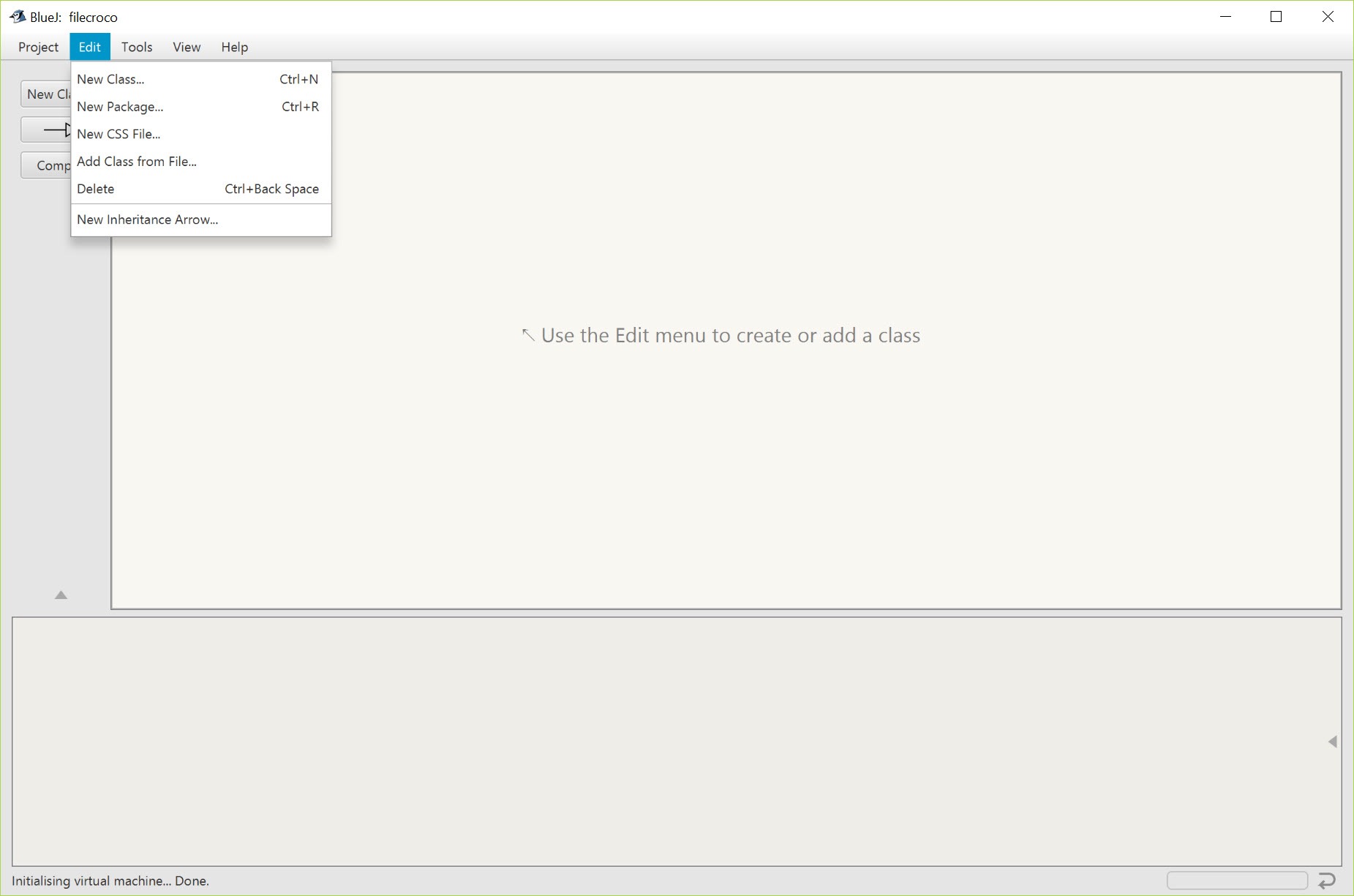
Managing projects in BlueJ is straightforward. It supports small to medium-sized projects, and files are organized in a clear and logical manner. Students can quickly add or remove classes, compile code, and run projects with minimal configuration.
Extensibility with Plugins
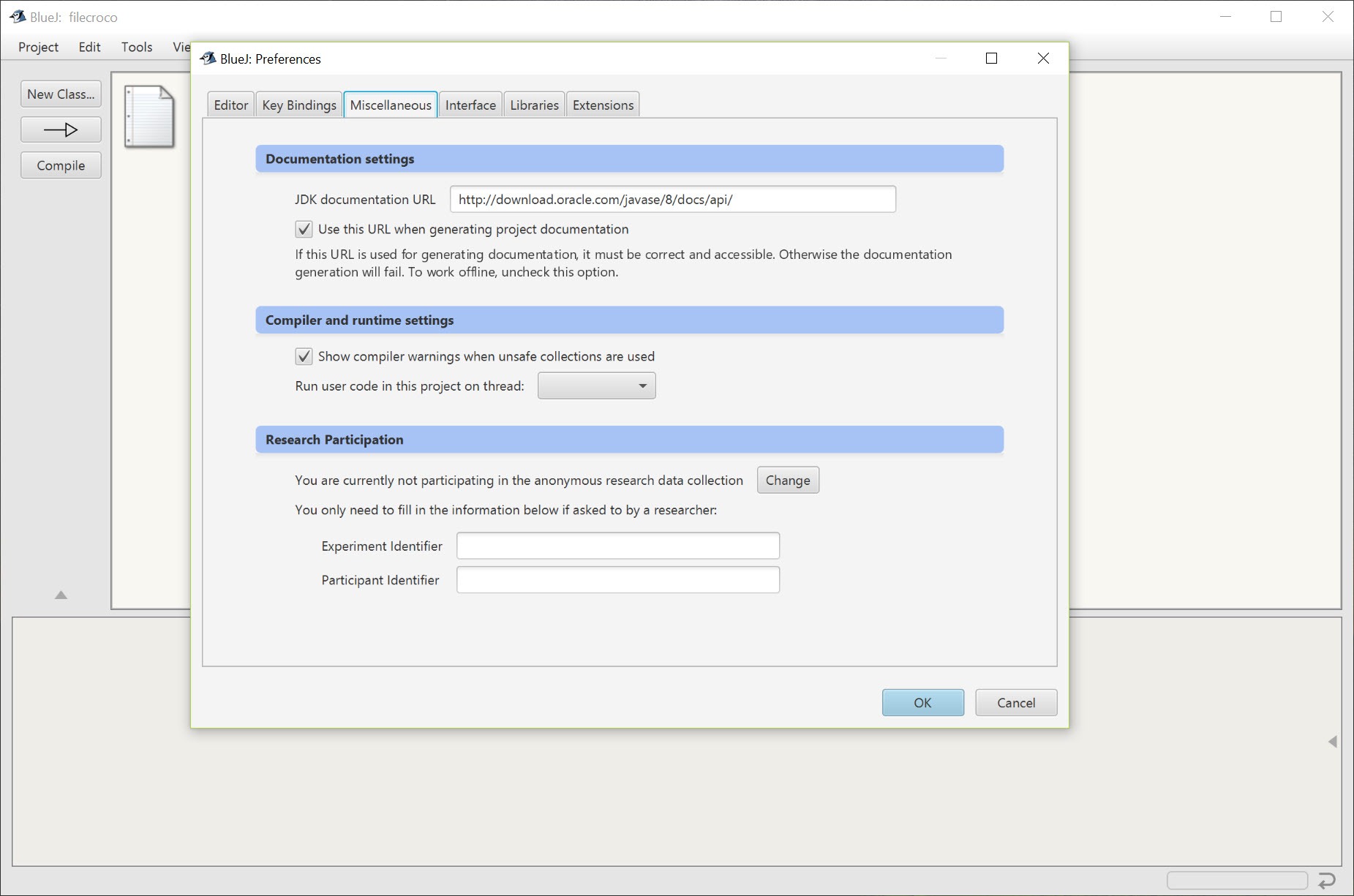
While BlueJ is primarily geared toward beginners, it also supports extensibility through plugins.
Advanced users can enhance its functionality by adding features such as more complex debugging tools, version control integration, or additional libraries.
Conclusion
BlueJ is a powerful yet simple tool for learning Java programming. Its visual approach to object-oriented concepts, combined with interactive features and a user-friendly interface, makes it an ideal choice for beginners.
While it may not be suitable for large-scale or professional development, it excels as an educational tool, helping students build a solid foundation in Java programming and object-oriented design.
For anyone new to coding or teaching Java, BlueJ offers a practical and effective learning environment.
Pros & Cons
- Simple and intuitive interface ideal for beginners.
- Visual representation of classes and objects aids understanding.
- Interactive object creation and method calling.
- Built-in debugger for easy code troubleshooting.
- Supports UML diagrams for visualizing class relationships.
- Free and widely used in educational environments.
- Limited features for large-scale or professional development projects.
- Lacks advanced tools found in more sophisticated IDEs like IntelliJ IDEA or Eclipse.
- Not suitable for complex applications requiring robust development environments.
Frequently asked questions
It is used for teaching and learning Java programming, especially in educational settings. It helps beginners understand object-oriented programming concepts.
It is designed for small to medium-sized projects. For larger projects, more advanced IDEs like IntelliJ IDEA or Eclipse may be more suitable.
Yes, it has an integrated debugger that allows you to step through your code, inspect variables, and identify errors.
While you can use it for smaller projects, it lacks the advanced features needed for large-scale professional development. It is best suited for learning and teaching purposes.
Yes, it supports basic UML diagrams to visualize classes and their relationships.


