

Audacity

 (40 votes, average: 4.43 out of 5)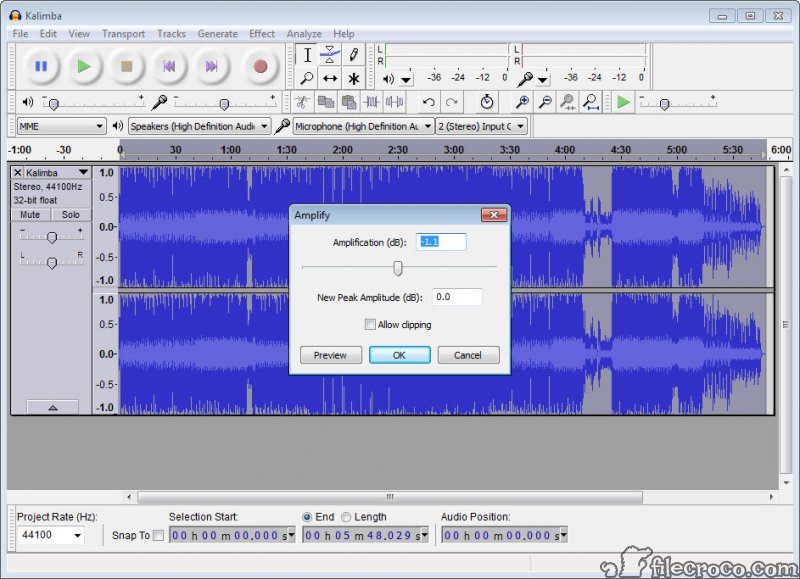
About Audacity
Audacity is an audio editor and player that will enable you to use various effects and plugins to improve your experience.
Creating and mixing songs with effects can be one of the most fun things to do, provided you have the right tools for the job. The better the piece of software you’re working on is, the more opportunities you will have to edit the song effectively.
It is one of the best audio editors currently on the market. It is a free-to-use and open-source audio editor with a fantastic array of options and effects that you can use to edit your audio and create new songs.
It is easy to use and has a simplistic interface that allows you to mix your audio and songs.
Simple to Use
One of the highlights of Audacity is its simplistic interface. But that’s not necessarily bad because even though it’s not the most pleasing interface globally, it allows for an effective and easy workflow.
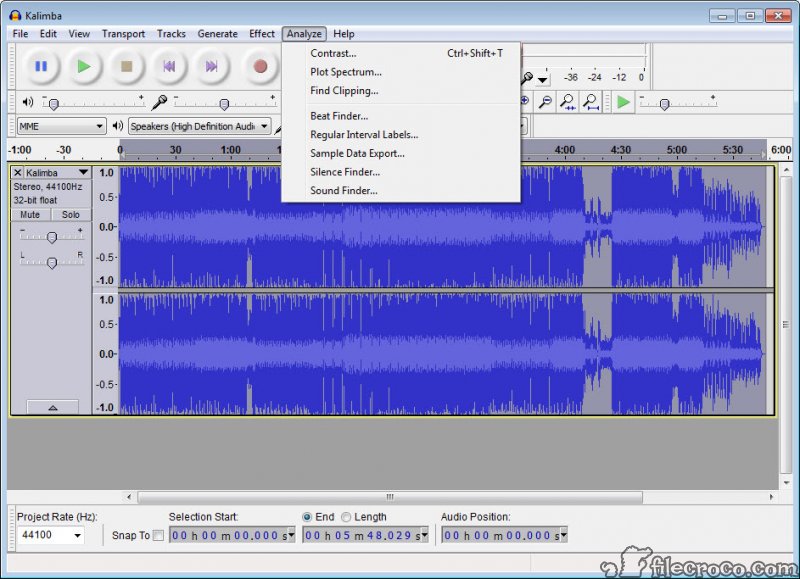
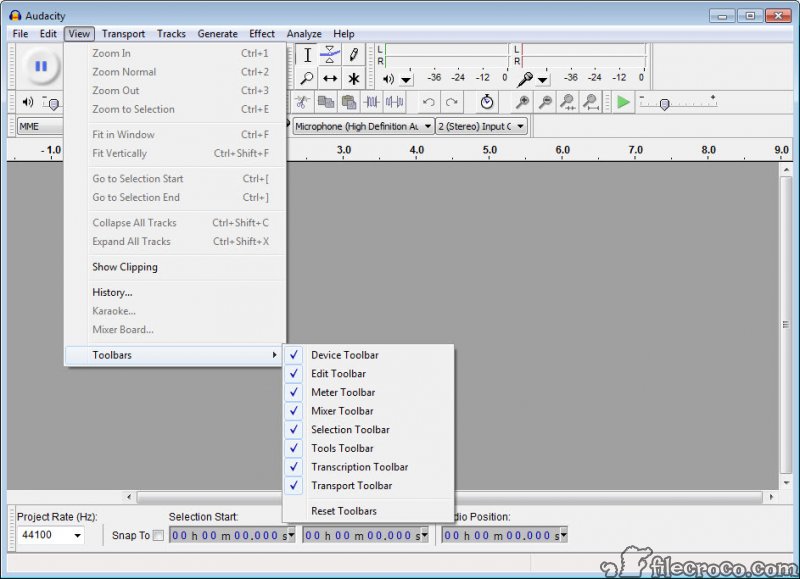
The main window is populated with all the functions and tools you can easily edit audio.
Tweak and Improve the Audio
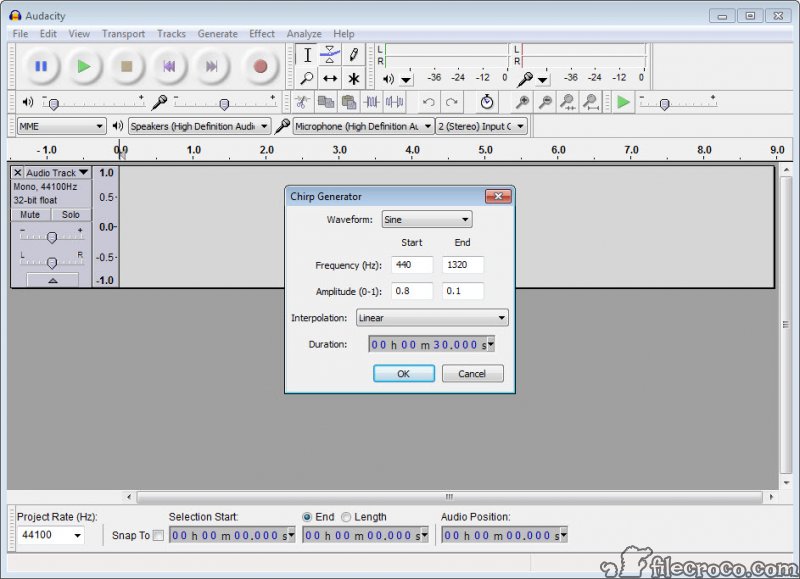
The main purpose of this app is to help you record and even create or edit existing songs. First of all, we must mention that you can get many different plugins with this tool. These will give you additional functions like mixing audio and adding new effects to the table, which will take your experience to the next level.
What is more, the app covers many of the most popular file types out there. These include WAV, FLAC, AIFF, AU, and OGG. You can use these to import and export the files with Audacity, making your job much easier in the end.
Conclusion
In conclusion, Audacity is one of the best audio editors in the world. It has a simple interface and many different tools you can use, and above all, it’s free to use and open-source.


