

Texmaker
About Texmaker
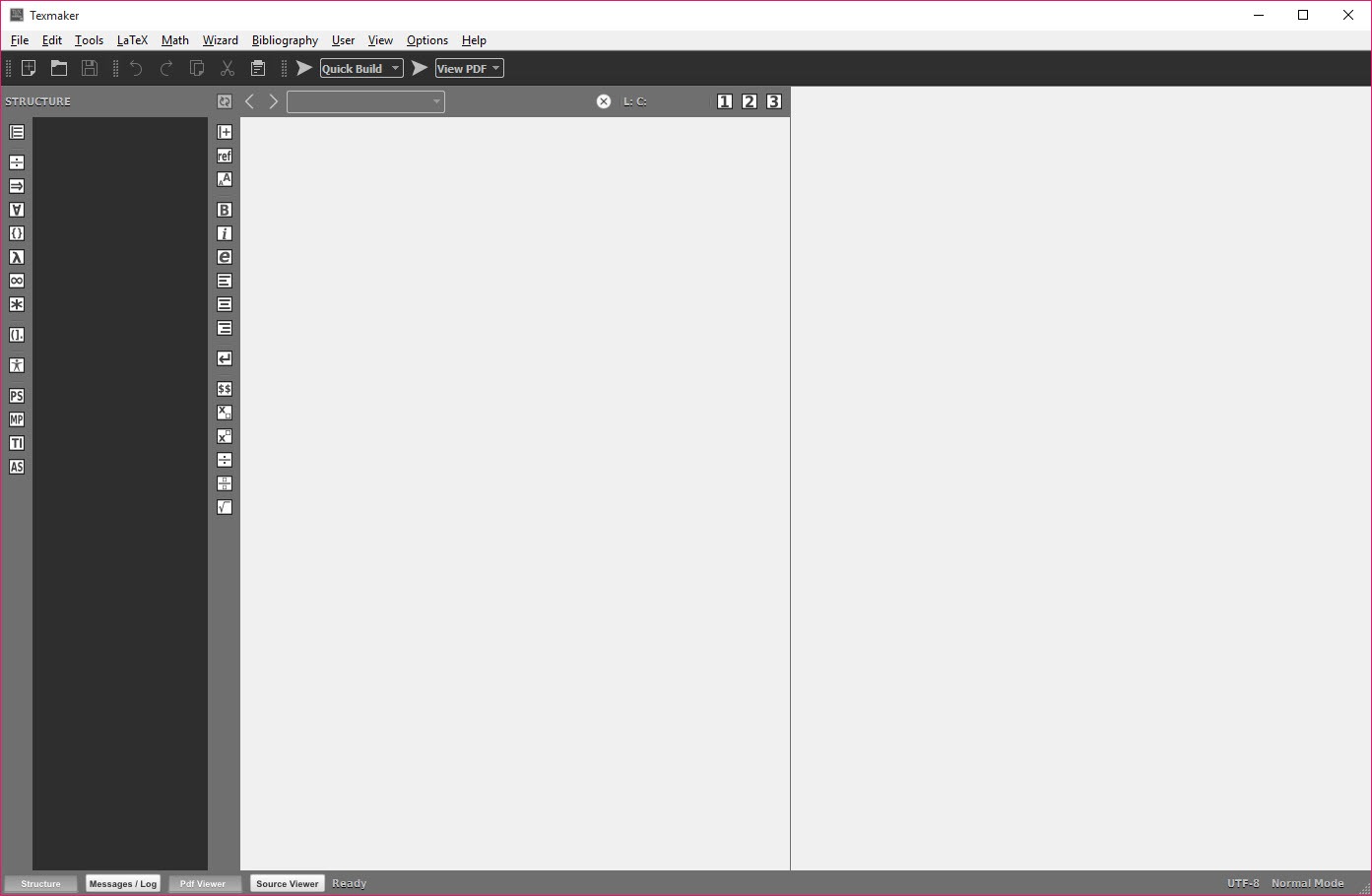
Texmaker is a full-featured integrated development environment (IDE) for LaTeX that offers a clean interface and streamlined workflow. Ideal for students, academics, and anyone working with technical documents, it combines editing, compilation, navigation, and previewing into a single application.
Everything you need for writing structured documents is available in one place.
Unified LaTeX Workflow
Texmaker unites the essential stages of LaTeX document creation into a cohesive environment. You can edit your source, configure compilation commands, and instantly see the typeset output by pressing a single button. This saves you from juggling multiple tools and tabs.
With inline viewers, navigation between code and PDF is seamless and efficient.
Smart Editing Features
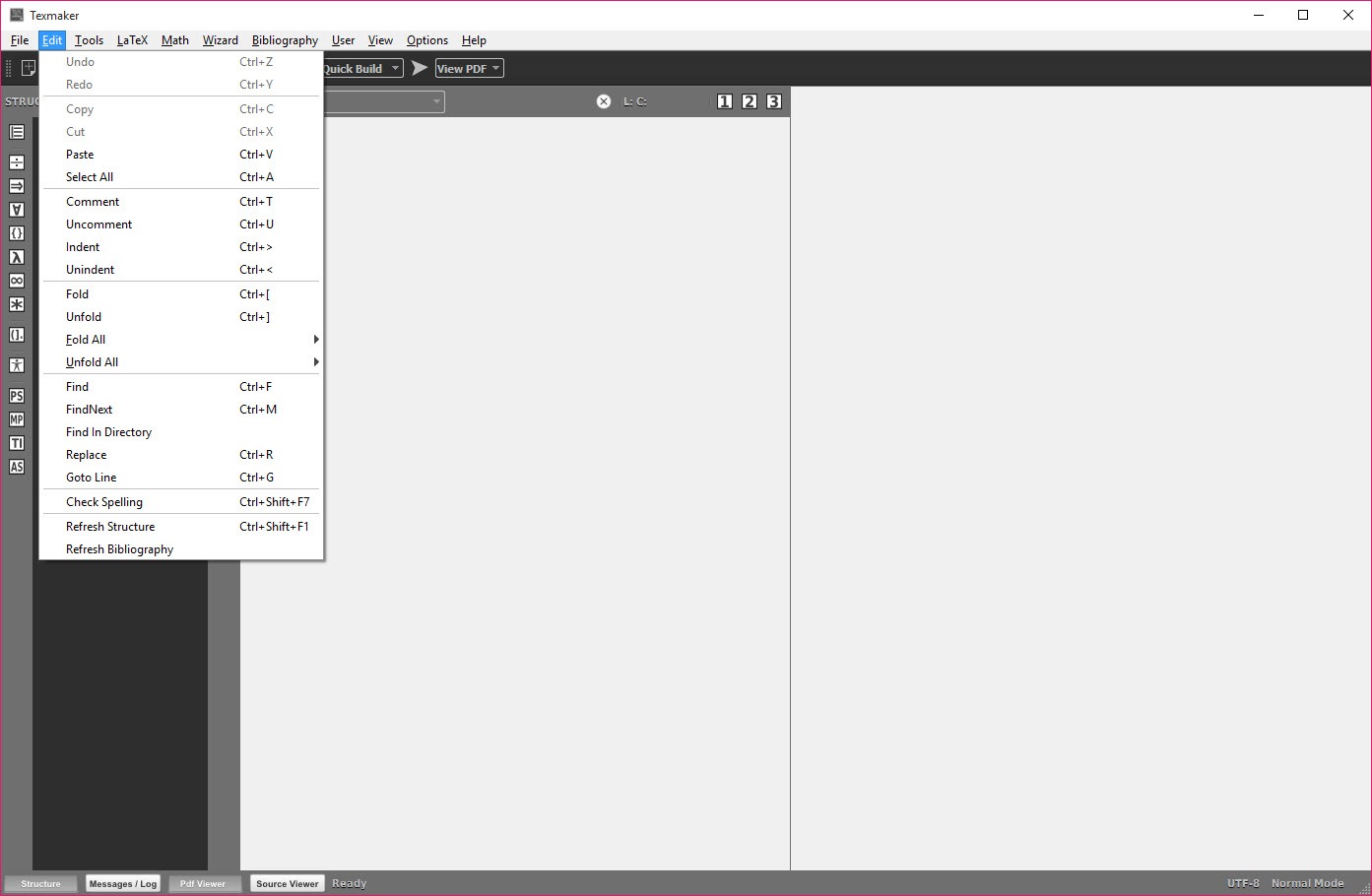
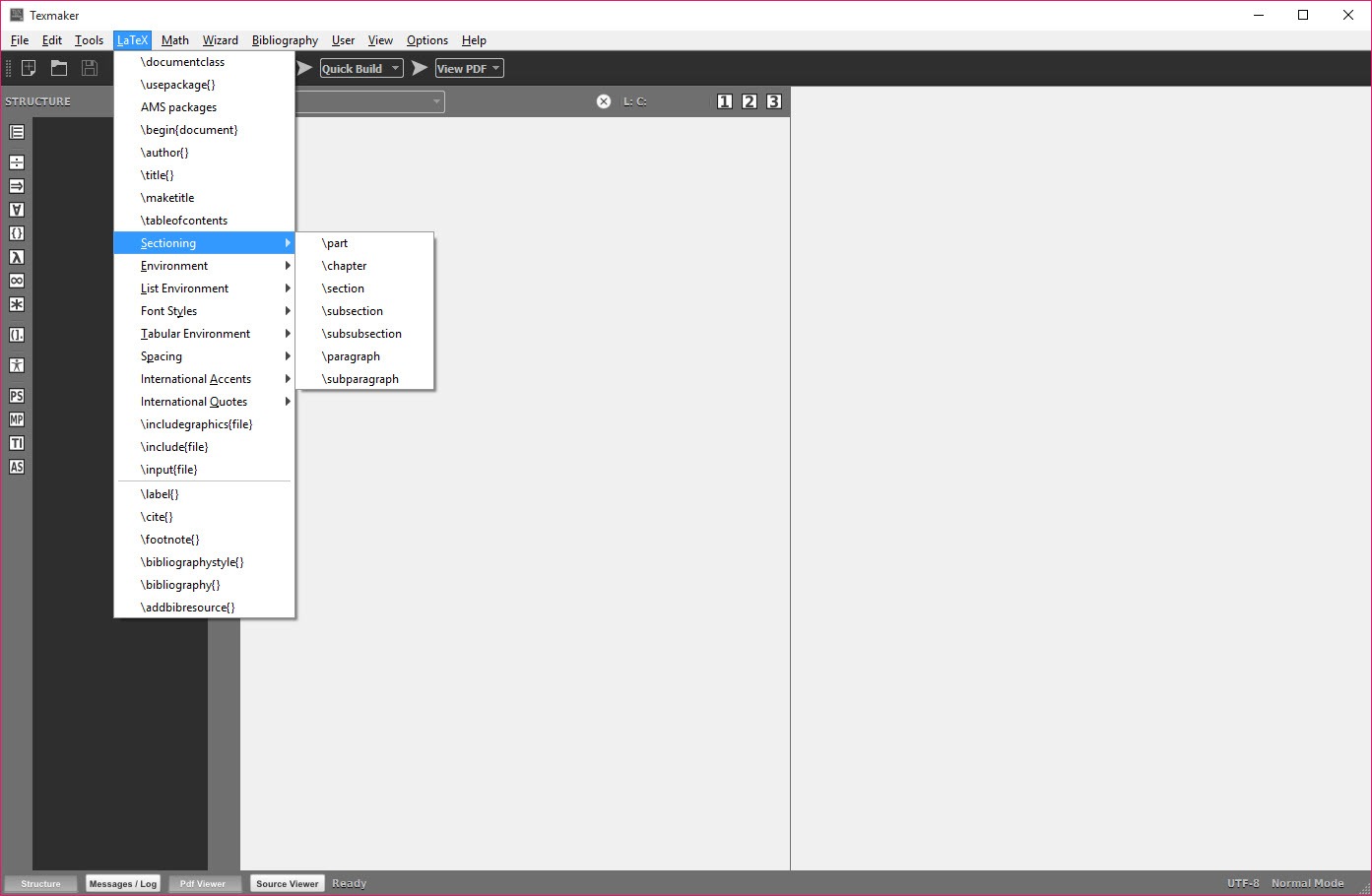
The editor highlights syntax and auto-completes commands to boost productivity. It includes a built-in table generator, a graphical symbol palette and tools to insert labels and references automatically.
A side-panel structure view shows your sections and environments at a glance. Clicking an item takes you directly to the relevant part of your document.
Build and Preview in One Go
You can use TeXlive or MikTeX to compile your documents within the IDE. Output tools let you check for citations and indexes and view line-by-line error messages in a console pane. The built-in PDF viewer allows forward and backward searching between source and compiled output.
All stages of document preparation are integrated smoothly.
Conclusion
Texmaker offers a robust LaTeX environment for users who want efficient, all-in-one document creation without fuss. You can write, compile, and preview your documents within the same interface. Its smart editing tools, built-in PDF viewer, and structured navigation make it well suited for academic and technical writing projects.
While it may feel dense for newcomers, it remains one of the most capable free editors for LaTeX users aiming for professionalism and precision.
Pros & Cons
- Provides an all-in-one LaTeX IDE with editing, compiling and previewing tools
- Syntax highlighting, code completion and templates make writing faster
- On-demand PDF preview lets you see results instantly
- Outline panel improves navigation in long documents
- Open source and available across Windows, macOS and Linux
- May feel overwhelming for users new to LaTeX or technical writing
- Lacks built-in collaboration or real-time sharing features
- Limited WYSIWYG support compared to fully visual editors
Frequently asked questions
Yes, a built-in PDF viewer updates automatically as you compile.
Yes, it offers a graphical symbol palette alongside command shortcuts.
Yes, it has an outline panel for quick heading and environment access.
Yes, it works with TeXlive and MikTeX.


