

Sony Xperia Companion

 (29 votes, average: 3.17 out of 5)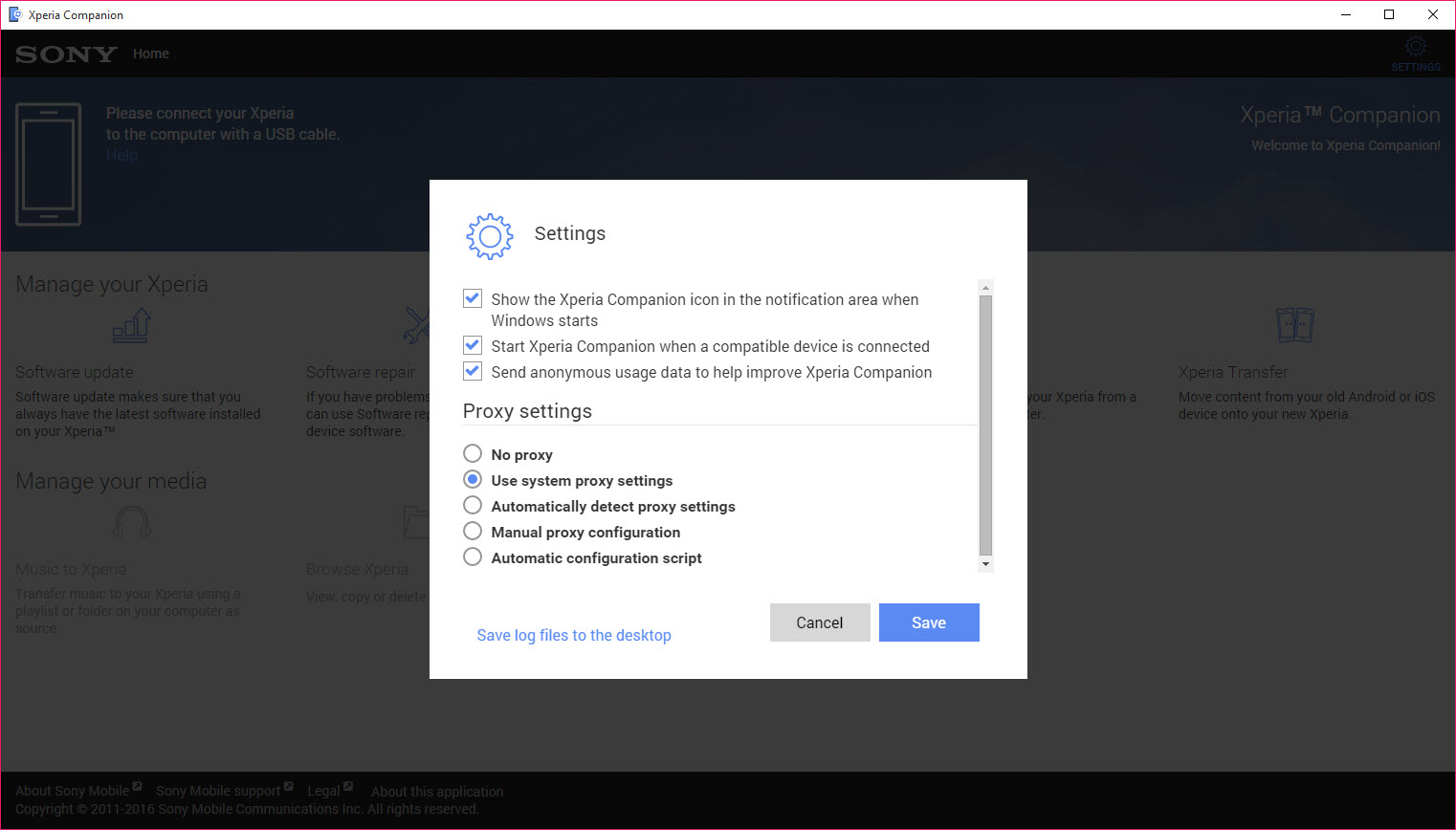

About Sony Xperia Companion
Sony Xperia Companion is the desktop manager Sony built for its Xperia line of Android phones, handling firmware updates, full software repair, backups, and file transfer through a single utility. It replaced the older Sony PC Companion years ago, brought support up through the modern Xperia generations, and then quietly stopped getting major updates as Sony shifted its smaller phone division toward OTA-only updates for newer models.
The tool’s most useful function isn’t backup or sync. It’s the Software Repair feature, which can take a soft-bricked Xperia stuck in a boot loop, refresh the firmware, and bring the phone back to a working state without sending it to a service center.
That single capability is the reason most people install Sony Xperia Companion in the first place.
Software repair as the headline feature
Most manufacturer companion apps stop at backups and OTA updates. Sony Xperia Companion goes a step further with a recovery mode that fully reflashes the device firmware. You plug the phone in, hold the right key combination to enter Sony’s flash mode, and the software downloads the correct firmware package for your model and reinstalls it.
This is the lifeline for several common Xperia problems. A failed OTA update that left the phone hanging at the boot logo. A rooted phone that needs to come back to stock before warranty service.
A device that’s stopped responding to anything but the charging indicator. The repair process erases user data on the device storage, but it brings the phone back to a working factory state when other recovery paths have failed.
The repair workflow itself is pretty walked-through. The software detects the phone model, fetches the matching firmware from Sony’s servers, and writes it to the device while showing progress. It takes anywhere from fifteen minutes to over an hour depending on connection speed and the firmware size.
Worth noting, you need a decent USB cable and the original wall charger isn’t required, but the phone needs at least some battery charge for the process to start.
Backup and restore for Xperia data
The backup function copies contacts, call history, SMS, calendar, system settings, bookmarks, and selected app data to your computer. It runs over USB and stores the backup as a single encrypted package on the PC rather than as readable files. Restoring is a matter of plugging the phone back in, selecting the backup, and waiting for the transfer.
Backups can be created on demand or scheduled, which is useful if you keep your phone plugged in overnight. The encryption is tied to your computer’s user account by default, so moving the backup file to another machine takes some extra steps. This works well for the Xperia ecosystem and less well as a general Android backup tool.
For broader Android backups not tied to manufacturer firmware, Helium Desktop handles app data extraction across brands. Sony Xperia Companion is purpose-built for Xperia and won’t see or back up data from other Android phones.
Manual firmware updates without OTA
Sometimes you want to push a firmware update to a specific device without waiting for the over-the-air rollout, or you want to roll back to a previous version because the latest one introduced a problem. Sony Xperia Companion lets you do this through the same flash mode used for software repair.
You connect the phone in flash mode, the software identifies the model, and it shows the available firmware versions Sony has signed for that device. Picking one downloads and writes it.
This is genuinely useful for power users who want to skip a problematic build, but it’s also where the tool’s age starts to show. For newer Xperia models that Sony has dropped from companion support, the firmware list comes up empty.
File transfer and media handling
The file transfer side is more conventional. Browse the phone’s internal storage and SD card from a Windows Explorer-style panel, drag files in either direction, manage photos and videos in a thumbnail view. Music sync works against folders rather than against a library system, so you point the tool at a folder of MP3s and it copies them over.
This part of the workflow is fine but not impressive. The standard Android MTP file transfer that runs when you connect any Android phone to a PC does most of the same things without needing this software.
The advantage Sony Xperia Companion adds is the photo and contact view, which presents the data in a more curated way than raw file browsing.
How the connection works
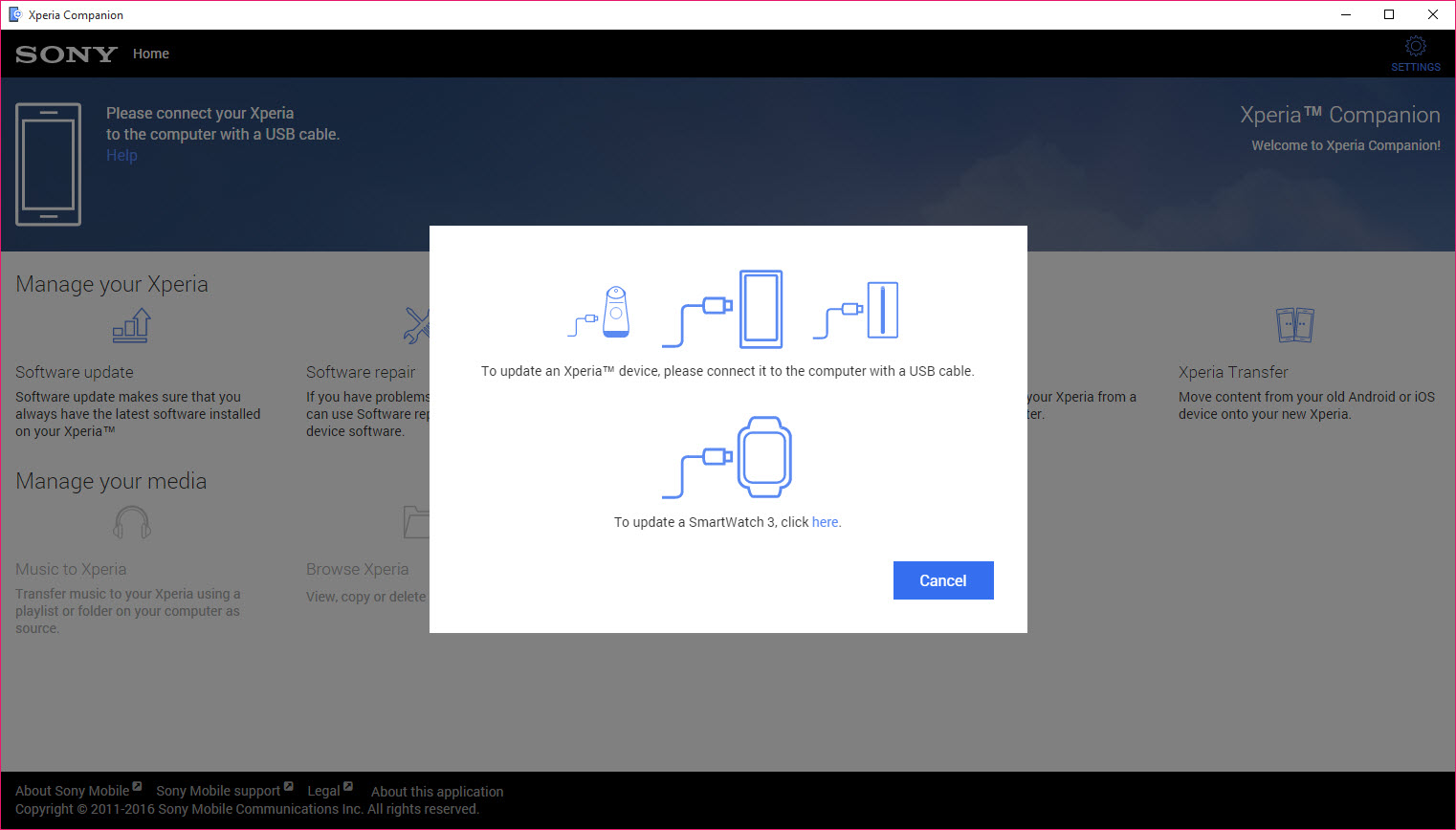
USB cable is the primary connection. Sony also implemented wireless connection for some functions on newer models, which uses the same network as the PC and a pairing code displayed on the phone. The wireless mode tends to be flakier than the wired one and you’ll find yourself reaching for the cable more often than not.
Drivers are handled automatically on most setups. The first time you connect, the software installs the Xperia ADB drivers in the background.
If you’ve previously used Android Studio or another tool that registered its own ADB drivers, there can be conflicts that show up as the phone not appearing in the device list. Reinstalling Sony Xperia Companion usually clears these up.
Device support and the elephant in the room
Sony has been winding down its phone division’s software investment for years, and Sony Xperia Companion is one of the visible signs. The tool still supports the older Xperia generations (Xperia Z, XZ, XA, L1, L3, 1, 5, and 10 series through about the second generation) and handles them well. Newer flagship Xperia models released after Sony shifted strategy aren’t always recognized, and the firmware repair functionality may show no available builds even when the phone is connected correctly.
If you’ve got a legacy Xperia, this tool is essentially mandatory because nothing else does the software repair function. If you’ve got a current Xperia released in the past couple of years, check device compatibility before relying on this for anything critical, since Sony’s support documentation has been quietly removing newer model references.
Other manufacturer tools like HiSuite for Huawei and Samsung Smart Switch for Samsung are in active development. Sony Xperia Companion is more in maintenance mode.
Conclusion
Sony Xperia Companion is a specialized tool for a specific user, which is anyone who owns an Xperia phone from roughly the past decade and needs more than what basic Android file transfer offers. The Software Repair feature alone justifies installing it on any computer you’d use to troubleshoot an Xperia, since it can recover phones from states that no other tool can reach.
The honest caveat is that Sony’s commitment to this software has visibly dropped. Newer Xperia owners may find their phones don’t work fully with it, and the interface and feature set have stagnated.
For legacy Xperia users it still does its job, and it’s the only sensible option Sony provides. For anyone considering it as a primary phone manager on a current device, check that your specific model is actually supported before assuming the tool will help.
Features & benefits
Pros & Cons
- Software Repair feature recovers soft-bricked phones in cases where nothing else works
- Manual firmware install lets you roll back problematic updates or push specific builds
- Backup includes contacts, SMS, settings, and app data in a single encrypted package
- Installs Xperia ADB drivers automatically with no manual driver hunting required
- Free with no premium tier or feature gating
- Wired connection is stable and works on a wide range of Windows versions
- Newer Xperia models released in recent years aren't always recognized or supported
- Development pace has slowed dramatically as Sony scaled back its mobile division
- Backup files are tied to the originating PC's user account and don't move easily
- Wireless connection mode is unreliable compared to USB
- Music sync is folder-based and feels primitive next to library-based managers
- Interface design hasn't been refreshed in a long time and feels stuck in an earlier era
Frequently asked questions
It performs a complete firmware reflash on a connected Xperia phone, which can recover devices stuck in boot loops, failed updates, or other soft-bricked states. The process erases user data on the phone but restores it to a working factory state.
Support depends on the specific model. Older Xperia generations are fully supported. Newer flagship models released after Sony scaled back its mobile software effort may not be recognized, and the firmware list can come up empty for unsupported devices.
Each is the manufacturer's own desktop tool for that brand. This software is built specifically for Xperia phones and handles Xperia-specific firmware. It will not detect or work with Samsung, Huawei, or other Android phones.
Not directly. The tool does the opposite, which is restoring the phone to stock firmware. It's often used to revert rooted devices back to their original state before service or resale.
A backup made on one Xperia can be restored to another Xperia, including a different model in the same family, but not to non-Xperia Android phones.
Try a different USB cable (preferably the original or a known data-capable one), reinstall the tool to refresh the drivers, and make sure you've enabled USB debugging on the phone. Driver conflicts with other ADB-based software are a common cause.


