

Redream
About Redream
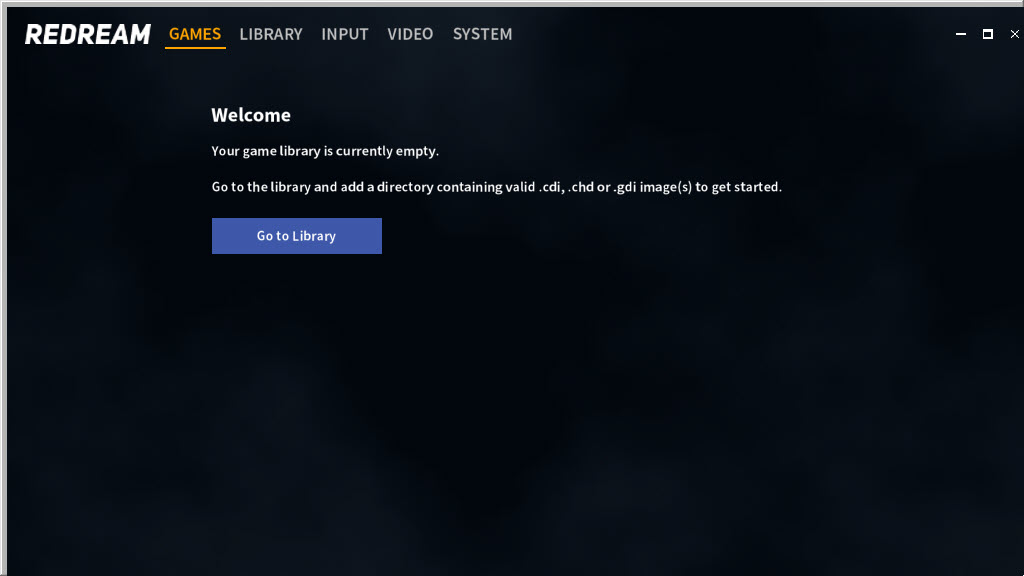
Redream plays Dreamcast games with almost no setup. Install it, point it at a folder of disc images, and the library fills with cover art pulled in automatically. Pick a game and it boots, without asking for the console’s BIOS files that most emulators insist on, because it carries its own high-level recreation of that firmware.
A controller plugged into the computer is detected and mapped on its own. For anyone who wants to play rather than configure, that path from download to game is the shortest in Dreamcast emulation.
The trade for that simplicity is openness and a ceiling on resolution. The emulator is closed source, and the unregistered build renders at the console’s native resolution or a modest upscale, while the premium edition unlocks high-definition and ultra-high-definition rendering along with extra save state slots.
Redream also sits a little behind its main rival on accuracy for the less common games, especially those built on the console’s version of a desktop operating system, which is the honest caveat to the smooth first impression.
The library and loading games
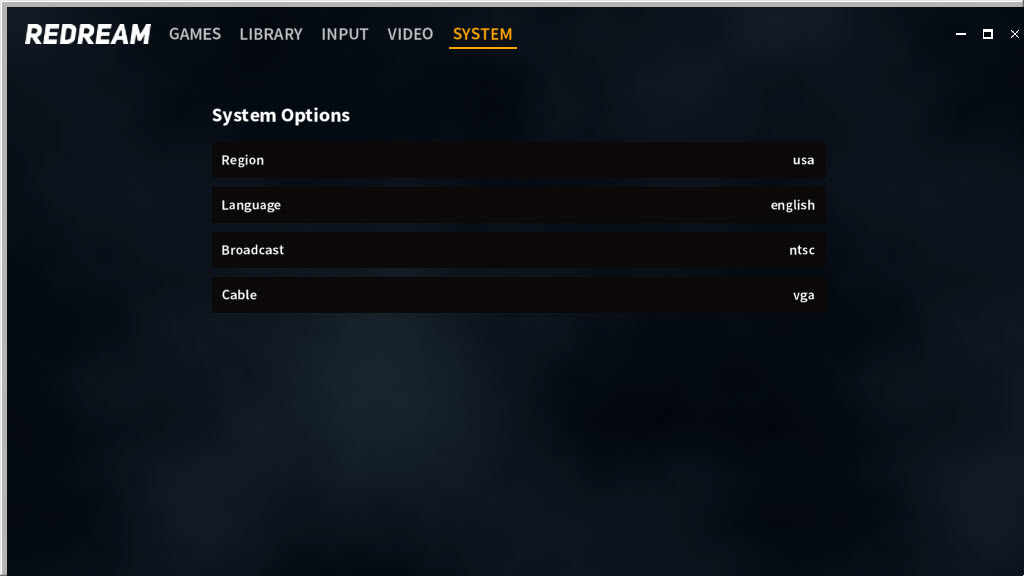
The library view shows your games as a grid of covers, fetched automatically by matching each image, so the collection looks organised without any tagging. Disc images load in GDI, CHD, CDI and BIN/CUE form, and CHD is the one to prefer since it compresses the image without losing anything. Games from different regions run, and the region is handled without swapping BIOS files.
Although no BIOS is required, supplying real dumps of the console’s boot and flash files can improve compatibility with a handful of titles that rely on quirks the built-in replacement does not cover. That is the one setup step to try for a stubborn game.
For a collection that spans several consoles, a front end for emulators can launch these games alongside everything else.
Rendering, widescreen and upscaling
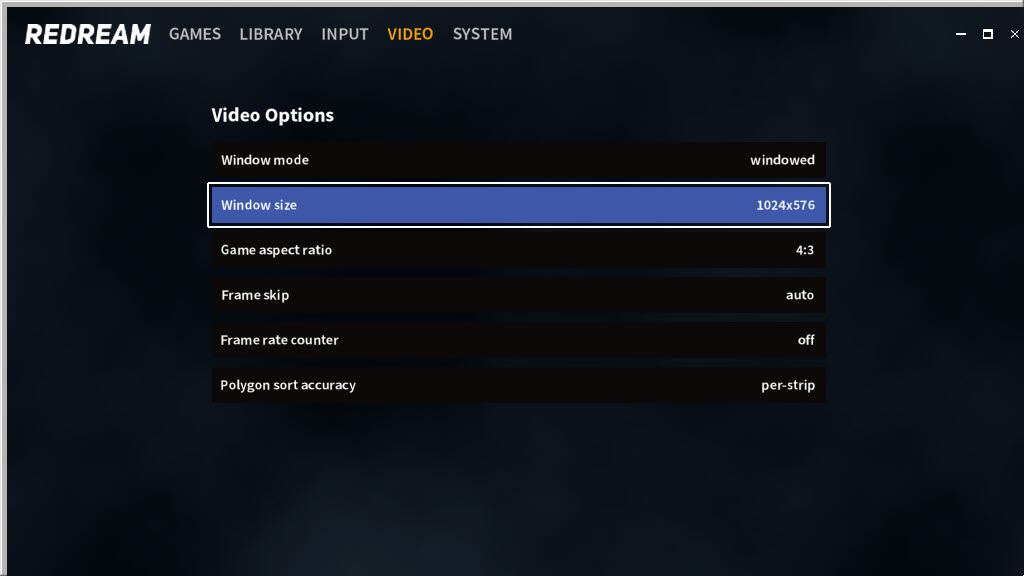
At native resolution Redream matches the original output. The premium edition raises the internal resolution to high definition and up to 4K, which sharpens the angular 3D of these games considerably, along with texture filtering options. Widescreen codes stretch the field of view for supported games so they fill a modern display without black bars, rather than simply stretching the picture.
The visual gains are real and they depend on the game. Titles with clean geometry benefit most from upscaling, while those with sprites or pre-rendered backgrounds can reveal seams at high resolution.
Frame pacing is smooth on ordinary hardware, and the emulator runs acceptably even on modest machines at native resolution, much as a PS2 emulator scales its own upscaling to the graphics card available.
Controllers, memory cards and save states
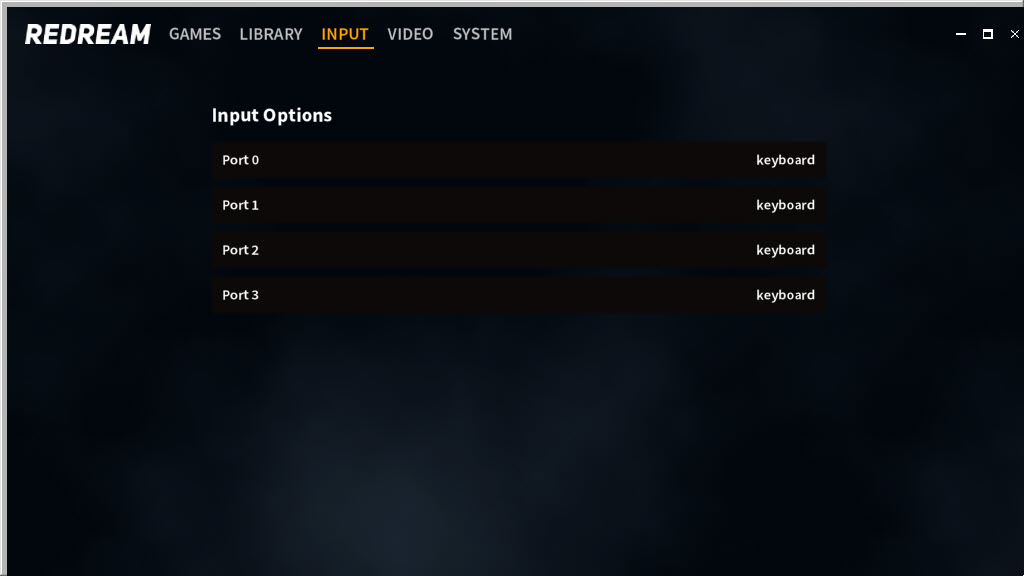
Gamepads connect to Redream and disconnect automatically, with Xbox and PlayStation layouts recognised, and every button can be remapped. A PlayStation pad that the system does not see natively works once a DualShock driver wrapper presents it as a standard controller. Each port can take a virtual memory unit, the console’s small memory card, and its tiny screen appears on the display so games that showed information there still do so. Its beeps are not reproduced.
Save states capture the whole machine at any moment, with more slots in the premium edition, which rescues games that only let you save at distant checkpoints. Cheat codes are supported for those who want them.
In-game saves go to the virtual memory units, and those files are separate from save states, so backing up both keeps progress safe.
Where it falls short
Accuracy on the less common titles trails the leading open-source alternative, and games built on the console’s desktop-style operating system are the weakest group. Arcade boards that shared the Dreamcast’s hardware are not covered at all. There is no rewind, no netplay and no support for most of the console’s more unusual peripherals, from light guns to fishing controllers. Being closed source, its future rests with its maker, and bugs can only be fixed when an update arrives.
Supplying game images is the user’s responsibility, and the emulator provides none.
Conclusion
Redream suits anyone who wants to revisit Dreamcast games with the least possible fuss, from someone rediscovering a childhood favourite to a player who has never touched an emulator. The missing BIOS step, the automatic covers and the plug-in controllers make it the gentlest start in the field, and the premium upscaling makes the games look better than they ever did on a television.
It is the wrong choice for chasing the most obscure titles, for arcade boards or for anyone who wants open source. Start with the unregistered build, use CHD images, and try a real BIOS dump only when a specific game misbehaves.
Pros & Cons
- Boots games with no BIOS files thanks to a built-in firmware replacement
- Library with automatic cover art for GDI, CHD, CDI and BIN/CUE images
- Controllers detected and mapped automatically
- Virtual memory unit screens shown on the display
- Save states and cheats, with widescreen codes for supported games
- High-definition and 4K rendering need the premium edition
- Lower accuracy on less common and desktop-OS-based games
- No arcade board support, rewind or netplay
- Closed source, with no support for most specialty peripherals
Frequently asked questions
No. It includes its own firmware replacement, so games boot without BIOS files. Adding real dumps can help a few stubborn titles.
Yes, in the premium edition, which raises the internal resolution to high definition and up to 4K. The unregistered build uses native or modestly upscaled resolution.
CHD, since it compresses the image losslessly. GDI, CDI and BIN/CUE also load.
Yes. Save states capture the game at any moment, with extra slots in the premium edition. In-game saves are stored separately on virtual memory units.


