

Cemu - Wii U Emulator
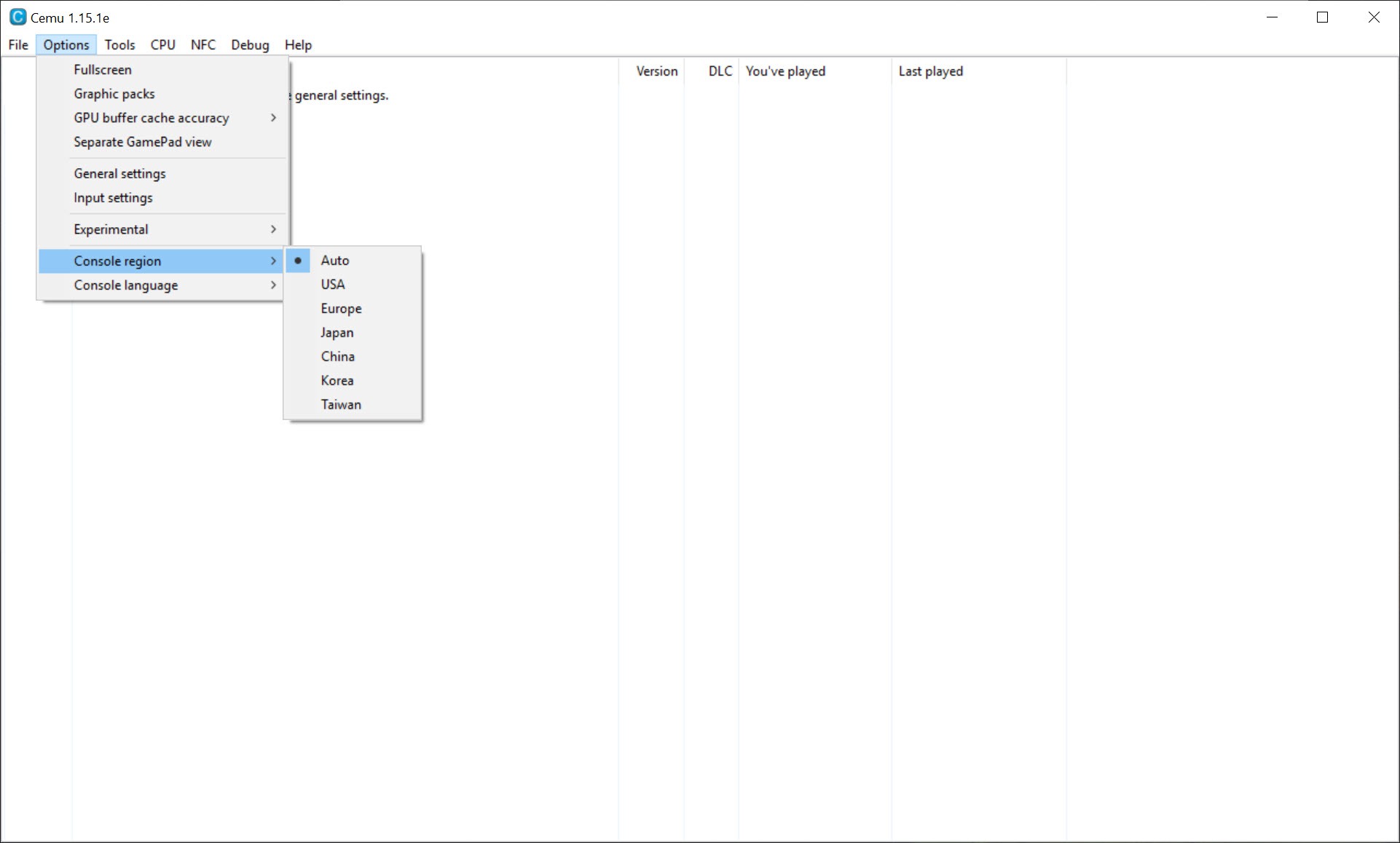
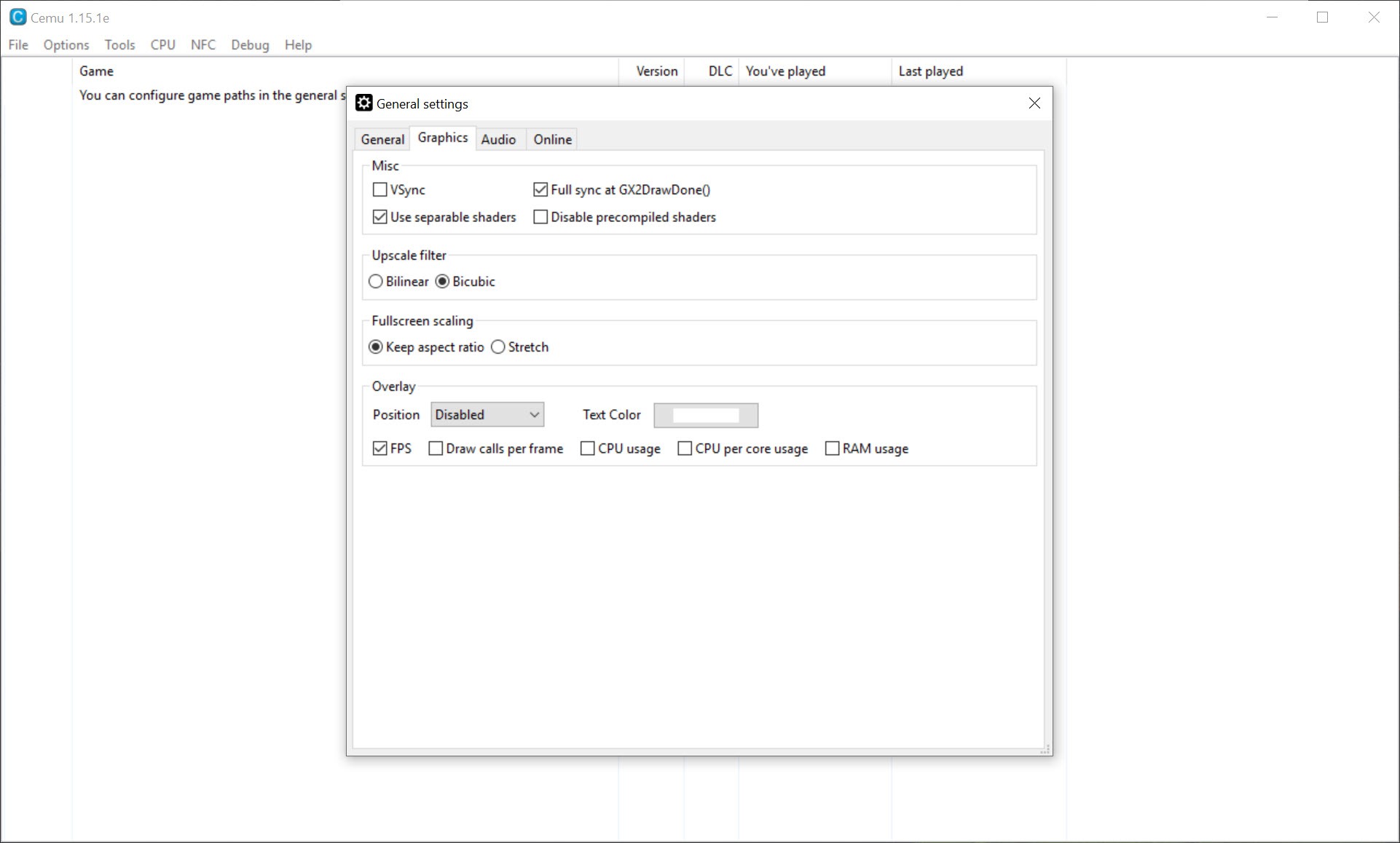
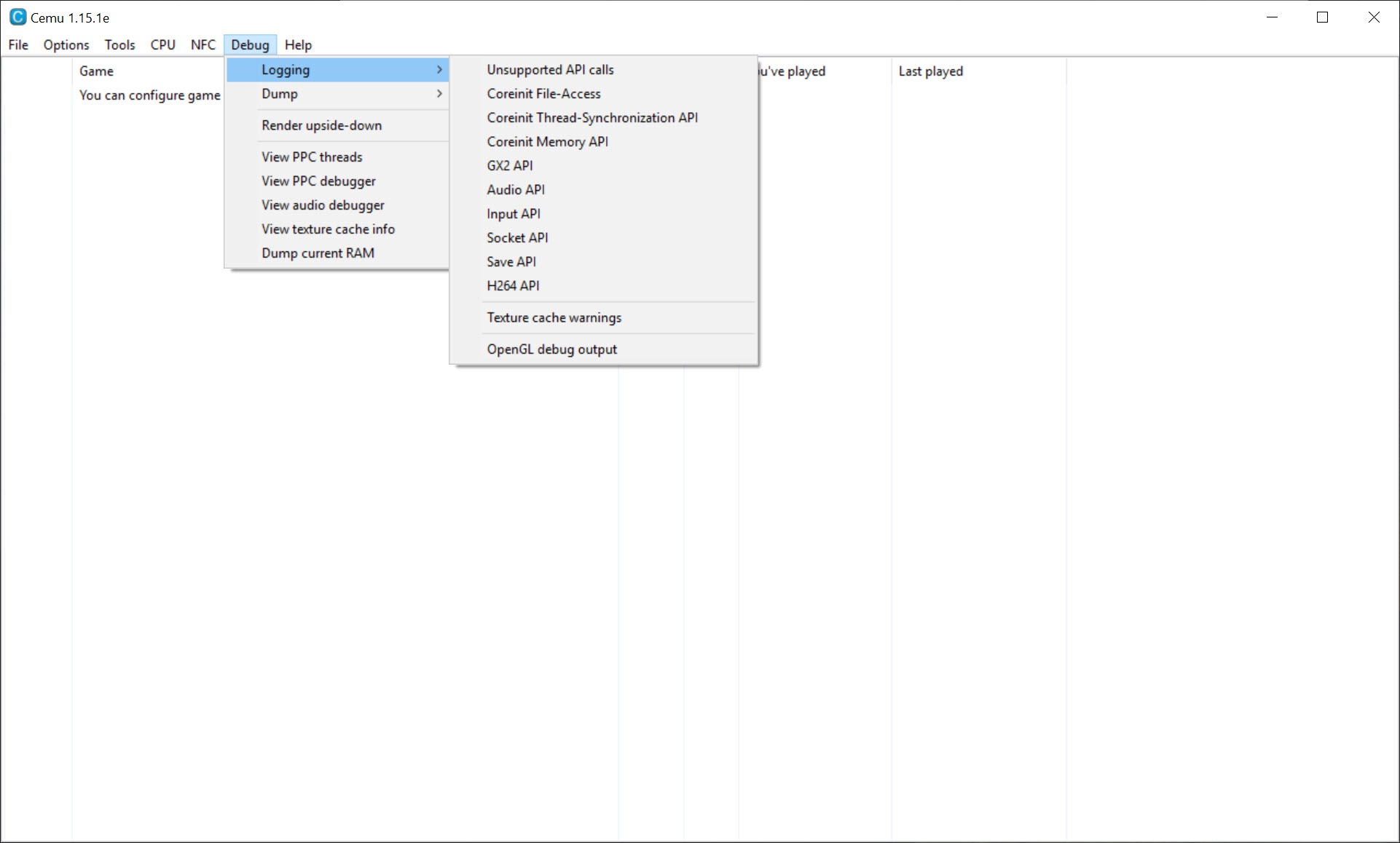
About Cemu - Wii U Emulator
Emulating a console whose graphics chip works nothing like a desktop card means translating its shader programs into something your hardware can run, and that translation is where the whole experience is decided. Cemu runs games from the console in question, frequently at resolutions the hardware itself could never produce, and one setting separates a stuttering mess from a smooth one.
Beyond running the games, it exposes them to community modification through a system of packs that adjust resolution, frame rate and individual quirks per title.
Understanding the shader problem first makes everything else make sense.
Why it stutters when something new appears
Here is the mechanism behind the complaint that defined Cemu for years.
The console’s graphics programs have to be recompiled to run on a desktop card. That happens the first time each one is needed, which means the moment a game shows a visual effect it has not shown before, the picture pauses while the translation takes place.
Walk into a new area, trigger a new spell, watch a new weather effect, and the game hitches. It then never hitches on that effect again, which is why the first hour of any title used to be the worst hour.
The scale of the problem is worth stating. A single logical shader produces dozens or hundreds of variations depending on how it is being used at that moment, meaning the blending, the render targets, the anti-aliasing and the vertex arrangement, so the number of translations a large game needs is enormous.
The setting that fixed it
This is the Cemu answer, and the emulation community states it directly.
Asynchronous compilation moves the translation off the main thread. When a game calls for a shader that has not been translated, the frame skips drawing that element rather than waiting, and the translation happens in the background for next time.
The result is that the pause disappears, replaced by a briefly missing effect that nobody notices. Reports describe stutter in the first minutes of a game and effectively none afterwards.
It pairs with the newer of the two graphics interfaces, which receives the development attention and handles caching better. The older interface survives as a fallback for hardware lacking adequate support for the newer one.
The community’s own guidance is unambiguous, which is to enable this before going looking for anything else.
The shader caches people trade are now the wrong answer
The practice Cemu replaced, and there is a specific reason not to return to it.
Before the setting existed, people shared the translated shaders they had generated, so a new player could start with somebody else’s work rather than building it themselves. Those files still circulate.
The wiki maintained by the emulation community now recommends against that approach, for two reasons. Generating a complete set for a large game is very difficult, so a downloaded set is incomplete and the stutter returns anyway.
More specifically, caches generated on one graphics card can cause slowdowns on another, with particular cards named as affected. The remedy in that case is deleting the downloaded files and letting your own machine build its own.
So the modern sequence is the opposite of the old advice. Enable the setting, let the cache build naturally as you play, and do not delete it between sessions, since wiping it reintroduces exactly the stutter the setting exists to smooth.
Graphics packs are the real feature
The part that makes Cemu more than an emulator, and the advice attached to it is worth repeating.
Packs are community-maintained modifications applied per game, covering resolution beyond anything the console could output, frame rate adjustments, and fixes for problems specific to individual titles.
The resolution case is the visible one. The console topped out at a particular output, so anything sharper than that is the emulator rendering at a higher internal resolution rather than something the hardware ever produced.
The advice from people who set this up regularly is more useful than the feature list. Before concluding your hardware is too slow for a particular game, check whether that game has a pack addressing its specific problem, because five minutes of looking frequently beats any upgrade.
And where the hardware really is the limit, dropping to a lower resolution pack rather than running at the highest available is how you buy frame rate back.
For seeing what your card actually supports before choosing between the graphics interfaces, GPU-Z reports the capability levels directly.
Processor modes, and why fewer can be better
A Cemu setting people leave alone that occasionally matters more than the graphics ones.
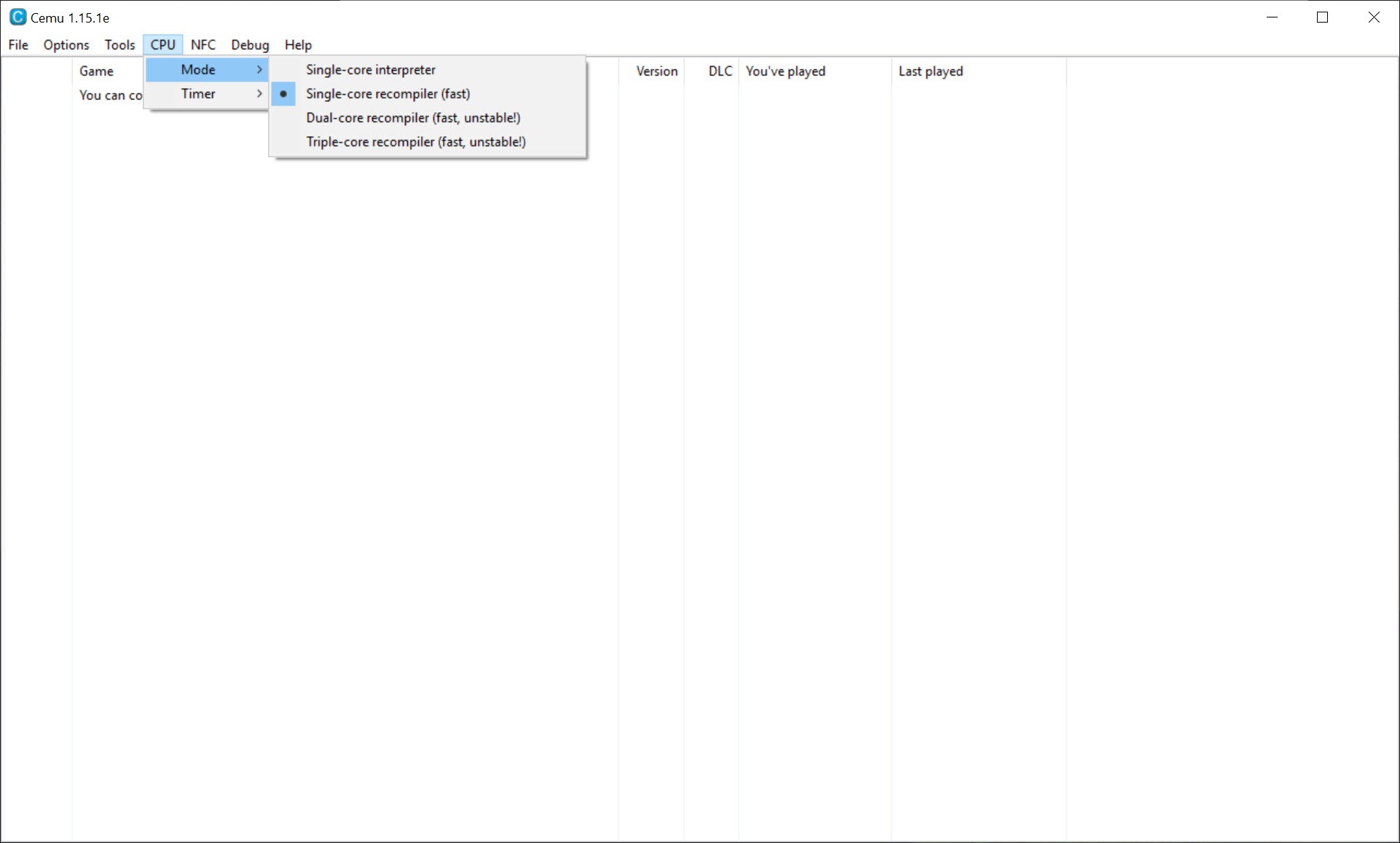
Several processor modes are available, ranging from a simple interpreter through recompilers using one, two or three cores.
Most machines perform best on the three-core option, and some titles are more stable on two. The reason is in how those games were written rather than in your hardware, so the right answer is per game rather than per machine.
That is worth a minute of experimentation on any title that runs unevenly despite the graphics settings being correct.
Emulation is approximation, and here is what that looks like
One example from the Cemu change history illustrates the whole discipline better than any explanation.
A particular game ships shader programs containing infinite loops. The real hardware has a mechanism for escaping those, which the emulator does not yet reproduce, so the graphics driver crashes instead.
The fix was a specific workaround for that specific game. Multiply that by a library of hundreds of titles and you have the actual work of emulation, which is not writing one program that runs everything but discovering and accommodating what each one does.
The console generation running alongside this one posed the same problem from a stranger architecture, and an emulator for a machine with eight specialised co-processors took even longer to become usable.
That is also why compatibility lists exist and why checking one before starting saves disappointment.
Getting the games onto the machine
The Cemu requirement that stops people, and it is higher than for older consoles.
The system files and the games are encrypted, and the keys come from your own console. That means a working console is needed at least temporarily, along with modifying it enough to extract what is on it.
So this is not the arrangement where you download an emulator and a file and start playing. There is real work before anything runs, and it involves hardware you have to own.
That sets it apart from emulating older systems, where Snes9x needs nothing but the emulator and a file.
Conclusion
Cemu reached the point where the console’s library runs better than it did on the console, which is the goal every emulator aims at and few achieve. Higher internal resolution, community packs fixing individual titles and a translation layer that no longer freezes every few seconds add up to something properly better than the original.
Two things decide your experience. Enable asynchronous shader compilation with the newer graphics interface before changing anything else, since that single setting is the difference between the emulator’s reputation and its current state. And accept the entry requirement, because the keys and the games come from a console you have to own and modify, which is real work before anything runs at all.
Pros & Cons
- Asynchronous shader compilation removes the stutter that defined earlier versions
- Renders above the resolution the original hardware could produce
- Community packs fix individual games, frequently beating a hardware upgrade
- Processor mode selectable per title, which matters for awkwardly written games
- Pipeline caches transfer between machines independently of hardware and drivers
- Open, with development visible and community contributions incorporated
- Requires a working console to obtain the keys and the games
- Hardware demands are far above emulators for older systems
- Shader caches shared online can slow things down on the wrong card
- First playthrough still stutters briefly while the cache builds
- Per-game workarounds mean compatibility varies, so lists need checking
Frequently asked questions
Because the console's shader programs are recompiled for your graphics card the first time each one is needed, which pauses the picture. Enabling asynchronous compilation moves that work into the background and the pause disappears.
No, and the emulation community now advises against it. Complete sets are difficult to generate so downloaded ones leave stutter anyway, and caches built on a different card can slow yours down.
Yes, at least temporarily. The keys and the games are encrypted and come from dumping your own hardware, which is a higher barrier than emulating older systems.
Because of how that particular game was written rather than anything about your machine. Most titles prefer the three-core option and some are steadier on two, so it is worth testing per game.
Yes, through resolution packs, since the emulator renders internally at whatever resolution you ask for rather than being limited to what the original hardware output.


