

Mailbird
About Mailbird
Email clients mostly compete on how well they handle email, which is reasonable and leaves them all doing roughly the same thing. Mailbird competes on something else, which is putting the rest of your working day in the same window as the mail.
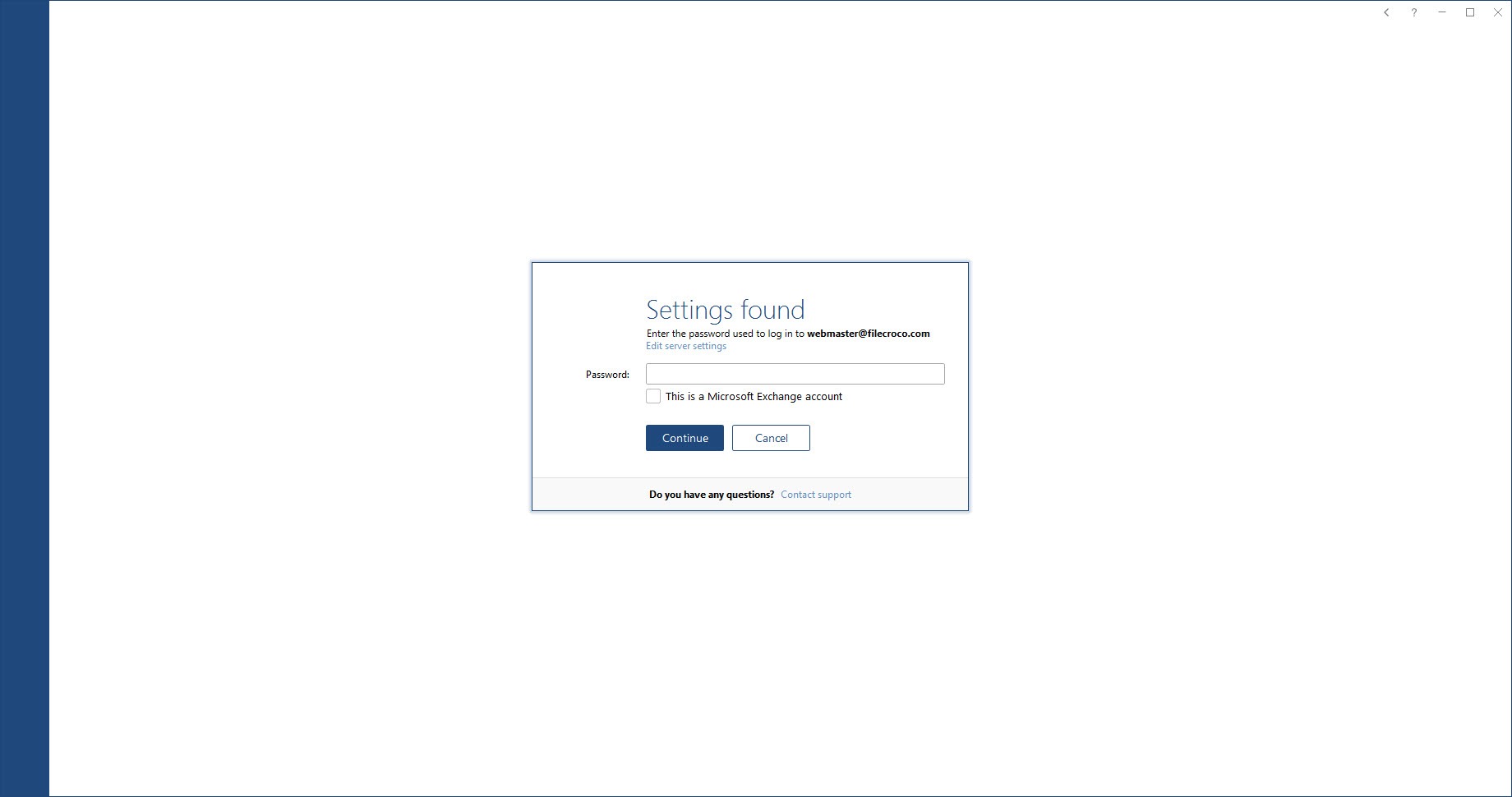
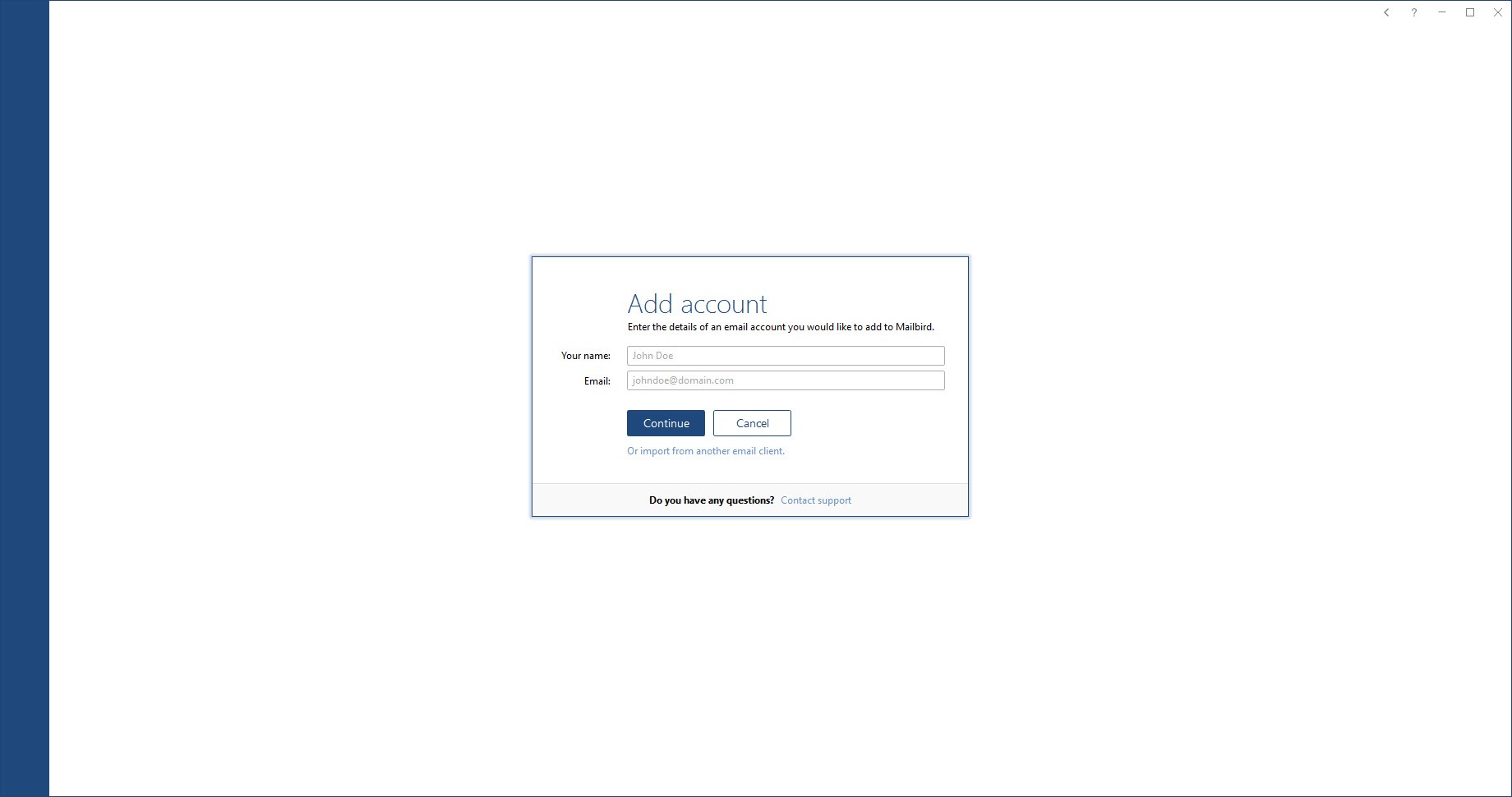
The mail handling underneath is conventional and works as expected. Several accounts collect into one inbox, server settings are detected from the address rather than typed in, and the usual folder and search apparatus behaves the way anybody would assume.
What sits beside it is the argument. A sidebar holds calendars, contacts, messaging services and task tools, so replying to a message and checking whether you are free that afternoon happen without leaving anything.
The sidebar, and what it actually contains
Being accurate about the Mailbird sidebar matters, because the integration is presented as though those services are part of the client.
They are not. Each one is the service’s own web interface, embedded in a panel rather than rebuilt as a native component. That means it behaves exactly as it does in a browser, with the same appearance and the same features, and it also means it is a web page in a frame rather than something the client understands.
The practical consequence is mixed. Nothing is lost in translation, since you are using the real service, and nothing is gained either. Your messaging service will not talk to your mail, and a calendar entry will not appear in a message thread, because the two are neighbours rather than colleagues.
For gathering many web services into one window without the mail client attached, Franz does that job on its own and covers considerably more services.
Composing, and the keyboard
Writing is where a client either stays out of the way or does not, and the shortcut arrangement here is thorough enough to work without touching the mouse for a whole session.
Composition covers the expected formatting, signatures per account and quick switching of which account a message goes out from, which matters when several addresses collect into one inbox and replying from the wrong one is easy.
Contacts populate from the connected accounts rather than needing separate maintenance, so recipient completion works from the first message rather than after you have built an address book.
The reading and writing tools
Several Mailbird additions target the daily grind of a full inbox.
Attachment preview opens a file without saving it first, which removes a small repeated annoyance. Snoozing removes a message until a chosen time, so an inbox reflects what needs attention now rather than everything that has arrived. A speed reading tool presents message text word by word at a set pace, which some people find measurably faster and others find unbearable.
Mailbird search covers attachments as well as message text, which matters more than it sounds when the thing you are looking for is a document somebody sent rather than something they wrote.
Layout, colours, density are all adjustable, and the client is unusually accommodating about that compared with the alternatives, which tend to offer a theme and a compact mode.
Read tracking, and the other side of it
One Mailbird feature deserves a plain note rather than an enthusiastic listing.
Mailbird can tell you when a message you sent has been opened. That works by embedding a small invisible image in the message and observing when the recipient’s client requests it.
That is precisely the mechanism ad trackers use, and it is precisely what tracker blocking exists to stop. Somebody using this feature is doing to their correspondents what they would object to a marketing department doing to them, and many recipients block remote images specifically so it fails.
Useful in some business contexts, and worth understanding rather than switching on casually.
What the unpaid tier covers
The unpaid Mailbird arrangement supports a limited number of accounts and withholds the features above, which makes it a demonstration rather than a working configuration for most people.
That is an honest way to describe the product. The realistic version of this client is the paid one, and evaluating it means evaluating what you would actually be committing to rather than what runs without a commitment.
For a fully featured client with no such division, Thunderbird does everything without tiers and extends through a large add-on catalogue, at the cost of an interface that has never prioritised looking good.
eM Client is the closer comparison, occupying similar territory with a similar arrangement and stronger calendar handling built in rather than embedded.
Conclusion
Mailbird is the email client for somebody who cares how their software looks and wants fewer windows open. The unified inbox works, the setup is painless, the interface adjusts further than its rivals allow, and having a calendar and a messaging service one click away suits how a lot of people actually work.
Be clear about two things. The sidebar holds web pages rather than integrated components, so proximity is what you are buying rather than any connection between them. And the read tracking is the same technique everybody complains about when it is done to them. Neither undermines the client, and both are better understood before installing than discovered afterwards.
Pros & Cons
- Several accounts collect into one inbox with server settings detected automatically
- Sidebar puts calendars, messaging and task services beside the mail
- Attachment preview without saving, and search that covers attachment contents
- Message snoozing keeps the inbox limited to what needs attention now
- Layout, colour, density all adjustable rather than a choice of two themes
- Setup is quick, with almost nothing to configure manually
- Sidebar services are embedded web interfaces rather than integrated components
- Those services do not interact with the mail or with each other
- Read tracking works by the same method that tracker blocking exists to defeat
- The unpaid tier withholds enough to be a demonstration rather than a usable client
- Nothing here that a browser with the same services open does not also provide
Frequently asked questions
It embeds the web interfaces of calendars, messaging services and task tools beside the mail, so they are reachable without switching windows. They remain separate services rather than becoming part of the client.
No. Each is the service's own web interface in a panel, so a calendar entry and a message thread have no connection. The convenience is proximity rather than integration.
By embedding an invisible image in the message and noting when the recipient's client requests it. That is the same technique used for tracking generally, and recipients who block remote images defeat it.
For a small number of accounts and basic mail, yes. The features that distinguish the client are withheld, so evaluating it properly means considering the paid configuration.
The mail handling is comparable and the interface is considerably more attractive and adjustable. The established alternatives offer deeper calendar handling or larger extension catalogues, depending on which you compare against.


