

Everything
About Everything
Built-in file search is slow because it does the obvious thing, which is walking through folders asking each one what it contains. Everything does not do that. It reads the table the file system already maintains listing every file on the volume, in bulk, and builds its own index from that.
The difference is not incremental. A drive is indexed in roughly a second, and a volume holding a million files takes about a minute. After that, typing a few letters produces matching results with no perceptible delay, sorted however you like, because the sorting happens against an index held in memory rather than against the disk.
That single architectural decision explains the speed, the small memory footprint, and every limitation the program has.
Reading the table rather than walking the tree
The file system keeps a master record of every file on a volume, because it needs one to function. Most search tools ignore this and enumerate folders one at a time, which is why a search across a large drive takes minutes.
Everything reads that record directly, in one bulk operation, and extracts the names and paths from it. There is no crawling, no per-folder overhead and no waiting.
The same trick has been applied elsewhere to good effect. WizTree reads the identical structure to calculate disk usage, which is why it produces a full drive analysis in seconds while conventional disk usage tools grind through folders for several minutes. Once you have seen the technique twice, the slowness of the alternatives starts to look like a choice rather than a limitation.
The change journal keeps it current
An index built once would be stale within minutes, so after the initial read the program watches the change journal the file system driver maintains, applying additions, deletions, renames as they happen.
That journal is the detail that produces the most surprising behaviour. Because the file system maintains it rather than the program, closing Everything does not create a gap. Restart the machine, leave it shut for a week, and on the next launch it reads what happened while it was away and catches up rather than rebuilding.
The database itself lives in memory while running and is written to disk when the program exits, which is why memory use is what it is and why a forced shutdown means a slightly longer start next time.
What is indexed, and what is not
Names and paths are always indexed. File size and modification date are indexed by default, and other attributes optionally, all of which can be searched and sorted instantly because they are in the same index.
File contents are not indexed, and this is the trade at the centre of the design. Searching inside documents means opening and reading them, which is exactly the slow operation the whole architecture exists to avoid. Everything can search contents when asked, and doing so abandons the instant response and becomes an ordinary sequential search.
So the honest arrangement is two tools. This one for finding a file by name in under a second, and Agent Ransack for the times you remember a phrase inside a document but not what it was called.
For pattern matching across the contents of a folder of source files or configuration, a search built around regular expressions across file contents does that job more precisely again.
The query syntax nobody learns
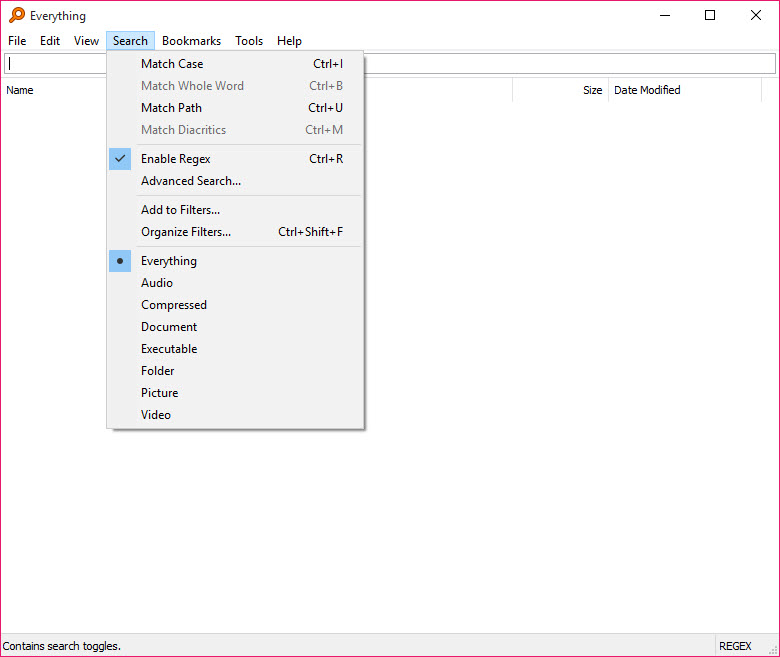
Most people type a few letters into Everything and stop there, which wastes most of what is available. Several terms separated by spaces are combined with an implicit AND, so typing two words finds files matching both. A vertical bar between terms gives OR instead.
Regular expressions are a keystroke away for anything the simple syntax cannot express. Beyond that sits a set of search functions covering size, extension, path, folder, duplicates and dates, all usable inline in the same search box.
The date functions repay a closer look because they distinguish things most tools conflate. Date modified changes when the contents change. Date created is what it says. Date changed is different again, updating whenever the file system entry itself changes, so a rename or an attribute change moves it while the modification date stays put.
Anyone hunting for a file somebody renamed last Tuesday will appreciate the distinction.
Volumes it cannot read the fast way
The bulk read in Everything applies to volumes using the journalled file system on local drives. Anything else falls outside it, which covers older removable media, network folders and shares.
Those can still be included, added manually through the options, and the program then enumerates them the conventional way and watches them by monitoring folders rather than reading a journal. It works, and it is slower to build and less immediate to update, which is a fair description of the underlying constraint rather than a fault.
The feature that solves the awkward cases is the file list. A snapshot of the files on network storage, an external drive or an optical disc can be captured and folded into the index, which means you can search a disc that is sitting in a drawer and find out which one holds the thing you are looking for before hunting for the disc itself.
Serving the index to other machines
Two servers are built in, and almost nobody knows they are there. One serves the index over the web, so a browser on another machine can search this one and download results. The other implements a transfer protocol for the same purpose, which is the recommended route for searching a large network volume quickly.
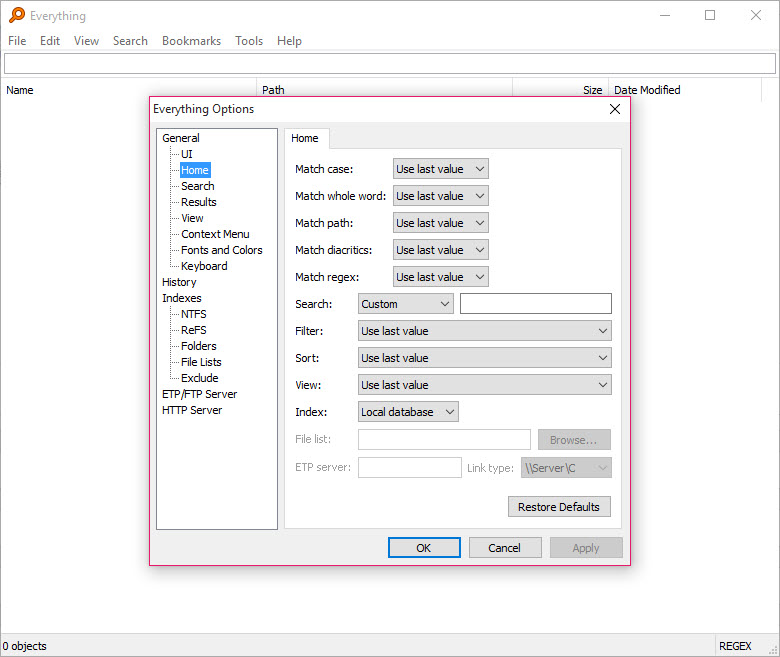
The web port is configurable, which matters because the obvious default is frequently already taken by something else on a machine that runs any kind of local server.
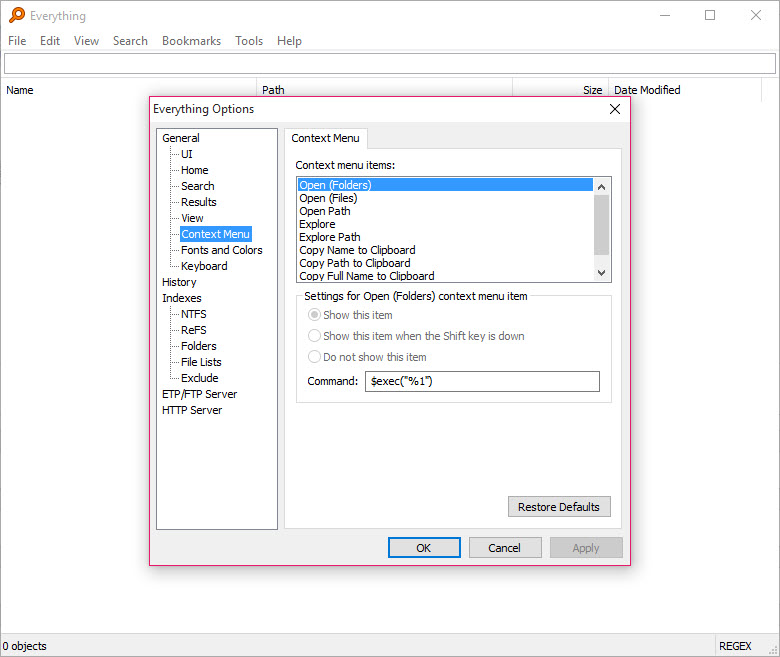
Integration with the rest of the desktop is handled through settings for an external file manager and customisable right-click entries, so double-clicking a result can open it in Total Commander or whatever you actually use rather than the default browser window.
Elevation, and the rough edges
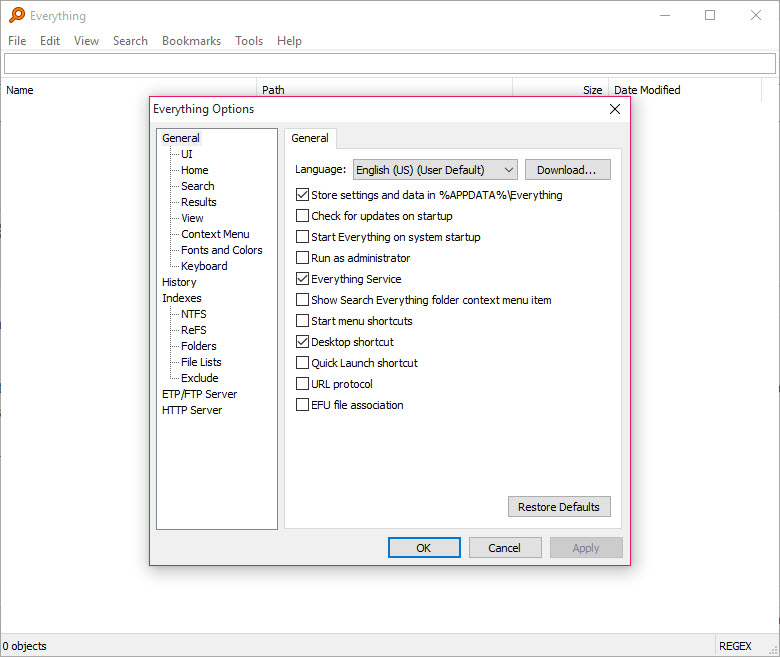
The low-level volume read requires administrative rights, which produces an elevation prompt at every start unless you deal with it. The proper answer is installing the accompanying service, after which the program runs as a standard user and the service performs the privileged read on its behalf.
Two structural quirks are documented rather than hidden. Hard links are all indexed, but a change to a file updates only the first entry, so the others show stale information. And junctions are not followed during indexing, which prevents the same tree being indexed repeatedly and means a junction to somewhere unindexed leads nowhere.
The interface is plain and every capability lives in a menu. If the actual problem is reaching folders you already know rather than finding files you have lost, a curated list of the places you work solves a different half of the same frustration and the two coexist happily.
Conclusion
Everything is one of the few utilities that is simply better than the thing it replaces, with no meaningful trade for most people. Finding a file by name goes from a task you postpone to something you do without thinking, and the mechanism behind that is honest engineering rather than a trick.
Know what you are getting though. It finds files by name and path, not by what is inside them, so a content search tool belongs beside it. The fast path applies to local journalled volumes and other storage is handled more conventionally. And the useful half of the product, meaning the search functions, the file lists and the servers, sits behind menus most users never open. Spend twenty minutes with the search syntax and it stops being a fast search box and becomes a way of interrogating your own disk.
Pros & Cons
- Indexes a whole drive in about a second by reading the file table in bulk
- Results appear as you type, with sorting handled against an in-memory index
- The change journal means nothing is missed while the program is closed
- Implicit AND, a bar for OR, and regular expressions a keystroke away
- Search functions cover size, extension, path, duplicates and three distinct date types
- File lists capture a snapshot of removable or network storage for offline searching
- Built-in web and transfer servers let another machine search this index
- Runs as a standard user once the accompanying service is installed
- File contents are not indexed, so searching inside documents abandons the speed
- The bulk read only applies to journalled local volumes, with other storage enumerated
- Administrative rights or the service are required for the fast indexing path
- Changes to a hard link update only the first indexed entry
- Junctions are not followed, so trees reached only that way stay invisible
- The interface is plain and its capabilities are buried in menus
Frequently asked questions
Because it reads the file system's own master record of every file in one bulk operation rather than walking through folders one at a time. Building the index is a single read instead of thousands of small ones.
Not by default, and that omission is the reason it is fast. Content searching is available and behaves like any ordinary search, meaning it opens and reads files, so the instant response does not apply to it.
No. The change journal it relies on is maintained by the file system rather than by the program, so it reads what happened during its absence on the next launch and catches up rather than rebuilding.
The bulk read of the volume record is a privileged operation. Installing the accompanying service moves that work into the service, after which the program itself runs as a standard user with no prompt.
Yes, by adding the folder manually, though those are enumerated conventionally and monitored by watching folders rather than through a journal. For a large network volume the built-in transfer server is the faster arrangement.
It can, through file lists. Capture a snapshot of a disc or an external drive once, add it to the index, and the contents remain searchable afterwards, which answers the question of which disc holds the file before you go looking for it.


The best tool to find any document in a second on your discs.