

MailWasher
About MailWasher
MailWasher belongs to a category that the modern email landscape has nearly emptied out. Standalone anti-spam software designed to filter messages on the mail server before they ever reach your inbox. The concept made obvious sense in the era of dialup connections and POP3 accounts, when every megabyte of spam cost actual money and time to download. Two decades later, with always-on broadband and the spam filtering built into Gmail, Outlook.com, and most other major providers, the audience for this kind of tool has shrunk to specific niches.
The application has continued to update through that shift, with current builds supporting Windows 11 and recent IMAP changes, and the use cases that remain are genuine even if they are narrower than they once were.
Firetrust, the New Zealand company behind the software, has maintained the product on a pay-what-you-want model since the early 2000s. The free version handles a single account without the Bayesian learning filter.
The preview-on-server concept
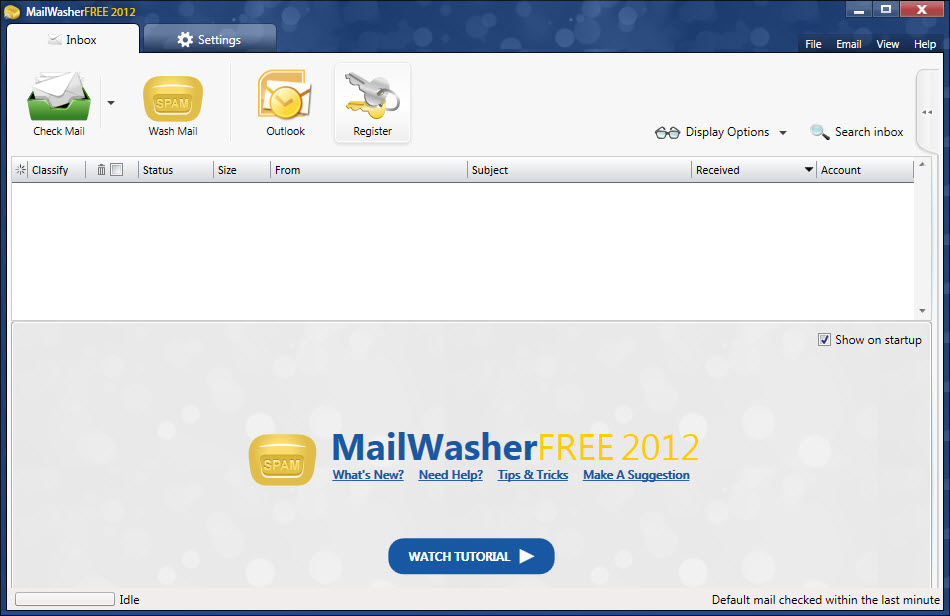
This is the core architectural decision that defines the application. Instead of using a traditional spam filter that runs on incoming mail after it arrives in your client, this software logs into your mail account directly on the server, fetches just the headers and a small portion of each message body, and displays the list before any actual download occurs. You see what is waiting on the server, with sender, subject, size, and a preview snippet. You decide what to keep, what to delete, and what to bounce. You click Wash, and the application carries out your decisions on the server side. Then your actual email client downloads only what you approved.
The mechanical advantage is that spam never reaches your computer. Malicious attachments, tracking pixels, and embedded scripts in HTML emails all stay on the server and get deleted there. Your email client downloads a clean inbox. The downside is that this only works as designed if you use the application before opening your email client, which adds a step to the routine that did not exist before.
For users on slow or metered connections, this matters more than it sounds. Downloading 200 MB of spam attachments daily costs real time and bandwidth in environments where those resources are constrained. Satellite connections, mobile-data-tethered desktops, certain rural broadband, and metered cellular plans all see practical benefits.
For users on fast unlimited connections, the bandwidth concern is theoretical and the security benefit is the real argument.
What gets evaluated and how scoring works
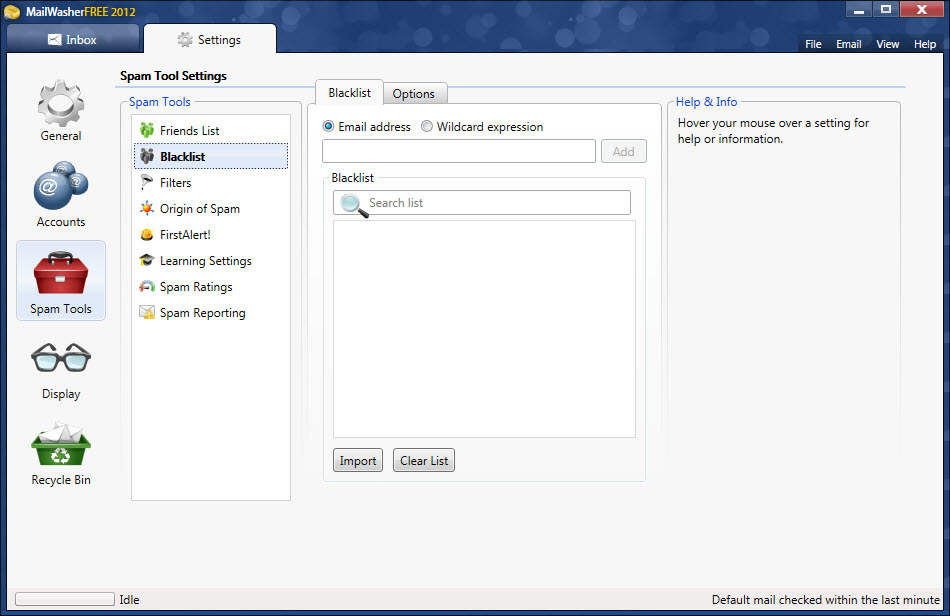
Each message receives a spam score calculated from multiple inputs. Custom filter rules you have defined. Bayesian learning based on what you have marked as spam or legitimate over time (Pro only). FirstAlert!, which is Firetrust’s own threat database built from spam reports and honeypot trap addresses. Real-time blackhole lists (RBLs) including legacy services like SpamCop. Friends list and personal blacklist matches.
The scoring is weighted, with each input contributing to a total that determines color-coding in the message list. Green for safe, yellow for suspicious, red for spam. You can adjust the weights and thresholds in the configuration, although the defaults work adequately for most users out of the box.
The Bayesian filter is the most useful component over time, and it is the major reason to upgrade from free to Pro. The free version lacks it, which means free users depend entirely on static rules and external lists, while Pro users get an adaptive filter that improves as it sees more of their actual mail. The training works by marking messages as spam or good, and the application updates its statistical model on each correction.
For users who handle a wide variety of email types (work, personal, technical newsletters, online shopping), the adaptive filter eventually outperforms generic spam databases because it learns the patterns specific to your inbox.
The bounce feature and honest assessment
This is the feature the application is most known for and the one that most needs honest evaluation. Bouncing a message sends a synthetic reply to the sender that looks like a delivery failure notification (“user unknown” or “mailbox does not exist”). The theory is that spammers maintaining mailing lists will see the bounce, conclude that your address is dead, and remove you from their list.
The theory worked in the early 2000s when most spam came from human-operated mailing lists that processed bounces. It has largely stopped working in 2026 for several reasons. Modern spam is sent through botnets and spoofed sender addresses that do not collect or process bounces. Major spammers do not maintain clean lists because the email addresses cost nothing to add. The bounce reaches an account that the spammer does not own and that no one reads. The address marked as dead in the spammer’s records has no actual effect on whether mail keeps arriving.
The feature still exists in the application, and the application’s own documentation makes claims about its effectiveness that are charitable to the original design. The honest assessment is that bouncing was a meaningful technique once, is mostly cosmetic now, and remains in the application for users who want it regardless. There is no harm in using it, but its actual impact on inbound spam volume in 2026 is minimal.
The more effective approach with this software is to use the blacklist, custom filters, and Bayesian learning to recognize spam and delete it directly without bothering with bounces.
POP3, IMAP, and what each protocol allows
The application supports both POP3 and IMAP, with different behavior in each case.
POP3 is the protocol the application was originally designed for, and POP3 workflow is the most natural fit. Messages live on the server until your client downloads them, the application previews and deletes server-side, then your client picks up only the survivors. Each step is clean and the architecture matches the workflow.
IMAP is more complicated. IMAP keeps messages on the server permanently and your client syncs a view of them. The application can preview and delete IMAP messages, but the deletion happens to the server-side copy that your IMAP client also syncs with. This works correctly but the workflow is less intuitive, because your client’s view of the inbox changes when the application makes decisions, rather than being seeded fresh from approved messages. For users with IMAP accounts at modern webmail providers (Gmail, Outlook.com, Yahoo), the spam filtering those providers do on the server before you see anything covers most of what this application was designed to do, which limits the marginal benefit.
The POP3 case is where the software is genuinely most useful, and POP3 is increasingly rare in 2026 as webmail and IMAP have become dominant. Users with legacy POP3 accounts at ISPs that have not provided good spam filtering, or users who deliberately use POP3 to maintain offline archives, remain the audience where the workflow makes the strongest sense.
Quick reply, quick forward, and the in-app messaging
The application includes basic email composition features (Quick Reply and Quick Forward) that let you respond to messages without opening your full email client. This is useful for fast triage scenarios where you want to send a brief reply to a legitimate message while you are already in the spam filtering workflow.
The compose interface is minimal compared to dedicated email clients. No rich formatting, limited signature handling, no integration with calendars or contacts. For occasional responses while triaging, this is fine. For substantive email work, switching to a proper client like Thunderbird or eM Client is the more practical workflow.
The friends list and reducing false positives
The friends list is the inverse of the blacklist. Addresses you add are always treated as legitimate regardless of what filters say. This handles the common false-positive problem where a legitimate sender (often with an unusual sender domain or aggressive marketing language) gets flagged as spam. By adding the sender to friends, you guarantee they pass through future filtering.
The application can populate the friends list automatically from your existing contacts or address book, which is faster than building it manually. For users transitioning to the application from another email setup, this prevents the first weeks of filtering from being aggressive with legitimate senders who happen to match generic spam patterns.
Multi-account aggregation in Pro
The Pro version supports an unlimited number of email accounts in a single unified view. You can preview spam across personal email, work email, shopping-specific accounts, and others from one window, with separate filtering configurations per account. The unified view is useful for users who maintain multiple email addresses for different purposes (a common pattern for privacy-minded users who use different addresses with different services).
The free version limits this to a single account, which is enough for users with one email address but limiting for anyone with the multi-account pattern. The Pro upgrade exists primarily to remove this limit and to enable Bayesian filtering.
Where modern alternatives have replaced the use case
This needs to be in the article honestly. The major reason this category of software has shrunk is that provider-side spam filtering has improved dramatically. Gmail’s spam filter handles essentially all consumer spam without user intervention. Outlook.com filters aggressively and correctly. ProtonMail and Tutanota provide strong filtering as part of their service. For users on those platforms, running a separate desktop spam filter solves a problem that no longer exists at the volume it once did.
The remaining use cases are users on platforms with poor spam filtering, users who do not trust provider-side filters and want explicit visual control, users on metered connections, users running their own mail servers without sophisticated filtering, and users who prefer the workflow of explicit triage over algorithmic filtering. For these audiences, the application provides genuine value. For everyone else, basic spam folder maintenance in their email client covers what they need without additional software.
A different category of standalone anti-spam tool exists in software like Spamihilator, which integrates with your local client rather than working server-side. The two approaches solve adjacent problems differently, and the choice depends on whether you want to filter before or after download.
Conclusion
MailWasher is the right tool for users whose email situation does not match the assumptions modern services make. Users on POP3 accounts with weak provider spam filtering, users on metered or slow connections where preventing spam download saves real resources, users running multiple email accounts they want to triage from a unified interface, and users who prefer explicit visual control over algorithmic filtering will find the application well-matched to their workflow.
The preview-on-server architecture is genuinely different from how most modern email setups handle spam, and for the audience where that difference matters, the application has been refining its approach for two decades.
For users on modern webmail services with effective built-in spam filtering, the application solves problems that have largely been solved upstream. The honest assessment is that this is a category-shrinking product through no fault of its own, maintained well by a developer who has continued to support an audience whose needs have not gone away even as the broader market has moved on. For that audience, the application remains a reasonable choice. For everyone else, the spam folder in their existing client probably handles what they need.
Pros & Cons
- Server-side preview prevents malicious attachments and tracking content from ever reaching the local machine
- Pay-what-you-want pricing for the Pro upgrade is unusually flexible compared to subscription-based competitors
- Adaptive Bayesian filtering in Pro learns from your specific email patterns and improves over time
- Multi-account aggregation in a single unified view, with up to unlimited accounts in Pro
- Custom filters, friends list, blacklist, and external blacklist integration combine into a layered filtering approach
- Free version remains genuinely usable for single-account scenarios, not a crippled trial
- Long development history with consistent updates means current Windows version compatibility
- The bounce feature, historically the application's signature, has lost most of its practical effectiveness against modern spam sources
- The use case has narrowed substantially as provider-side spam filtering at major webmail services has improved
- Adds a manual step to the email workflow that may not be welcome for users who prefer fully automated filtering
- The IMAP workflow is less intuitive than the POP3 workflow the application was originally designed for
- Free version lacks Bayesian filtering, which is the most useful component of the spam detection toolkit
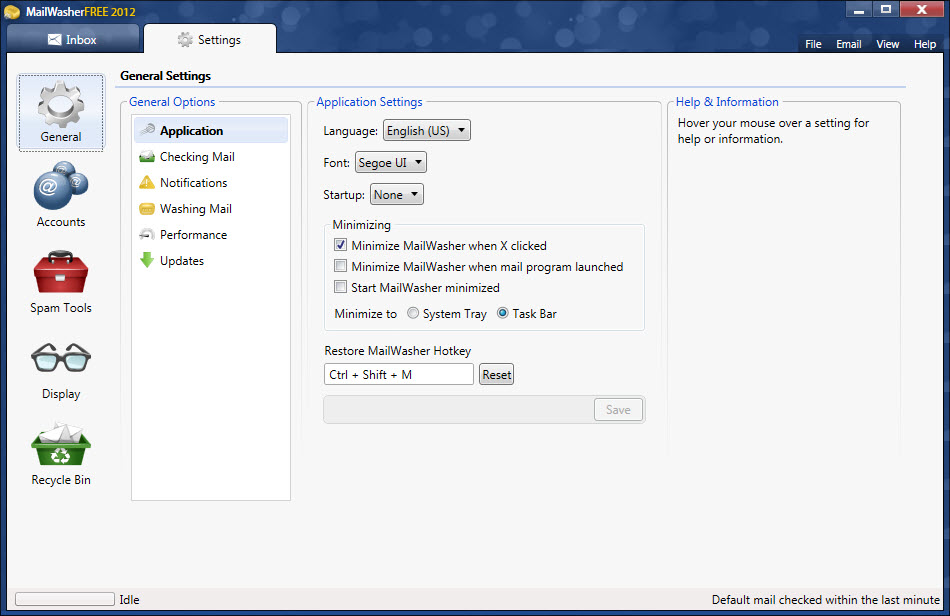
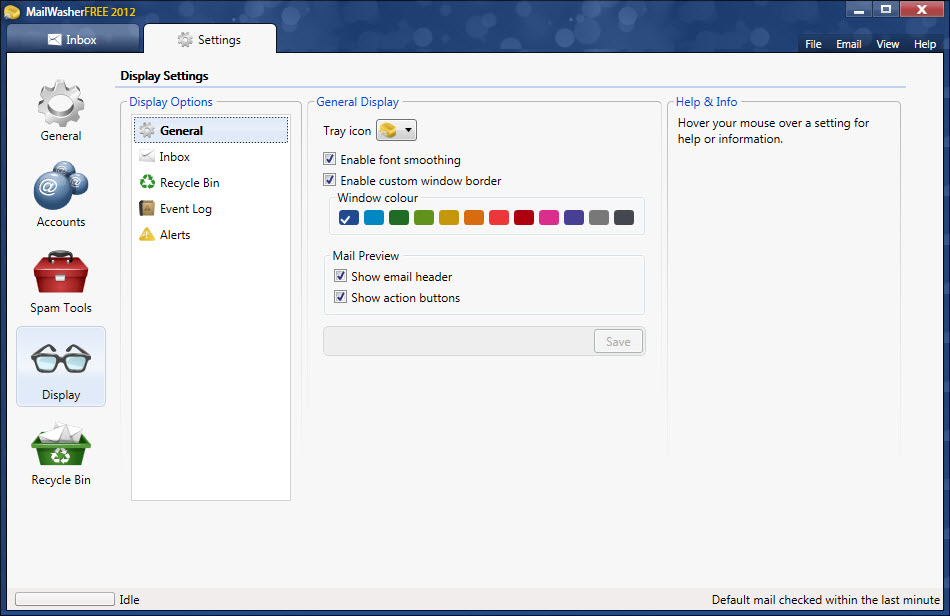
- Interface design reflects an older era of Windows applications without substantial modernization
- Less relevant for users on platforms (Gmail, Outlook.com) where built-in spam filtering already handles most spam
Frequently asked questions
The application logs into the mail server directly and previews messages before any download. You see headers, subjects, and a body preview, decide what to keep, and the application deletes unwanted messages on the server. Your regular email client only downloads messages that survived this filtering step.
The feature sends a fake "address unknown" response to message senders. In the early 2000s, this could remove your address from spam lists maintained by human operators. Modern spam comes from botnets and spoofed senders that do not process bounces, so the feature has limited practical effect against current spam volume.
The free version supports a single email account and lacks Bayesian learning. Pro supports unlimited accounts, adds Bayesian filtering that learns from your spam decisions over time, includes encryption, and removes some interface limitations. Pro is offered on a pay-what-you-want basis.
Yes, the application connects to any POP3 or IMAP server, including the major webmail providers. The practical question is whether you need it, since both Gmail and Outlook.com include their own server-side spam filtering that handles most spam before you would see it.
FirstAlert is Firetrust's own spam database built from honeypot trap addresses and user spam reports. The application checks incoming messages against this database to identify known spam patterns. It supplements the other filtering inputs rather than replacing them.
The application is designed as a pre-filter rather than a full email client. It can show you message previews, send quick replies, and forward messages, but the actual mail download happens in your regular email client after the application has cleaned the server.
The use case has narrowed to specific situations including metered connections, POP3 accounts at providers with poor spam filtering, multi-account aggregation for users with many email addresses, and users who prefer explicit visual control over their spam triage. For users on major webmail platforms with automated filtering, the application is less essential than it once was.


