

RJ TextEd

 (9 votes, average: 4.33 out of 5)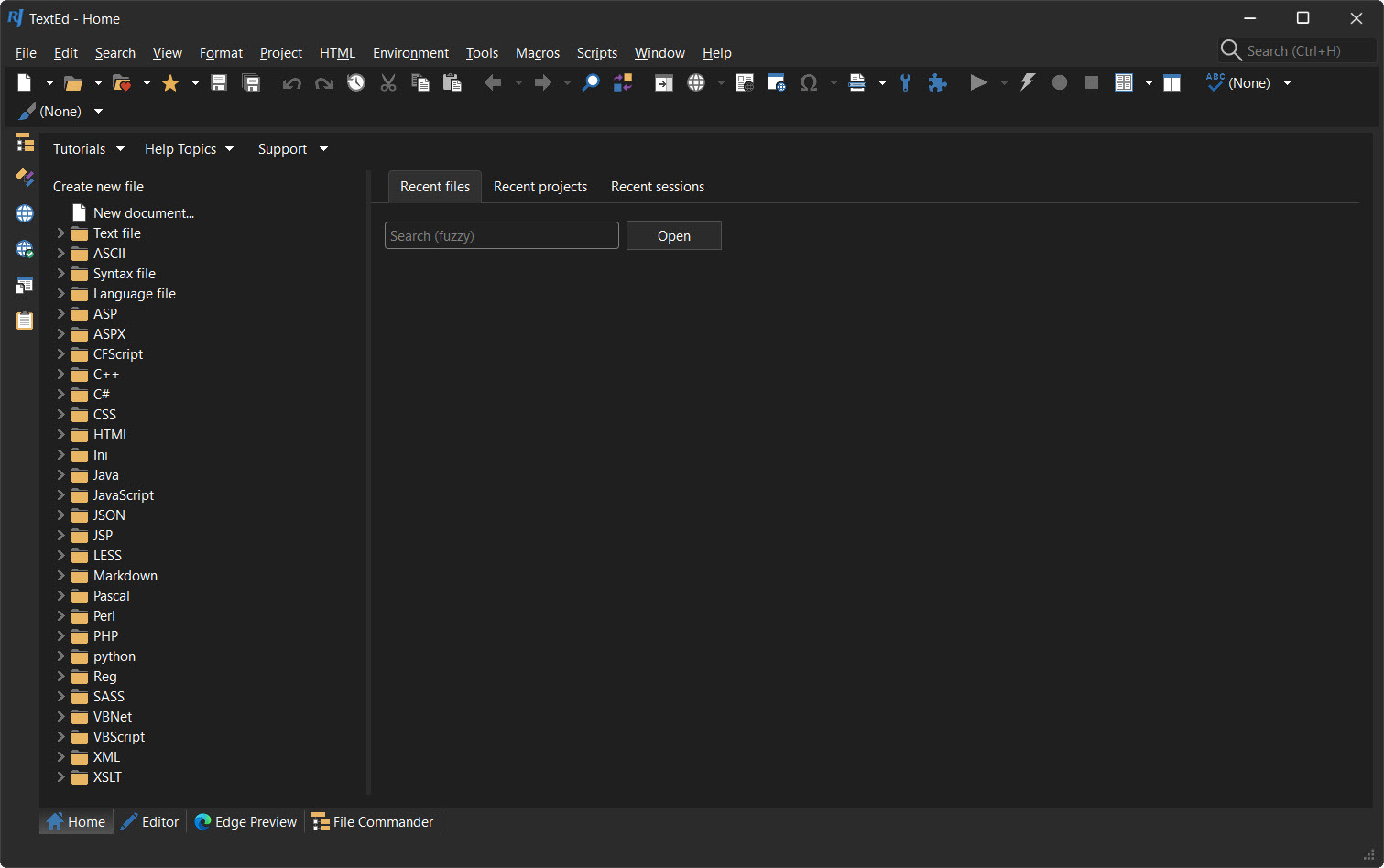
About RJ TextEd
RJ TextEd is a text and source editor that quietly does the work of three or four separate programs. Open a file and it colors the syntax and lets you type, nothing fancy. But push past the surface and you find a full web development environment, a dual-pane file manager, and a built-in file-transfer client all living in the same window. It’s a plain-text editor that grew into something much larger without losing the ability to just edit a file.
The breadth is the point. Most editors stake out one spot, a lightweight notepad replacement at one end, a heavyweight IDE at the other. RJ TextEd sits across the whole range. You get syntax highlighting across dozens of languages, code folding, auto-completion with hints, and a column mode for editing several lines at once, the toolkit you’d expect from a serious code editor.
Then you also get HTML and CSS tooling, browser previews, and the means to upload your work to a server, none of which a typical text editor bothers with.
That all-in-one nature is its biggest strength and, depending on who you are, its biggest quirk. We’ll get into both.
What makes it a real code editor?
Strip away the extras and the core editing holds up on its own. Syntax highlighting covers a long list of languages, so your code is color-coded and readable whether you’re in PHP, JavaScript, or a config file. Code folding lets you collapse blocks you’re not working on, which keeps a long file manageable. Auto-completion suggests tags, keywords, and variable names as you type, cutting down on both typing and typos.
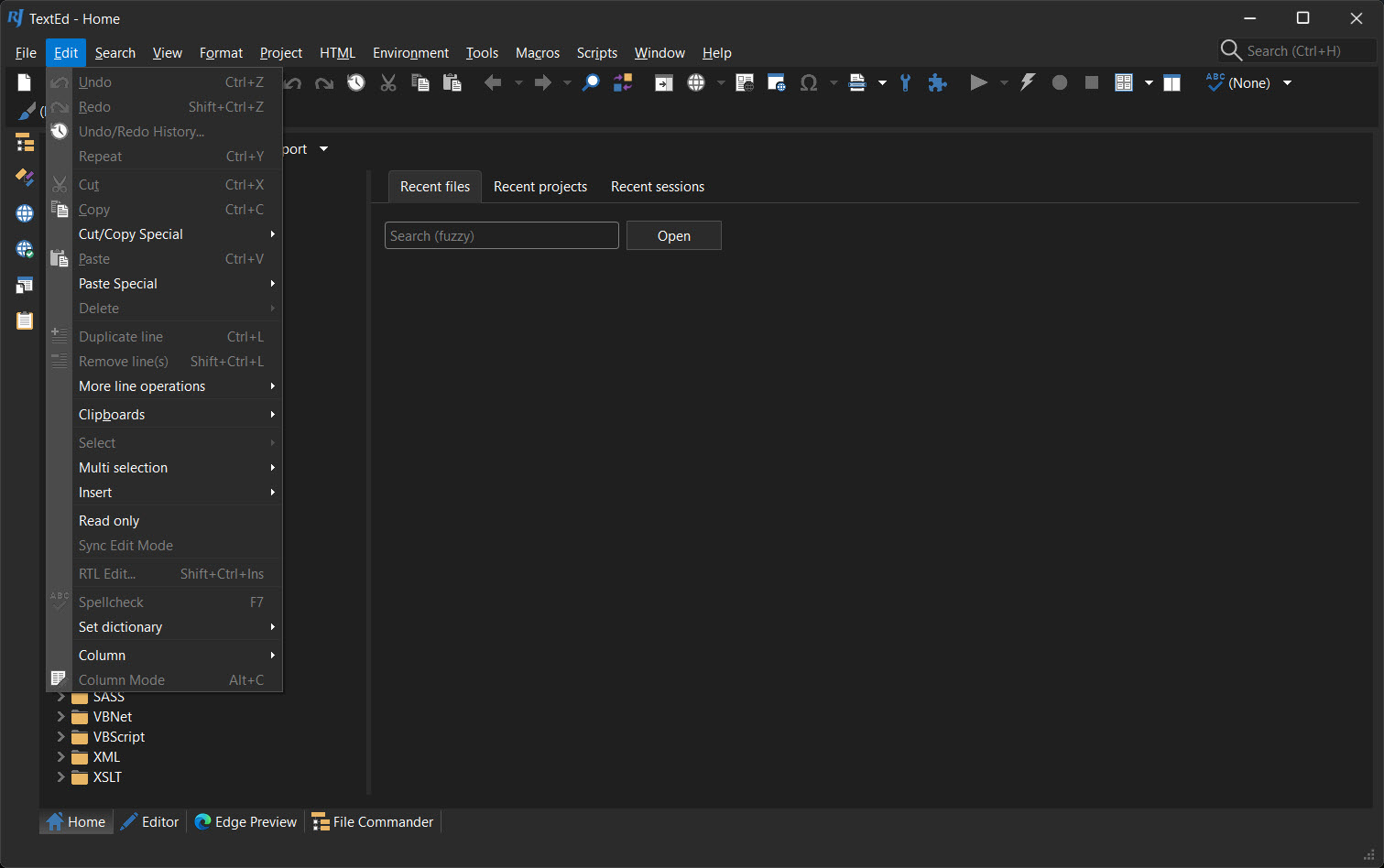
Two features stand out for anyone doing repetitive edits. Column mode lets you select and type down a vertical block rather than across a line, perfect for lining up data or editing a list of similar entries. Multiple-selection editing goes further, letting you place several cursors and change every instance at once.
Once these click, going back to an editor without them feels clumsy. Tools like Notepad++ offer column editing too, but here it sits among a deeper feature set.
There’s also Language Server Protocol support, which is the same technology that powers smart completion in modern heavyweight editors. Hook up a language server and you get far better code completion, hover information, parameter hints, and document structure navigation than syntax files alone can manage.
That’s a serious capability to find in a lightweight editor like this.
The web development side
This is where it pulls ahead of a general text editor. RJ TextEd was clearly built with web work in mind, and it shows. You can edit HTML and CSS with auto-completion that understands tags and classes, validate your HTML against errors, and pull in wizards that generate the scaffolding for tables and other structures so you’re not typing boilerplate by hand.
The integrated preview is the handy part. Instead of saving and flipping to a browser, you preview your HTML, ASP, or PHP right inside the editor, or open it in your actual browser with a click. There’s a CSS editor with a color hint feature that shows the real color next to a value and can convert between color formats, which saves a lot of squinting at hex codes.
For front-end work, having the markup, the styling, and the preview in one place keeps you in flow rather than alt-tabbing all day. A dedicated CSS-focused tool like TopStyle goes deeper on stylesheets alone, but the convenience here is the integration.
File management and uploading, built right in
Here’s a combination you rarely see in an editor. RJ TextEd includes a dual-pane file commander, so you can browse, copy, and move files side by side like a proper file manager, without leaving the program. For developers who live in their editor, that cuts out a constant trip to a separate window.
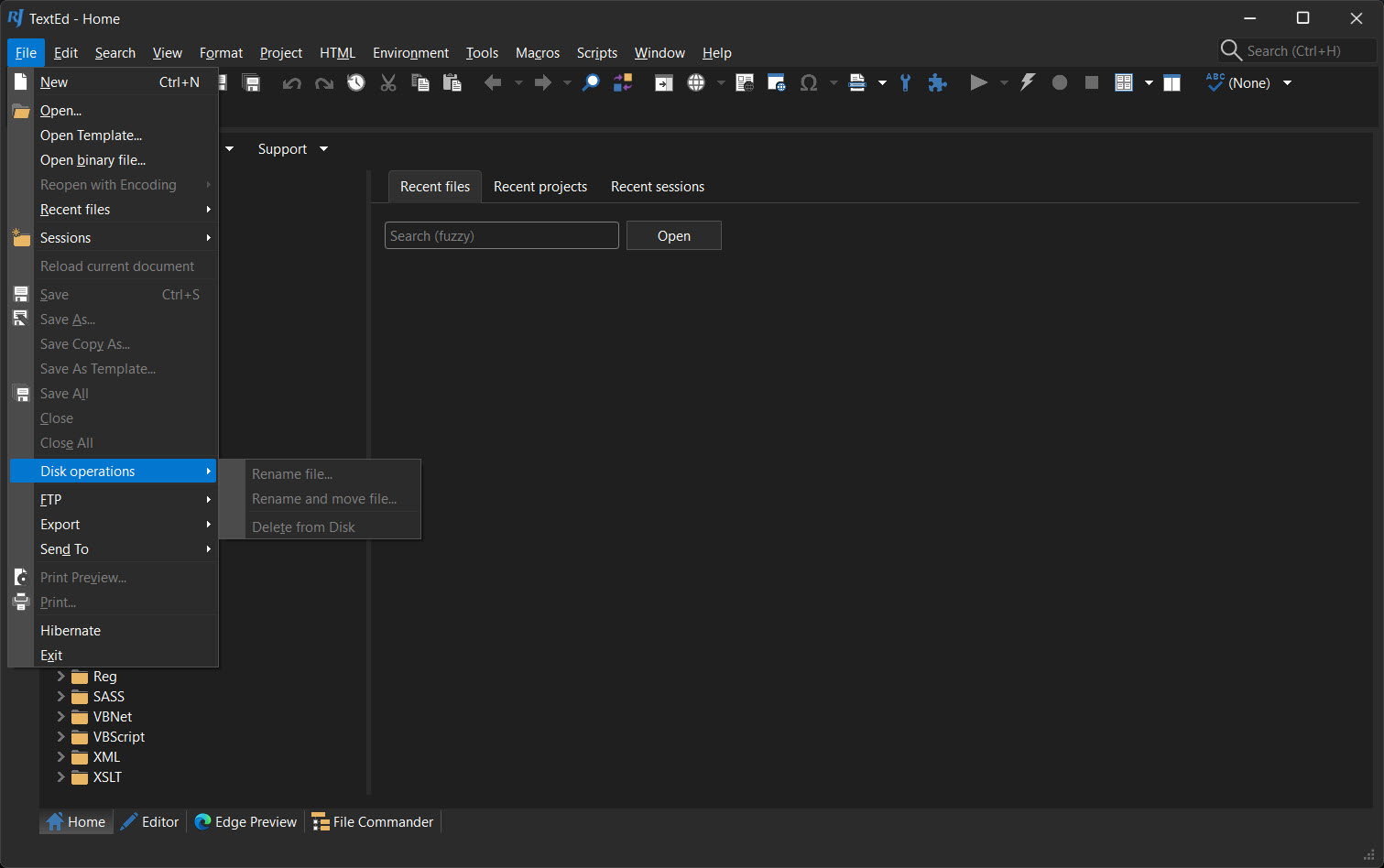
Paired with that is a built-in FTP and SFTP client with synchronization. You edit a file locally, then upload it to your server straight from the editor, and the sync feature keeps your local and remote copies aligned. You can save multiple server profiles for different sites, and the secure protocols mean your transfers aren’t sent in the clear.
It won’t replace a dedicated client like FileZilla for heavy file management, but for the edit-then-upload rhythm of web work, having it built in is a real convenience.
The organizing tools that hold a project together
A scattered set of files isn’t a project, and the editor has a few tools for imposing order. The project manager lets you group related files into virtual folders, so a website’s pages, scripts, and styles live together regardless of where they sit on disk. The code explorer gives you a navigable outline of the functions, classes, and methods in a file, so jumping to the right spot in a long script is a click rather than a scroll.
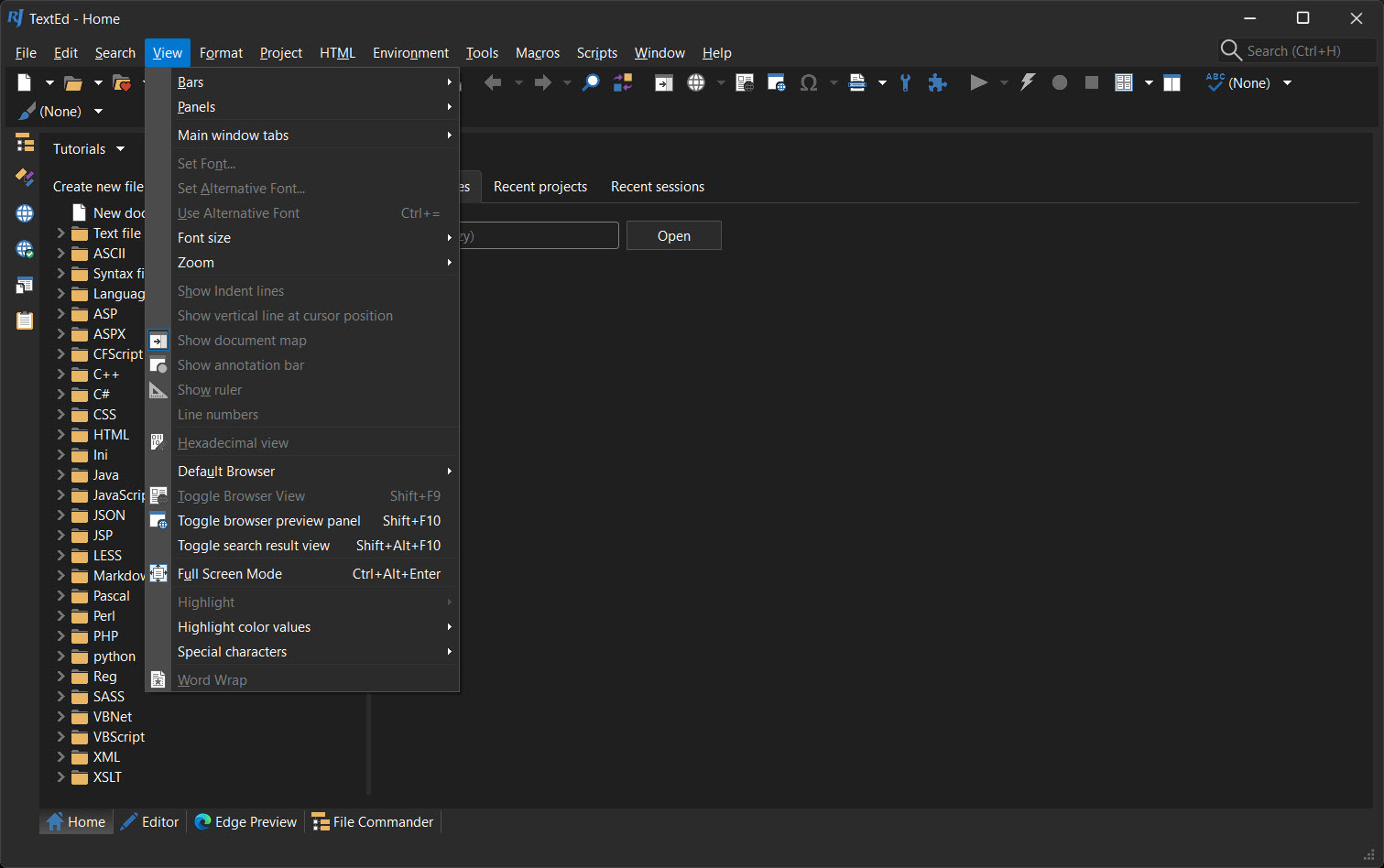
Around the edges there’s more than most people will ever use. A document map for a bird’s-eye view of a long file, regex-powered search and replace that can sweep across whole folders, a multilingual spell checker, macros for automating repetitive actions, and theme support to make the whole thing look the way you want.
It even handles binary files in a hex mode and converts between text encodings and Unicode formats, which is the sort of thing you don’t need often but are very glad to have when you do.
Conclusion
RJ TextEd is a remarkable amount of software bundled into one editor. The core editing is strong enough to stand on its own, with column mode, multiple selections, and Language Server support that punch well above what you’d expect, and then the web tooling, file manager, and FTP client turn it into a near-complete workspace for front-end work.
For a developer who wants one window to edit, organize, and upload, it’s a compelling pick.
The flip side is that all that capability comes with a learning curve, and someone who only wants to jot down a quick note will find it far more than they need. But if you write code, especially for the web, and you’d rather not stitch together a separate editor, file manager, and upload tool, this one does the lot. Give it a little time to learn its corners and it rewards you with a deep, do-everything editor.
Features & benefits
Pros & Cons
- Combines a capable code editor, file manager, and FTP client in one program
- Syntax highlighting, code folding, and auto-completion across dozens of languages
- Column mode and multiple-selection editing speed up repetitive edits dramatically
- Language Server Protocol support brings smart completion usually found in heavy IDEs
- Integrated HTML, CSS, and PHP preview without leaving the editor for a browser
- Built-in SFTP client with synchronization and saved server profiles
- Project manager and code explorer keep larger projects organized and navigable
- Handles binary files in hex mode and converts between encodings and Unicode
- The sheer number of features can overwhelm someone who just wants a notepad
- A heavier footprint than minimalist editors built for pure speed
- The interface, while customizable, packs a lot in and takes time to learn
- A smaller community than the most popular editors, so fewer tutorials and plugins
- Front-end-focused tooling means some niche language workflows lean on add-ons
Frequently asked questions
Both. It handles plain text fine, but it also offers syntax highlighting, code folding, auto-completion, and Language Server Protocol support, making it a capable code editor for many languages, with particular strength in web development.
It edits HTML and CSS with tag-aware auto-completion, validates HTML, includes wizards for common structures, and previews your pages inside the editor or in a browser. A built-in FTP client then uploads your work to a server.
Yes. It includes a built-in FTP and SFTP client with synchronization, so you can upload files to your server directly from the editor and keep local and remote copies in sync, with saved profiles for multiple servers.
Column mode lets you select and edit a vertical block of text instead of working line by line. It's ideal for lining up data or applying the same change down a list, and it pairs with multiple-selection editing for fast bulk edits.
Yes. Beyond source code and plain text, it handles binary files in a hex mode and can convert between different text encodings and Unicode formats, which is useful when working with files from mixed sources.
Yes. Its syntax highlighting covers dozens of languages, and with Language Server Protocol support you can add richer completion and navigation for specific languages beyond what the built-in syntax files provide.


