

VirtualBox


 (36 votes, average: 3.50 out of 5)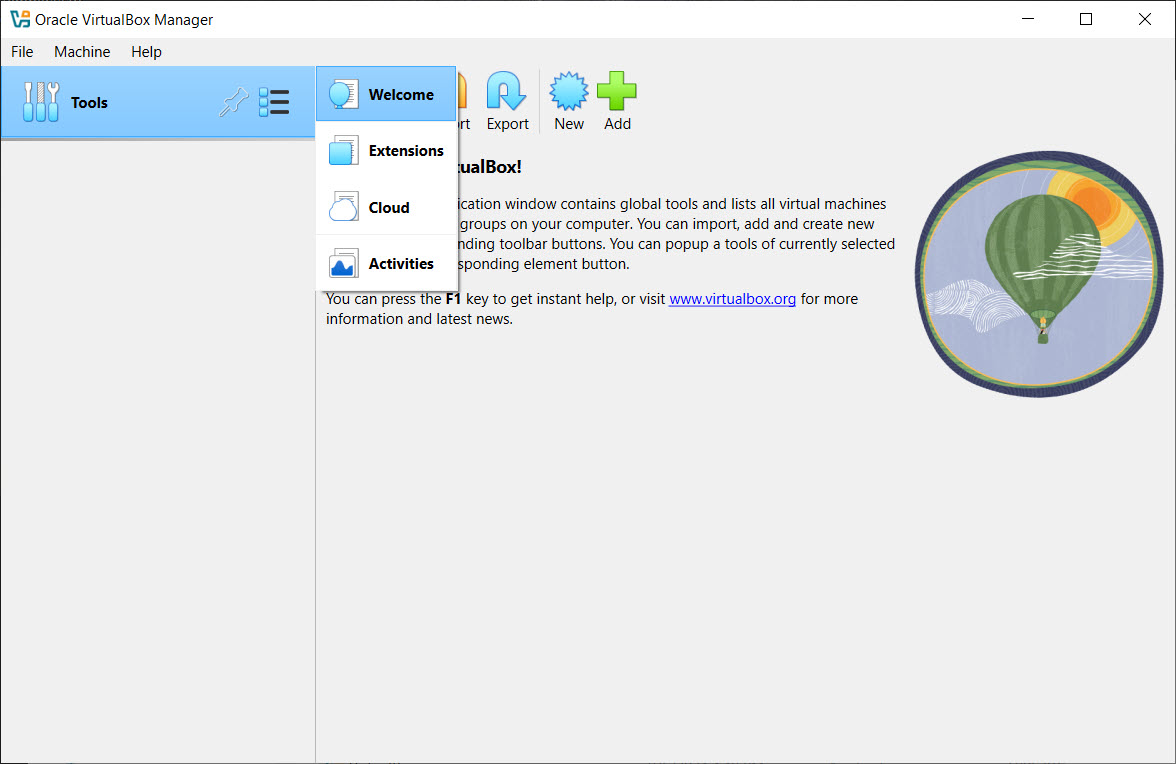
About VirtualBox
VirtualBox is a robust virtualization solution for users looking to run additional operating systems within their primary environment. Whether you’re testing new software, exploring alternative platforms, or isolating tasks for security, this free and open-source tool makes it all possible from a single PC.
Designed for flexibility, VirtualBox offers comprehensive features suitable for developers, IT professionals, and curious users alike.
Feature-Rich Virtualization
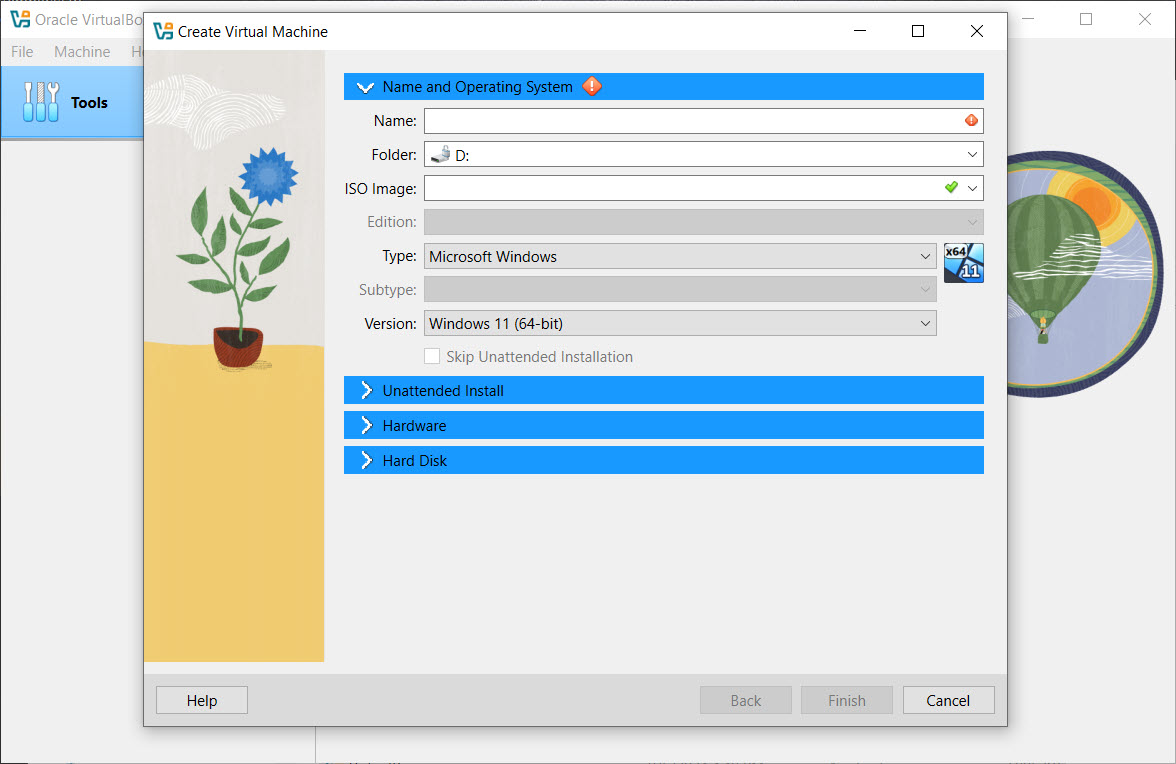
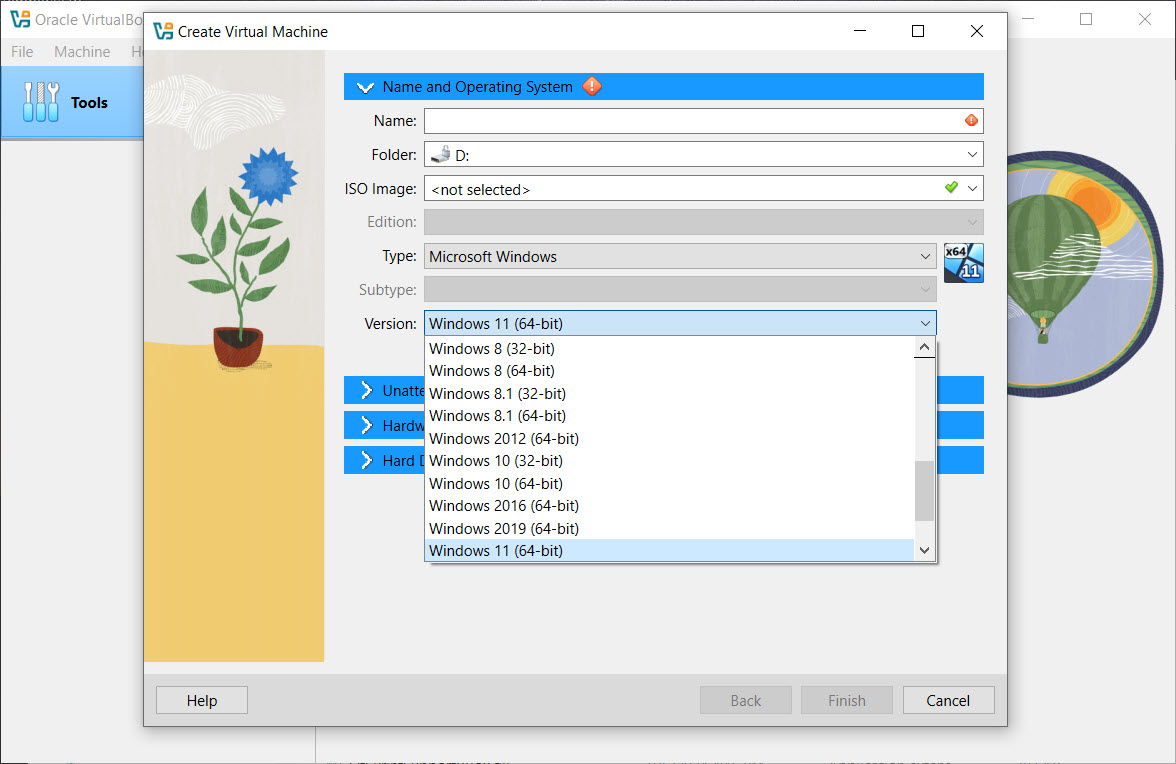
At the core of VirtualBox is the ability to create virtual machines that run multiple operating systems alongside Windows. You can emulate different versions of Windows, various Linux distributions, and more. This cross-platform compatibility makes it ideal for software development, system testing, and training environments.
Users can allocate system resources such as memory, CPU cores, and disk space to each virtual machine, tailoring performance to specific needs.
Snapshot and Cloning Capabilities
A standout feature is the snapshot system. Before testing or making significant changes, users can create a snapshot to preserve the current state of a virtual machine. If something goes wrong, rolling back is just a click away.
Virtual machines can also be cloned, allowing for easy duplication and deployment across systems or for backup purposes.
Hardware and Integration Support
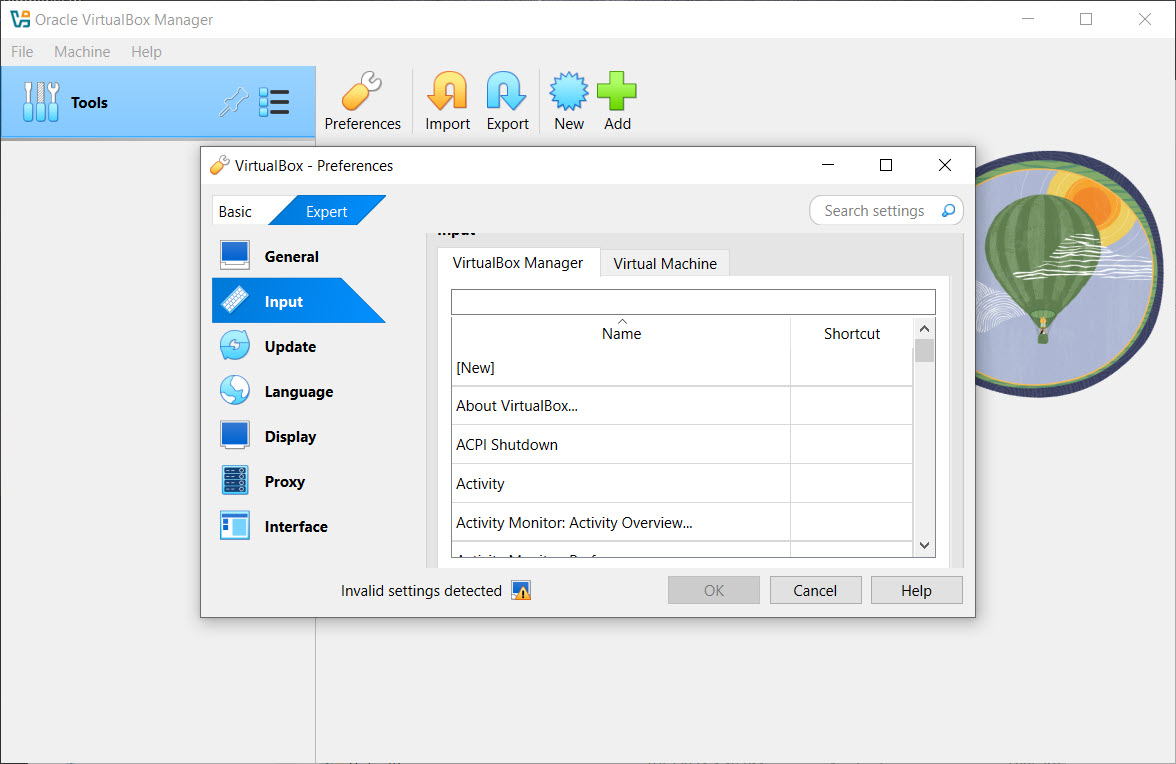
VirtualBox supports hardware acceleration through Intel VT-x and AMD-V, ensuring smooth performance even when running demanding guest operating systems. Integration tools allow features like shared clipboards, folder sharing, and seamless mode-where guest applications appear directly on the host desktop.
USB, network adapters, and audio/video integration are also supported, letting virtual machines interact with physical hardware effectively.
Conclusion
VirtualBox delivers a flexible and efficient platform for users who want to explore or work within multiple operating systems. Its robust feature set, user-friendly interface, and open-source nature make it a go-to virtualization tool for everything from casual experimentation to professional development.
Despite a few limitations with resource usage and advanced networking, VirtualBox remains a reliable, powerful choice for creating virtual environments on a single machine.
Features & benefits
Pros & Cons
- Free and open-source, with regular updates and community support
- Allows running multiple operating systems on one machine
- Supports snapshots, cloning, and virtual hardware customization
- Integrates with host system through shared folders, clipboard, and more
- Works with USB devices, audio, network, and 3D acceleration
- Running several virtual machines can strain system resources
- 3D and graphical performance may be limited for high-end games or apps
- Network configuration can be complex for advanced use cases
- Extension Pack is required for features like USB 3.0 support, which is free only for personal use
Frequently asked questions
Yes, as long as your system resources support it.
Yes, with the Extension Pack installed, you can use USB 2.0 and 3.0 devices.
Yes, and you can revert to that snapshot at any time.


