

Magic Set Editor
About Magic Set Editor
If you’re a Magic the Gathering fan and wish to create your cards, you can use the Magic Set Editor to create your cards, edit your card sets, and more.
Magic the Gathering is one of the most popular card games in the world. It is well-known for its iconic cards that have been around for many years now – some are rare than others, but they make the game more interesting and fun.
But many people have turned to applications that let them create custom cards.
With this app, you’ll be able to create your custom Magic the Gathering cards using your images and add custom text.
You can create some outrageous cards for a bit of fun or easily create cards missing from your set.
Fun App for Creating Cards
Magic Set Editor is primarily aimed at those users who want a bit of fun. It’s a light-hearted application at heart, which enables the app users to create custom cards.
It includes creating cards with custom images and text, which can lead to some fun creations.
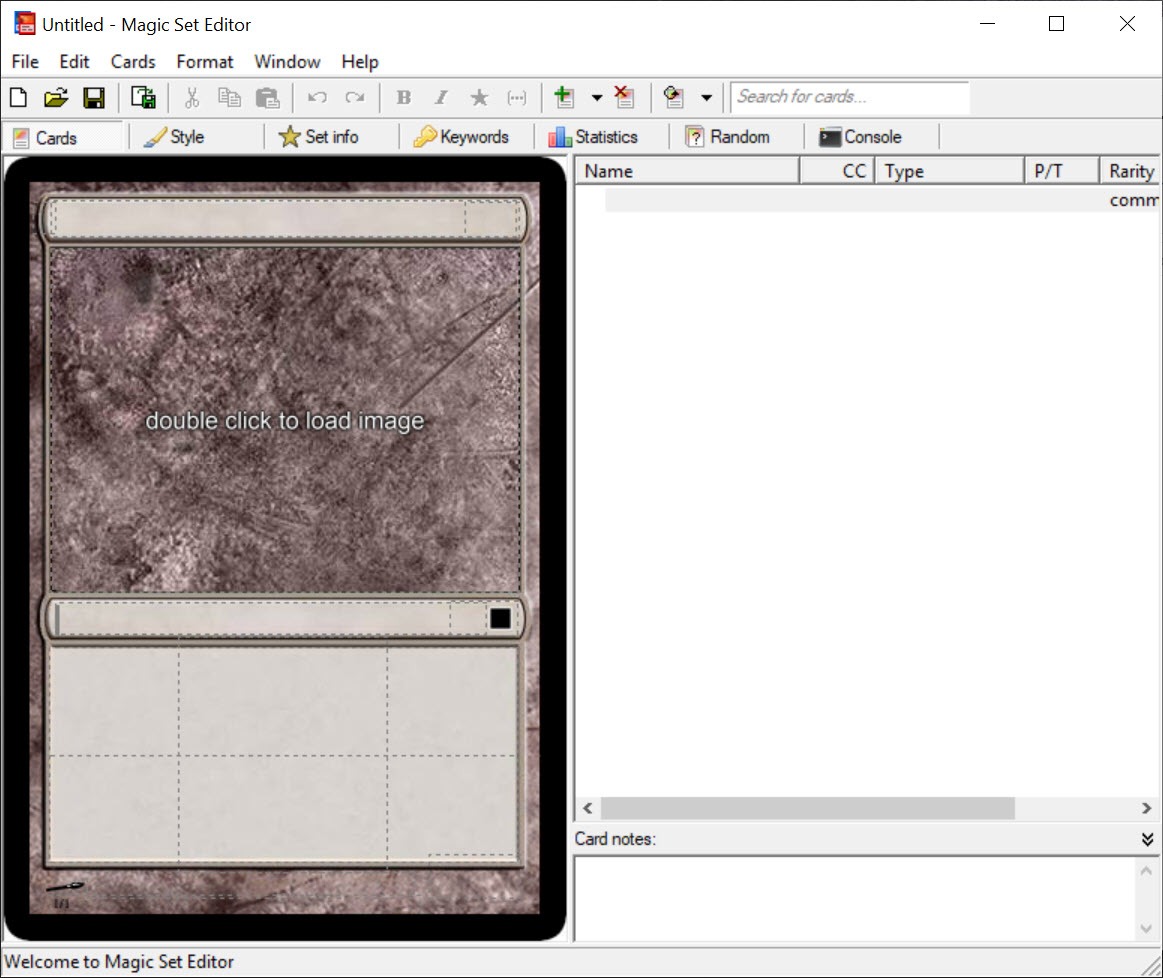
The creation of the cards inside the app is pretty easy. Thanks to the image and text editor available inside the interface, you’ll be able to create cards with ease.
If you’re familiar with text and image editors, you should not have any problems creating cards using this app.
Feature-Rich
The application has a rich set of features, as it will allow you to have fun or easily create the cards you’re missing.
It makes the process easy, engaging, and fun if you want to have a fun time with the app.
Conclusion
Magic Set Editor is a fun app for Magic the Gathering users, allowing them to create their cards and add them to their set easily.


